File trash page
The Trash page has the functionality to permanently delete or restore deleted objects and can be logically divided into three blocks, as shown in the following figure.
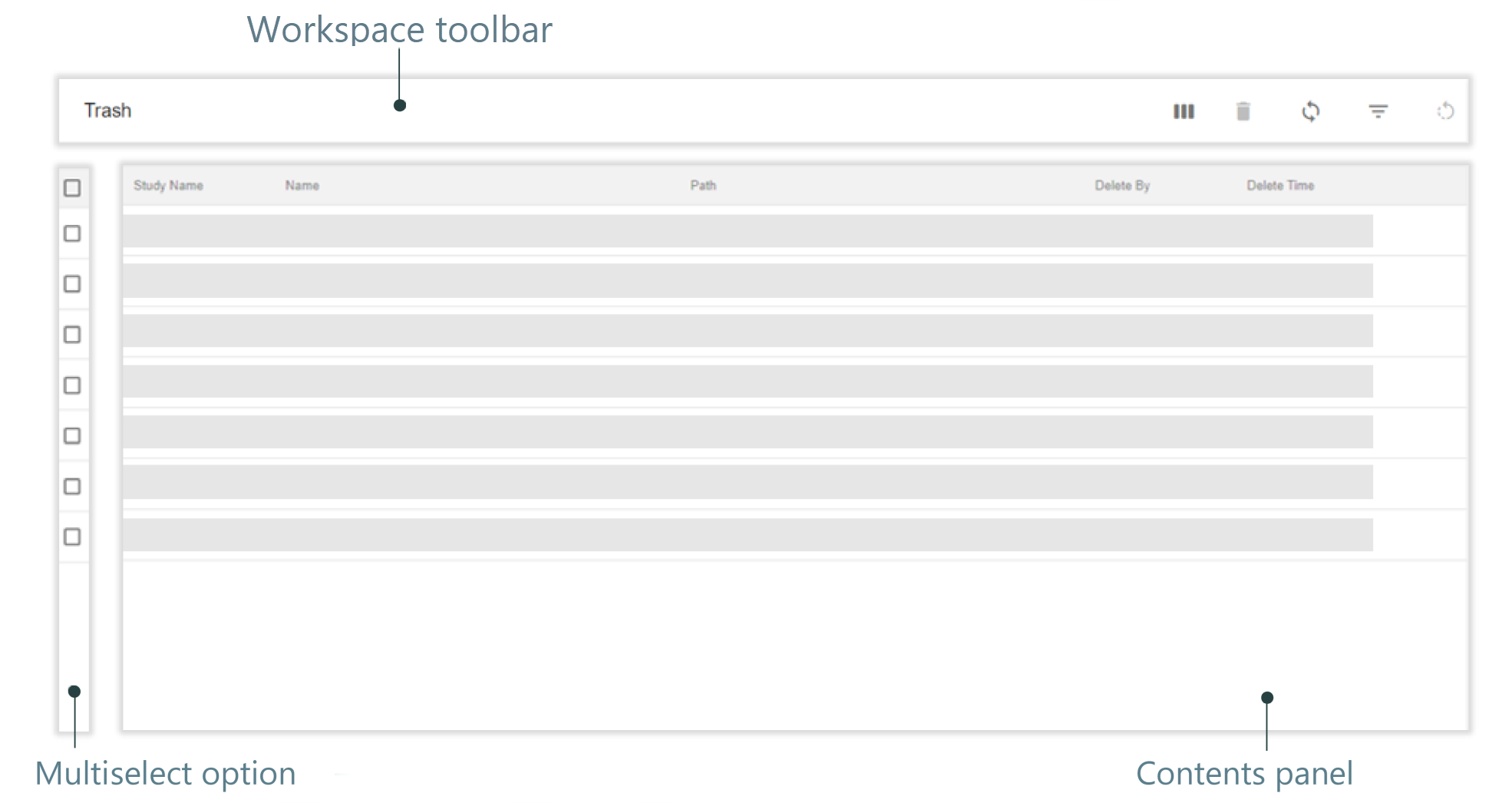
Figure 1. Trash page elements
Other than the common elements, the workspace toolbar consists of the following:
-
Permanently Delete
 : select to permanently delete multiple objects at once. The icon is available only if you have selected some files using the multiselect option.
 -
Restore File
 : select to restore multiple objects to the original locations at once. The icon is available only if you have selected some files using the multiselect option.
Tip
The Name column displays a file icon  or a folder icon
  next to the name of the deleted objects indicating whether the deleted object is a file or a folder.