Analyze ICSR change history
In PV, you can view all the changes made in the ICSR, as well as who has made them, when they have been made, what exactly has been changed, and other details. The change history is available for all ICSRs as an extensive report or individually per ICSR.
-
In the PV application header, select the ICSR tab.
 Figure 1. Accessing ICSR list
-
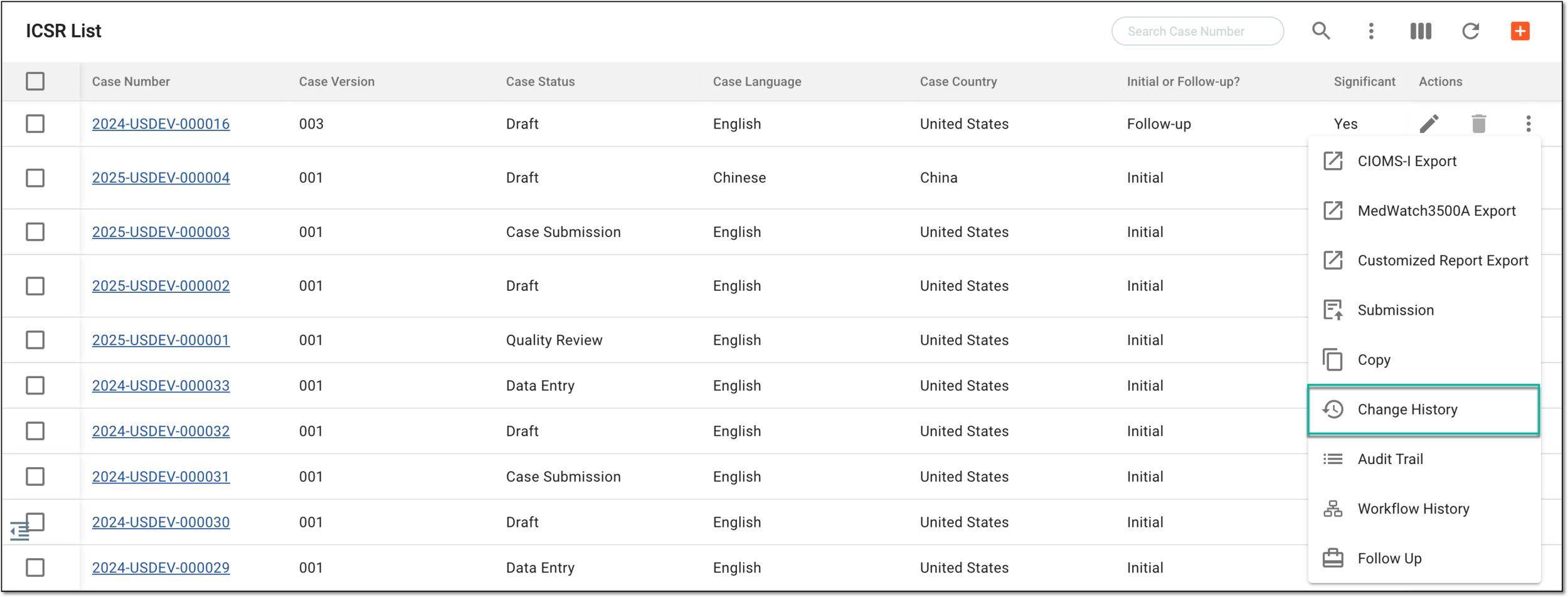
On the ICSR List page that opens, do the following.
-
In the Change History dialog that opens, analyze the records and forms that have been changed, their previous and new values, changes date and time, and other details.
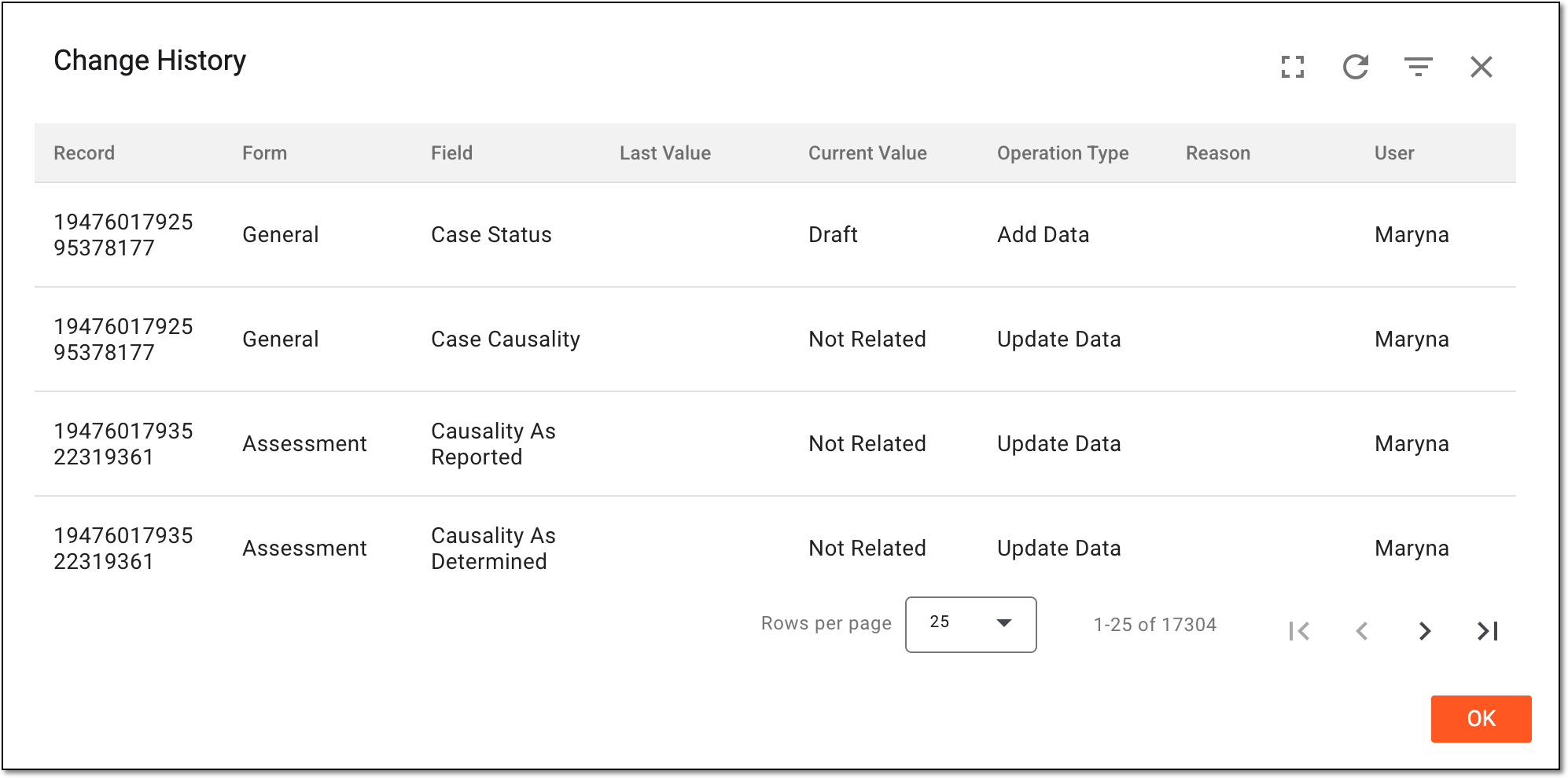 Figure 4. Analyzing ICSR change history
Tip
Use filtering
 to filter the change history
records by time range for convenience.
to filter the change history
records by time range for convenience.Select Full Screen
 to expand the change history table to the page size for convenience.
Then select Full Screen Exit
to expand the change history table to the page size for convenience.
Then select Full Screen Exit  to go back to the compact dialog view.
 -
Select
 to close the dialog.



You have viewed the ICSR change history. You can also view the ICSR audit trail, which gives the history of changes in a more descriptive way.