Delete on-demand report configuration
In EDC, you can configure custom on-demand reports to include only the data you need for your statistical analysis or other business needs. If the report is no longer needed, you can delete it by deleting the respective configuration to keep the list of reports up-to-date.
Important
You need to inactivate the on-demand report before deleting it. For active reports Delete  is unavailable.
-
In the EDC application header, select the REPORTS tab.
-
On the page that opens, in the left pane, select On-Demand Report > Report Configuration.
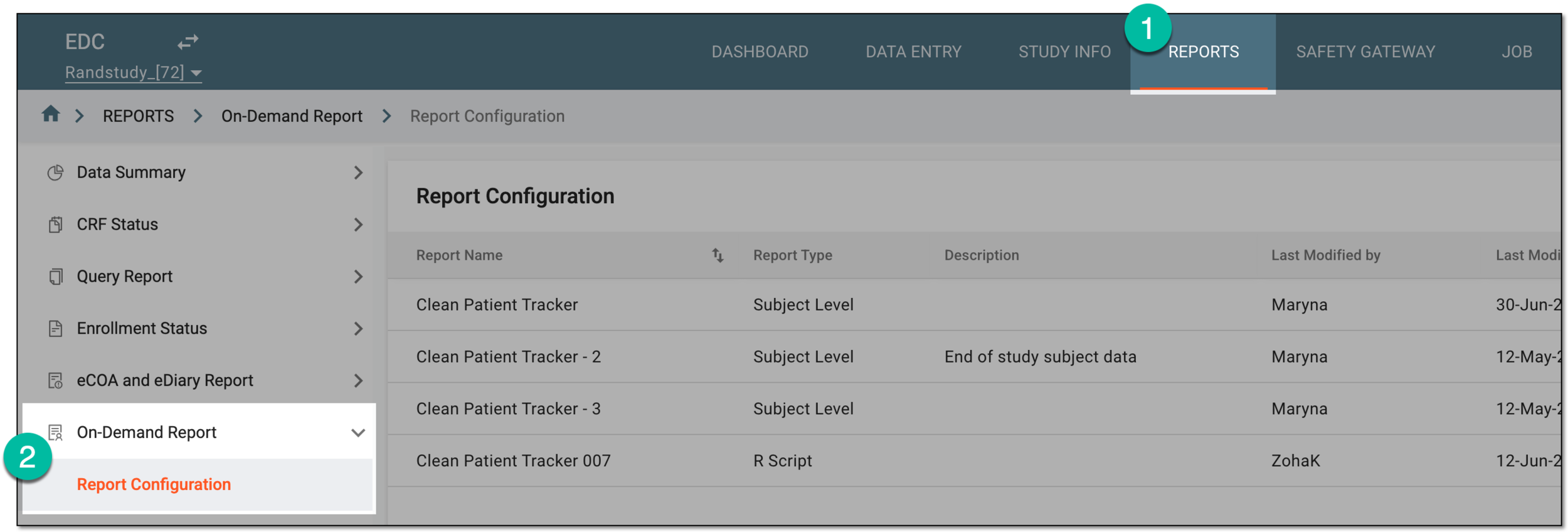 Figure 1. Accessing on-demand report configuration
-
In the Report Configuration list that appears, find the report you want to delete and next to it, in the Actions column, select More
 > Delete .
 Figure 2. Selecting to delete inactive on-demand report
Tip
If Delete
is disabled, most probably, you need to inactivate the report first. -
In the Delete Item confirmation dialog that appears, select
 to proceed with the report deletion.
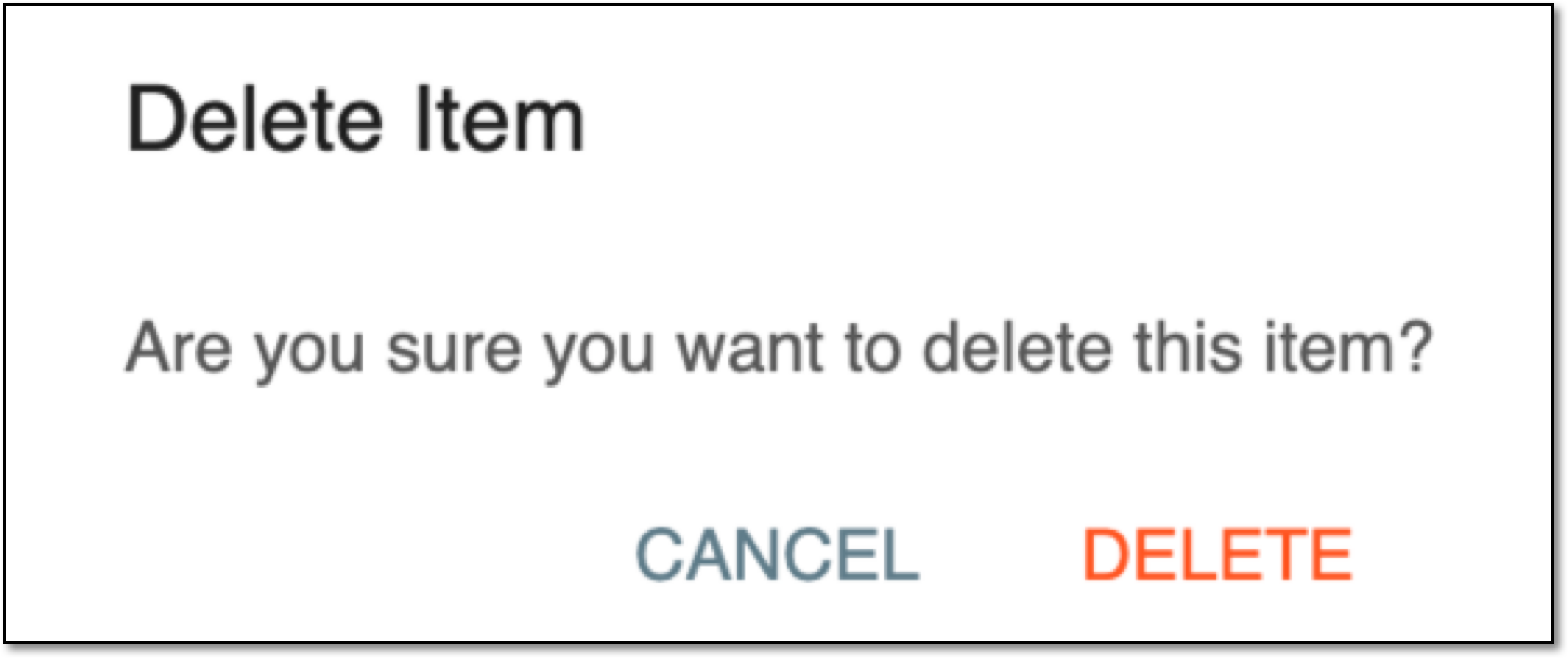 Figure 3. Confirming on-demand report deletion
Upon confirmation, the report is deleted from the EDC system.