Check business link related to participating organization type
The functionality to check the related business link is exclusively added for the Participating Organizations Type dictionary. It provides you with the ability to navigate from the dictionary to the Participating Organizations subtab of ENTITY MANAGEMENT in CTMS. You may require using the functionality if you want to view the list of participating organizations added in the CTMS application and see the ones added under a particular type.
-
In the CTMS application header, select the LIBRARY tab.
-
On the page that opens, from the left pane, select the Reference Data subtab.
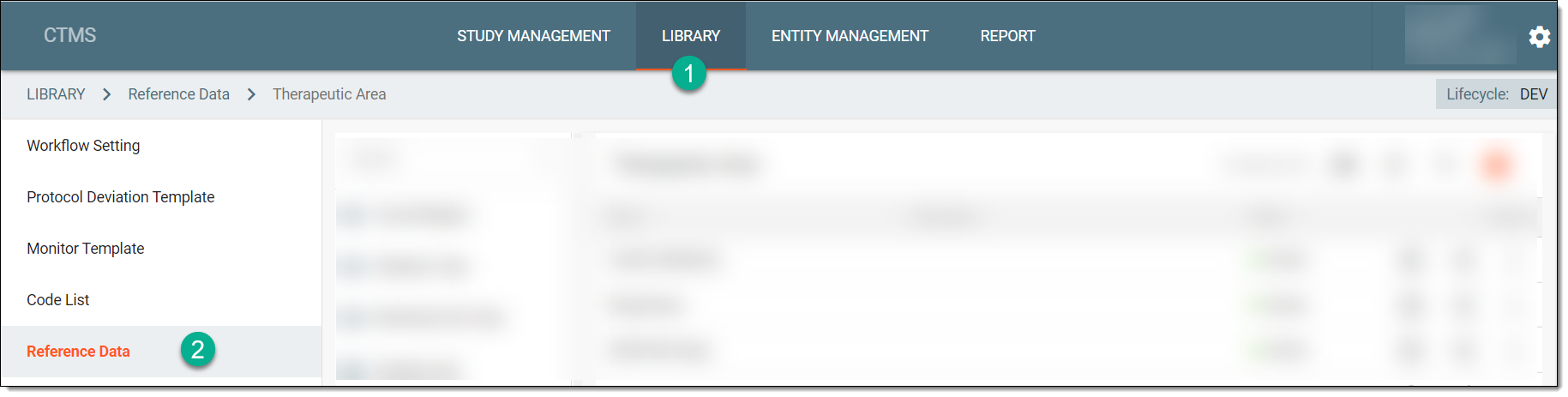 Figure 1. Accessing reference data
-
From the pane displaying the list of available dictionaries, select Participating Organizations Type.
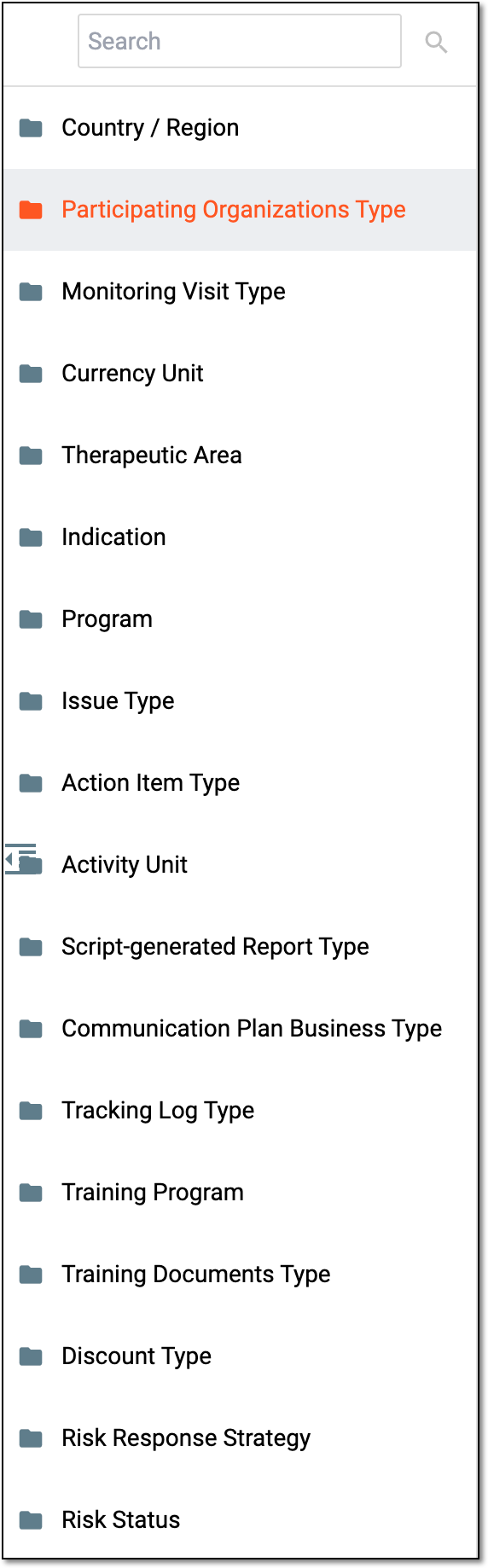 Figure 2. Selecting dictionary
Tip
You can find the required dictionary by entering its name in the Search field.
 Figure 3. Searching dictionary
-
On the page that opens, from the workspace toolbar, select Related Business Link
 .
. Figure 4. Accessing related business links for participating organizations
Once selected, you are redirected to the Participating Organizations subtab of ENTITY MANAGEMENT in CTMS. You may now proceed with viewing the details of participating organizations and checking which ones are using the type of your interest.