View operation history of staff member
In CTMS, you can track the history of changes for any staff member. For example, you can track when the staff member's details have been updated, the staff member has been activated/inactivated, and so on.
To view the operation history of a staff member
-
In the CTMS application header, select the ENTITY MANAGEMENT tab.
-
On the page that opens, in the left pane, select Staff.
-
On the Staff page that opens, next to the staff member you want to delete, in the Actions column, select More
 > Operation History
  .
. -
In the Operation History dialog that opens, check the history of any staff member updates, including the date and time when the staff member has been changed, and who made the change.
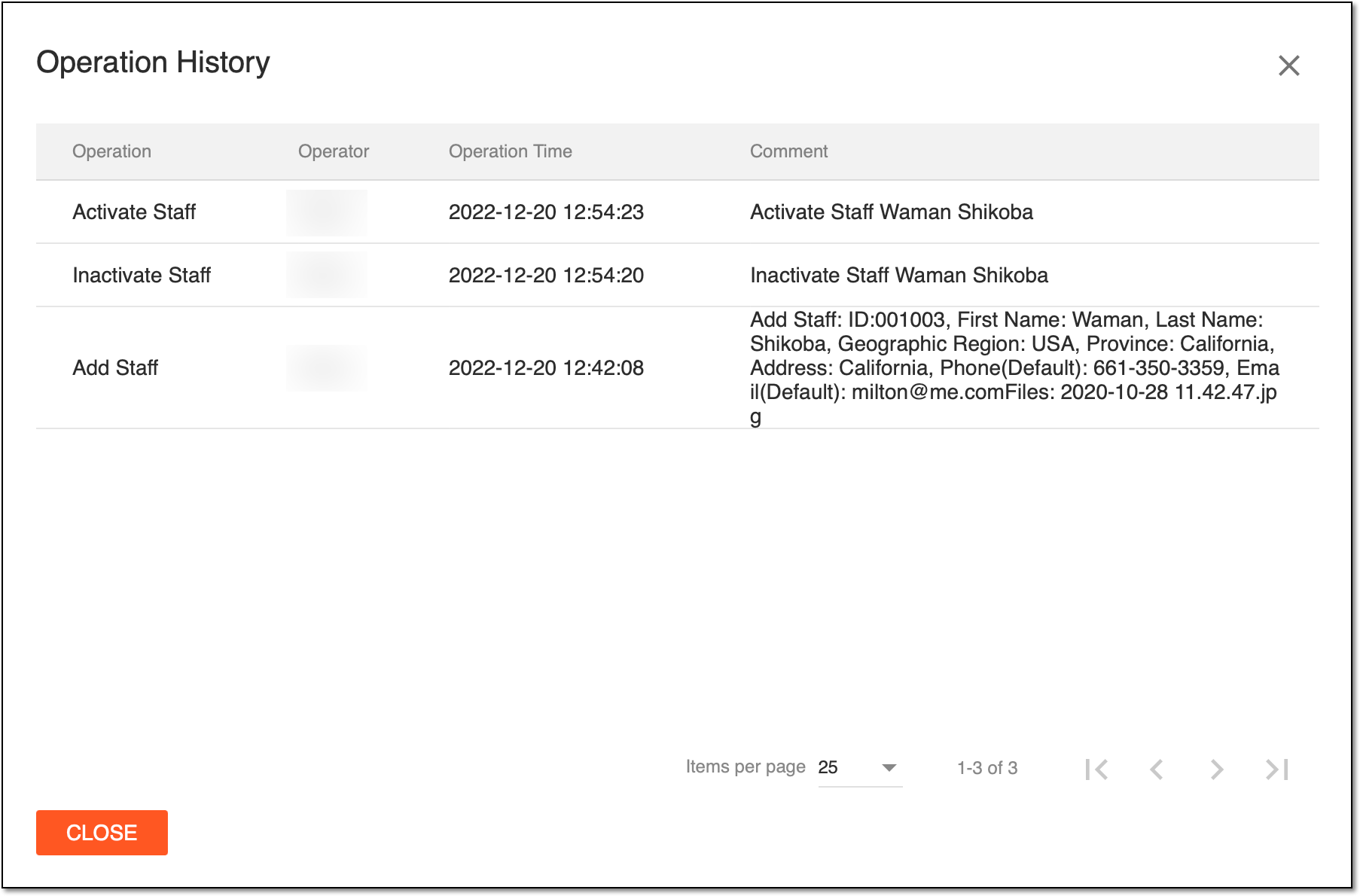 Figure 1. Viewing operation history of certain staff member
You have viewed the operation history for a staff member. Select  to close the dialog.