Edit staff member
With CTMS, you can update information about a certain staff member when necessary. For example, you can change the physical address of the site member or upload some new documents related to this site member (such as IDs, diplomas, and other documents).
To edit a staff member
-
In the CTMS application header, select the ENTITY MANAGEMENT tab.
-
On the page that opens, in the left pane, select Staff.
-
On the Staff page that opens, next to the needed staff member, select Edit
 .
. -
In the Edit form that appears, make the required changes as explained in the table of the Add staff member to CTMS section.
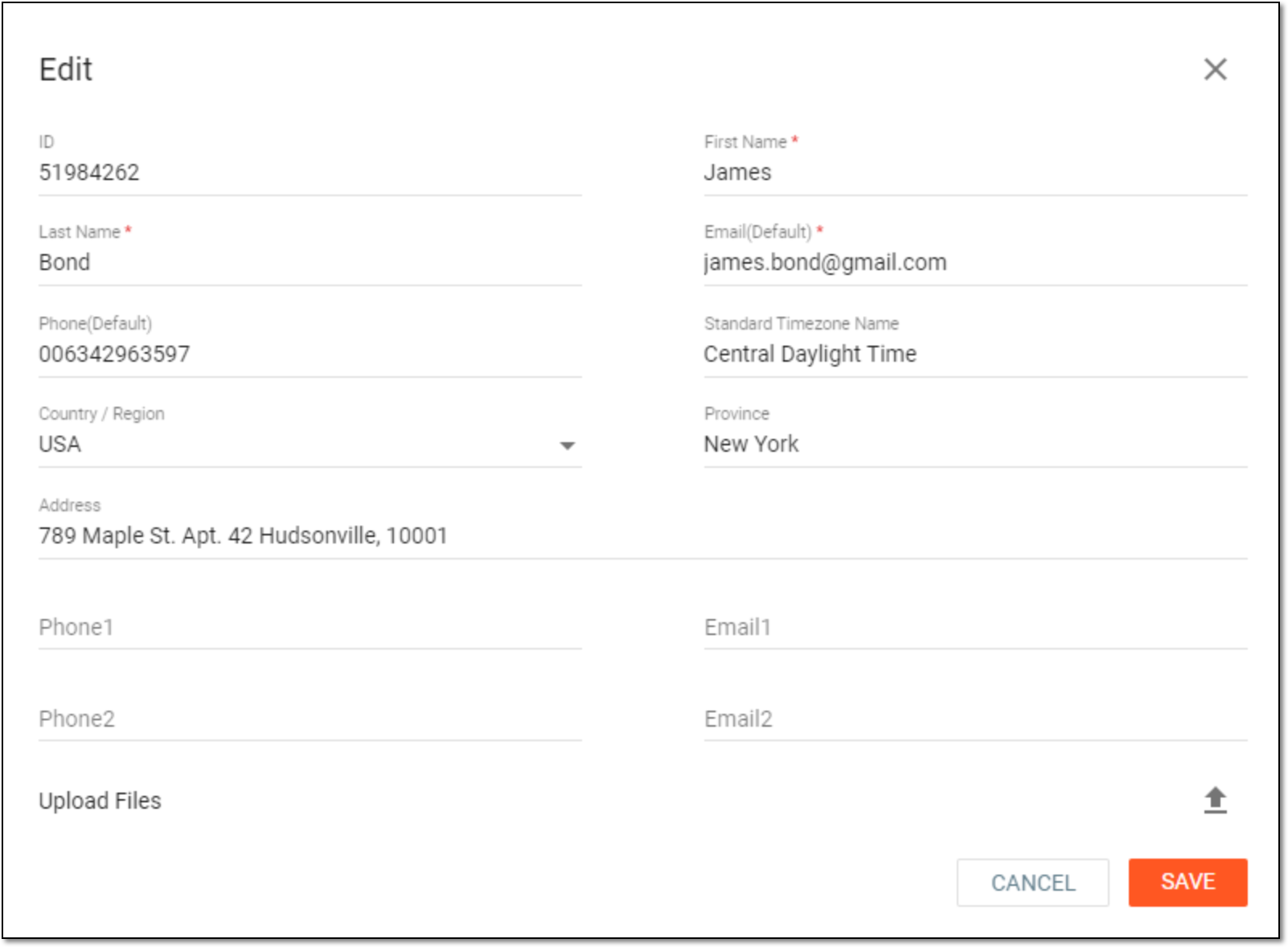 Figure 1. Updating staff member information
-
Select
 .
.
Once saved, the staff member details are updated.