Edit protocol deviation template
In CTMS, you can edit the basic information of a protocol deviation template, such as its name, description, and so on. This may be required if the existing details are incorrect, the person you had assigned the template to review and approve is no longer available or has to be changed for some other reason, and so on.
-
In the CTMS application header, select the LIBRARY tab.
-
On the page that opens, from the left pane, select the Protocol Deviation Template subtab.
 Figure 1. Selecting Protocol Deviation Template subtab
-
From the PD Template List table, locate the template that you want to edit. Then next to it, select Edit
 .
. -
In the Edit dialog that appears, modify the details as required and explained in the respective table of Create protocol deviation template from scratch section.
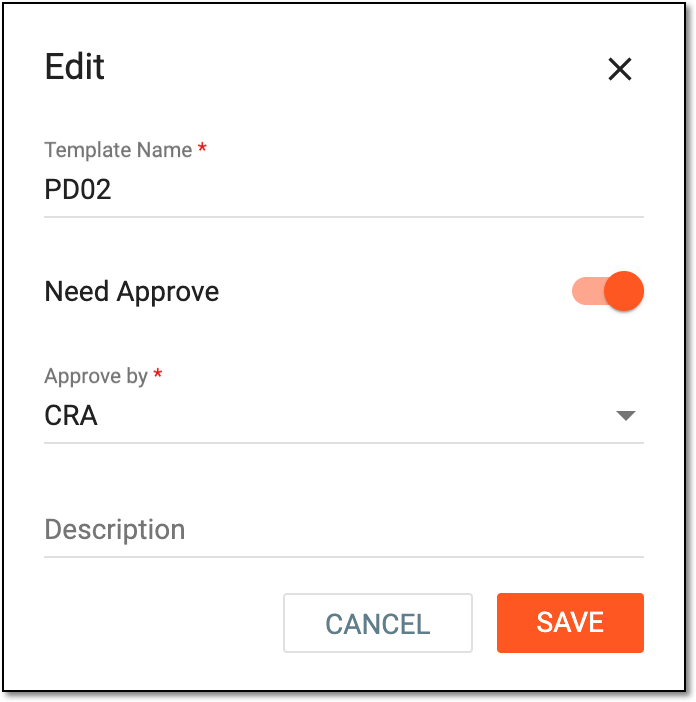 Figure 2. Editing protocol deviation template basic information
-
Select
 to save your changes.
Upon saving, the protocol deviation template is updated.