Delete SAE form field
In the EDC application, the maintenance of the serious adverse event (SAE) forms occurs under the STUDY INFO > SAE Form Define subtab. Here you can add fields to the form as well as delete the unneeded ones.
To delete the SAE form field
-
In the EDC application header, select the STUDY INFO tab.
-
On the page that opens, in the left pane, select SAE > SAE Form Define.
-
In the SAE Form Define table that appears, locate the field of your interest and in the Actions column next to it, select Delete
 .
. -
In the Delete Item confirmation dialog that appears, select
 to delete the field.
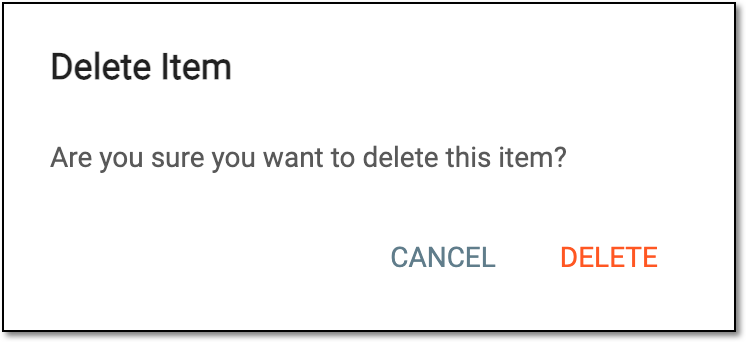 Figure 1. Deleting field from SAE form
Upon deletion, the field disappears from the SAE form as well as from the SAE Form Define table. You can also add a new field to the SAE form.