Activate/Inactivate alert
Alerts is a feature of EDC that helps you to prepare a setup to enable users to receive emails on predefined events occurring within the application (adverse event occurrence, subject phase change, queries being created, and so on). In EDC, you can activate/inactivate alerts as per your business needs.
For example, you have set up an alert to track the specific AE form data change. Later, you need to temporarily stop receiving notifications derived from this form, so you can simply inactivate the alert and, when needed, activate it back and continue receiving notifications.
-
In the EDC application header, select the STUDY INFO tab.
-
On the page that opens, in the left pane, expand the Alerts option and select the alert category of your interest.
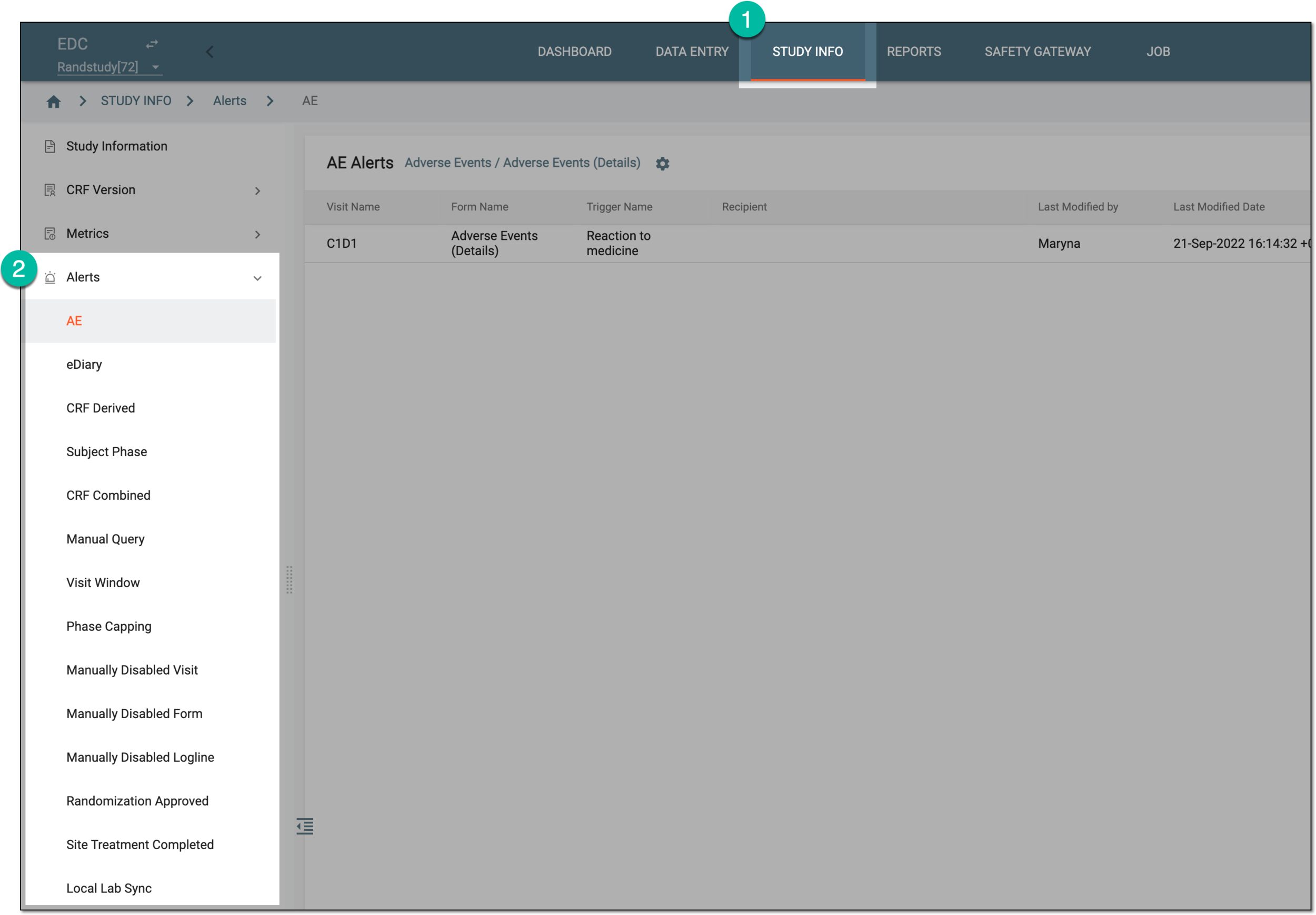 Figure 1. Accessing alerts
-
On the alert list page that opens, in the Action column next to the needed alert, select Activate
 or Inactivate
  .
. Figure 2. Activation and inactivation options for alerts
Upon selecting the alert is activated/deactivated based on the performed action.