Edit alert
Alerts is a feature of EDC that helps you to prepare a setup to enable users to receive emails on predefined events occurring within the application (adverse event occurrence, subject phase change, queries being created, and so on). If the details or conditions of the previously added alert have changed, you can edit an alert.
-
In the EDC application header, select the STUDY INFO tab.
-
On the page that opens, in the left pane, expand the Alerts option and select the alert category of your interest.
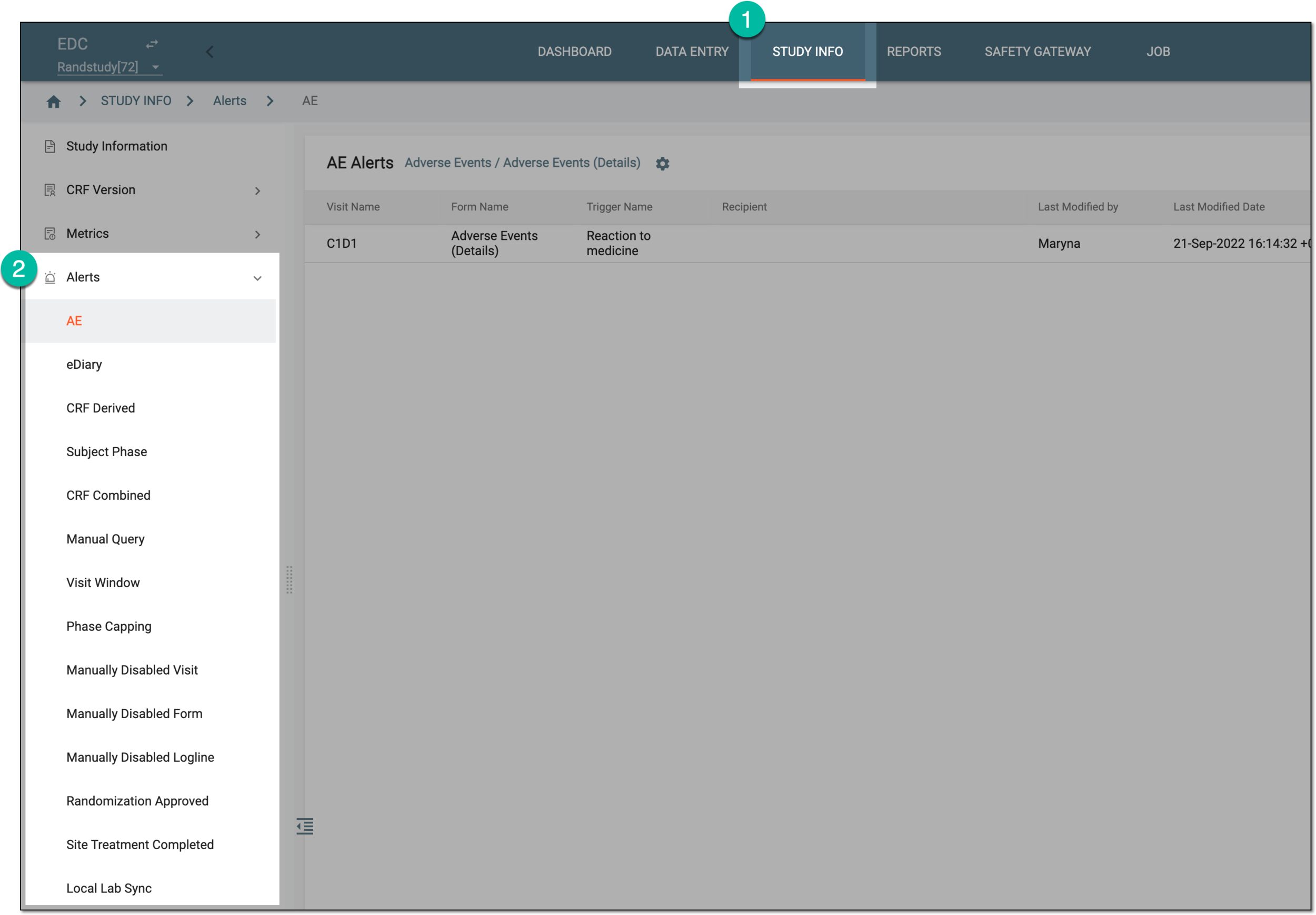 Figure 1. Accessing alerts
-
In the table that opens, locate the alert you want to edit. In the Action column next to it, select More
 > Edit
  .
. Figure 2. Accessing alert editing option
-
On the alert configurator page that opens, update the fields of the required blocks as explained in the elements table of the respective section:
-
Select
 to save your changes.
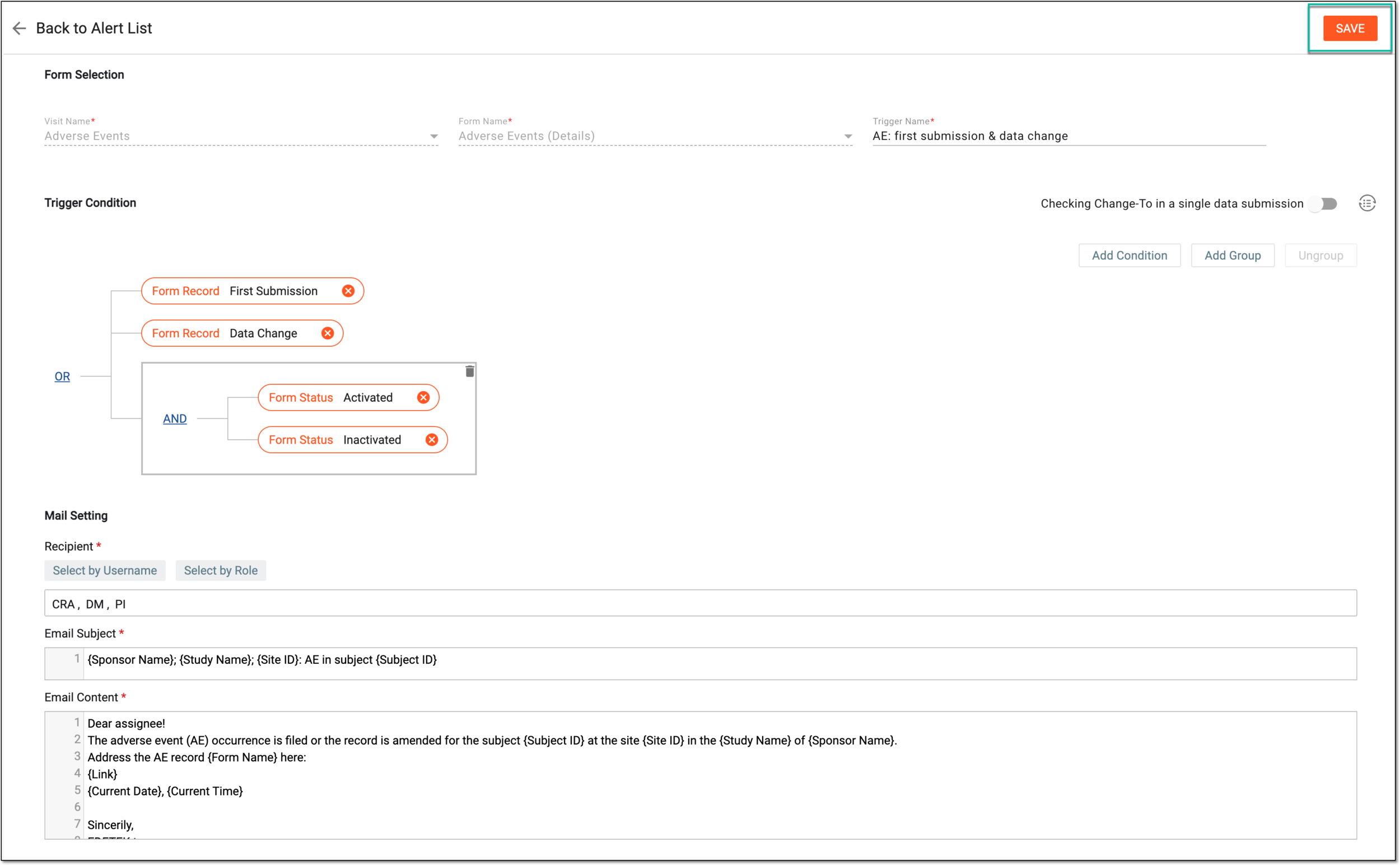 Figure 3. Example of saving alert updates
Upon saving, the alert details are updated and the notification is triggered and sent out according to new settings.