Edit supply plan
In IWRS, the supply plans are created to automate shipment requests and simplify the item (drug) delivery process for sites.
-
In the IWRS application header, select the TREATMENT DESIGN tab.
-
From the left pane, select the Supply Setting subtab.
-
In the Supply Plan table that opens, go to the needed supply plan and under the Action(s) column select Edit
 .
. -
On the page that opens, edit the fields as needed. These fields are identical to the ones explained in the table of the Create supply plan section.
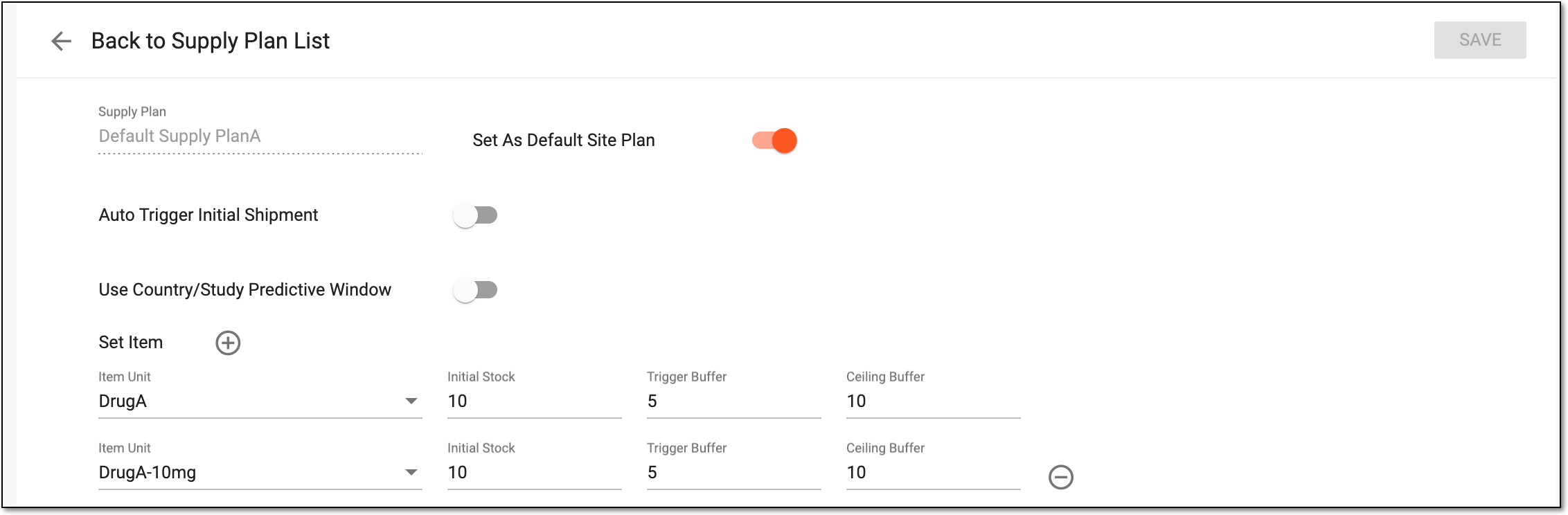 Figure 1. Editing supply plan
-
Select
 to save the implemented changes.
Important
The changes made to the supply plan under the TREATMENT DESIGN tab are also synchronized to the corresponding supply plan under the SITE tab.
Upon saving, your changes are implemented. You can also activate/inactivate a supply plan if needed.