Switch between sites
The Subject List page shows the subject data of one specific site only. If you want to view the subject data of another site without leaving the current page, you can do so.
To switch to another site and view the subject data
-
In the EDC application header, select the DATA ENTRY tab.
-
In the ribbon bar, select the down arrow to expand the list of available sites. You can only see the sites to which you have access.
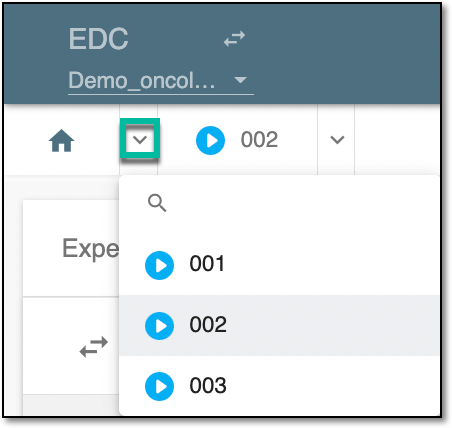 Figure 1. Selecting site
Tip
The site whose subject data you are currently viewing appears dimmed and cannot be selected.
Once selected, the subject list pertaining to the site is displayed.