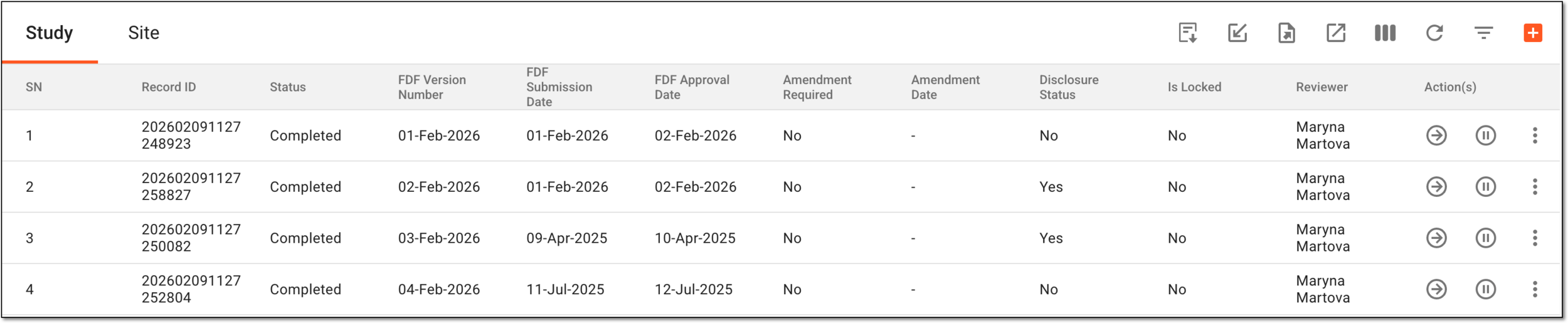
Import tracking log entries from file
After adding the tracking log setting, you can start completing the log entries to maintain a clear record of regulatory documents and their submissions, approvals, and updates throughout the clinical trial. Tracking logs support compliance, audit readiness, and effective oversight across all study sites.
The tracking log entries can be completed manually one by one or imported in bulk from the file you have previously completed. To facilitate the import procedure and ensure your imported file is compliant with the system requirements, you can export the needed tracking log entry template and complete it offline to then import it to the system flawlessly.
Important
The tracking log template import is only available for the single-form tracking log. For the multiform tracking logs of the Regulatory Documents type, the template import is unavailable.
-
Access the study management page in one of the following ways:
-
In the CTMS application header, select the DASHBOARD tab and then select the study dashboard of your interest.
 Figure 1. Accessing study management from dashboard
-
In the CTMS application header, select the STUDY MANAGEMENT tab. Then from the Study Data List table, select the study name of your interest.
 Figure 2. Accessing study management from study data list
-
-
On the page that opens, from the left pane, select Tracking Log. Then from the expanded menu, select the name of the previously added tracking log.
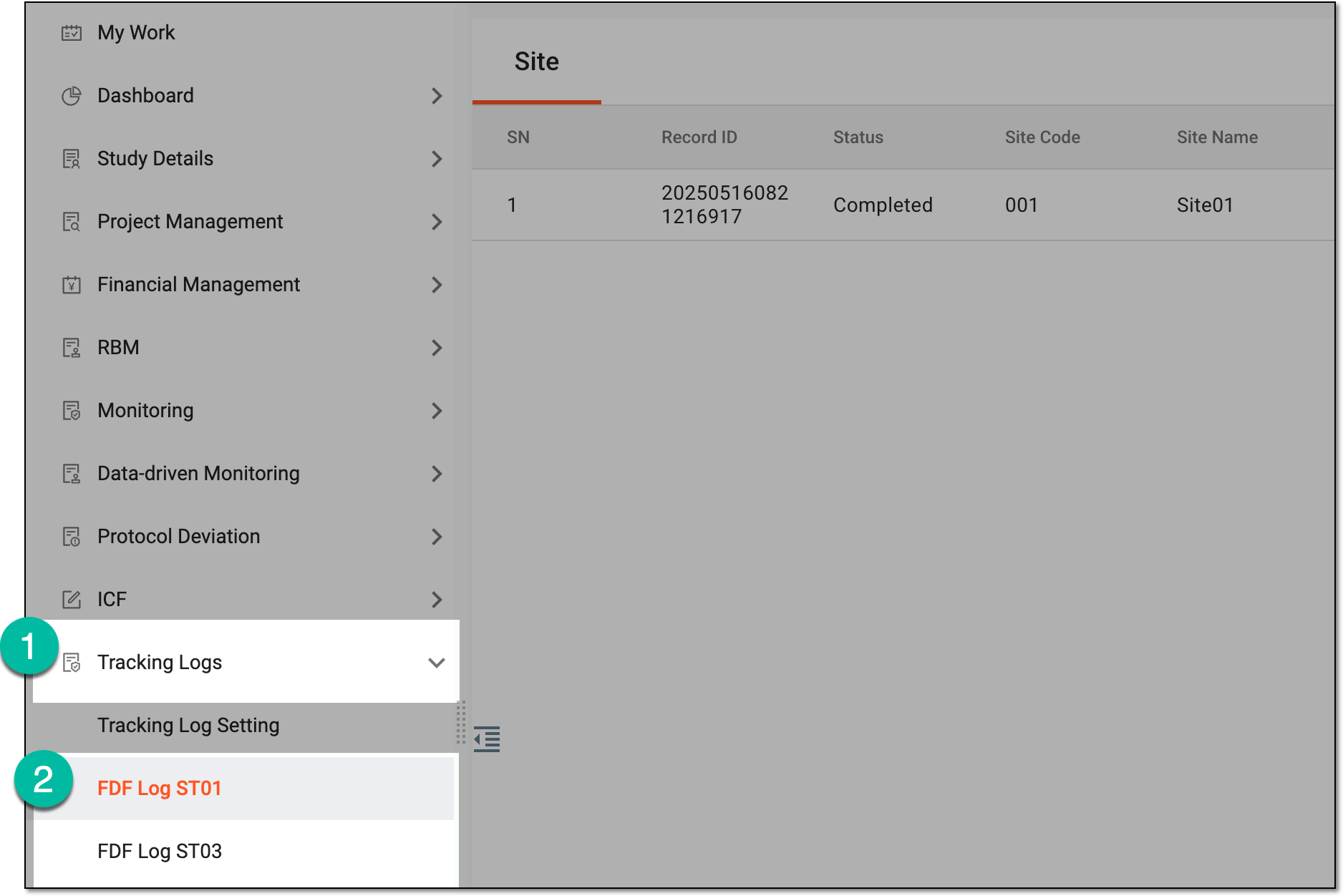 Figure 3. Accessing tracking log
-
From the workspace toolbar of the tracking log page that opens, select Import
 .
. Figure 4. Selecting option to import tracking log entry file
-
Follow the prompts of your computer to select the needed tracking log entry file.
Once imported, the tracking log entries become available under their respective tabs—Site, Study, or both tabs, based on which ones are available and the entries for which were filled in the imported file.