View ODM element path for target text
An Operational Data Model (ODM) is a standardized data model developed by CDISC to provide vendors with a structured way to represent, store, archive, and share the clinical trial data and metadata. The ODM file in the XML format allows for preparing and maintaining study design, forms, and items, keeping audit trails, and other aspects for efficient and consistent data exchange between systems (like SD and EDC), stakeholders, regulatory authorities, and more.
When working with CRF translation in SD, you can trace the ODM element path for each target text—see where this text is used in the CRF design for contextual reference.
-
In the Study Designer application header, select the TRANSLATION tab.
 Figure 1. Accessing CRF translation functionality
-
From the toolbar, select the latest draft CRF version, otherwise, you cannot update translations.
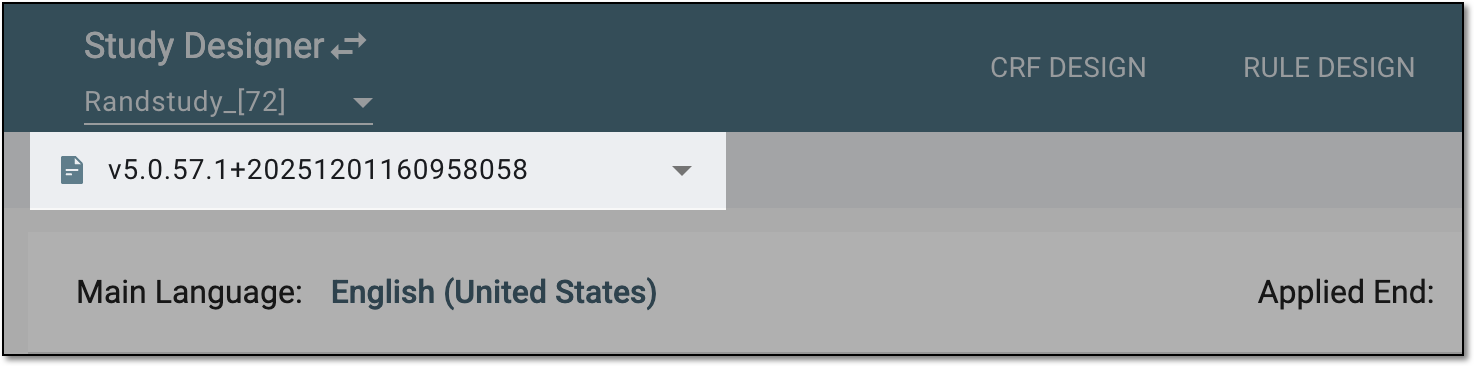 Figure 2. Selecting draft CRF version
-
From the Applied End field, select the application where the data is to be collected and from Translation Language, select the language of translations for the target texts.
 Figure 3. Selecting applied end and translation language
-
Select the By Location tab to access the texts of the CRF items (currently, only codelist items) and their respective translations, organized by their location in the current study design.
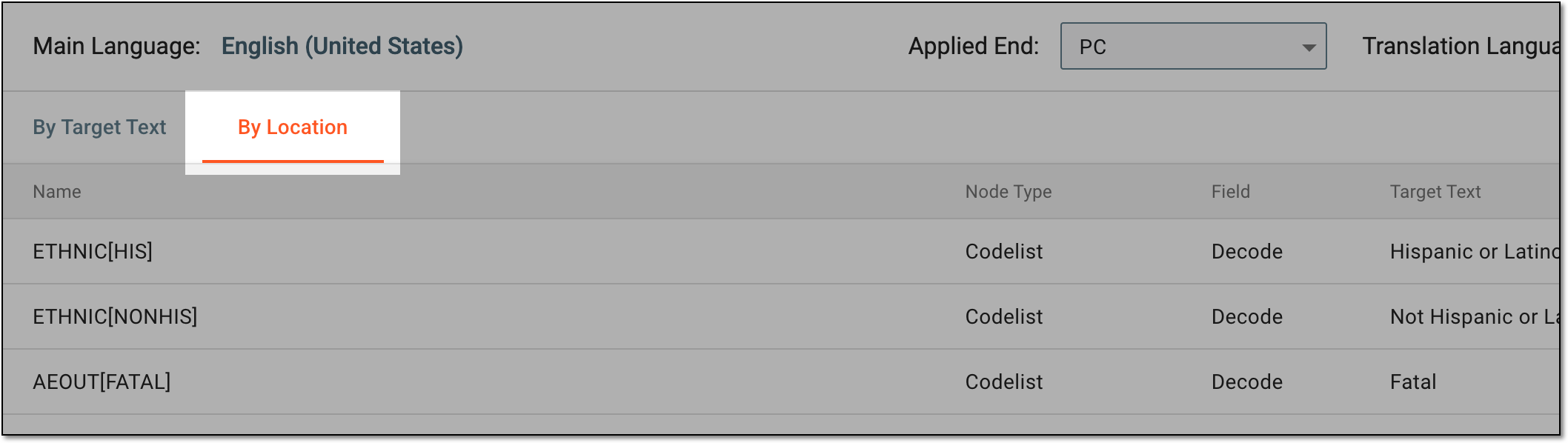 Figure 4. Accessing text list by location
-
In the table that appears, next to the needed target text, select View ODM Element Path
 .
. Figure 5. Accessing ODM element path
-
In the ODM Element Path dialog that appears, view the path to where the text is located in the CRF.
 Figure 6. Viewing ODM element path
You have viewed the ODM element path for the text. You can now select CLOSE to return to the By Location list of translations.