Delete dispensing plan alert
In IWRS, setting up alerts to notify the dedicated personnel of any changes in the dispensing plan of a subject provides an additional tier of scrutiny in tracing subject treatment adjustments and reacting to them promptly.
However, any obsolete or irrelevant alerts can be deleted to cease their triggering and keep the list up-to-date.
-
In the IWRS application header, select the ALERT tab.
-
On the page that opens, from the left pane, select the subtab corresponding to the alert category of your interest.
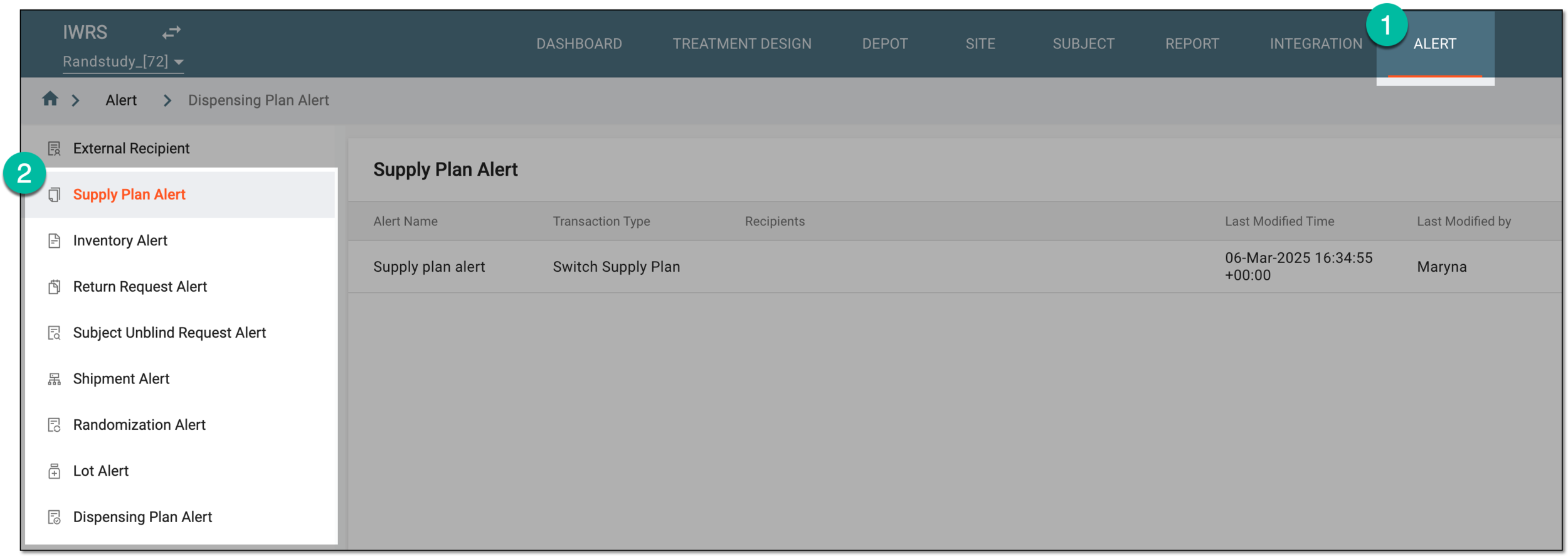 Figure 1. Accessing alert settings
-
In the Dispensing Plan Alert table that appears, next to the needed alert, select More
 > Delete
  .
. Figure 2. Deleting dispensing plan alert
-
In the Delete Item confirmation dialog that appears, select
 .
.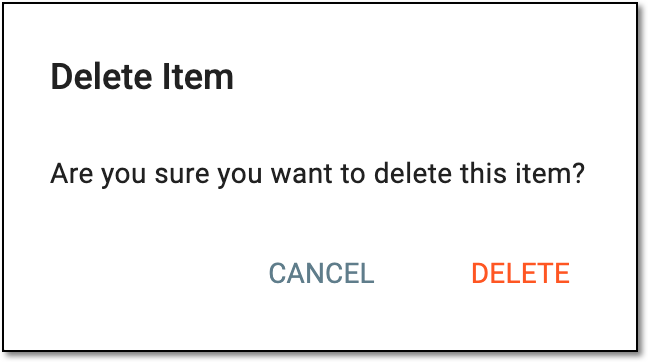 Figure 3. Confirming dispensing plan alert deletion
Once confirmed, the dispensing plan alert is deleted. The system ceases generating emails associated with the deleted alert.