Preview dispensing plan alert email
In IWRS, setting up alerts to notify the dedicated personnel of any changes in the dispensing plan of a subject provides an additional tier of scrutiny in tracing subject treatment adjustments and reacting to them promptly.
The created dispensing plan alerts include settings that define how the email subject and content need to be populated. You can preview these settings in a separate dialog to see how the alert generates the email.
-
In the IWRS application header, select the ALERT tab.
-
On the page that opens, from the left pane, select the subtab corresponding to the alert category of your interest.
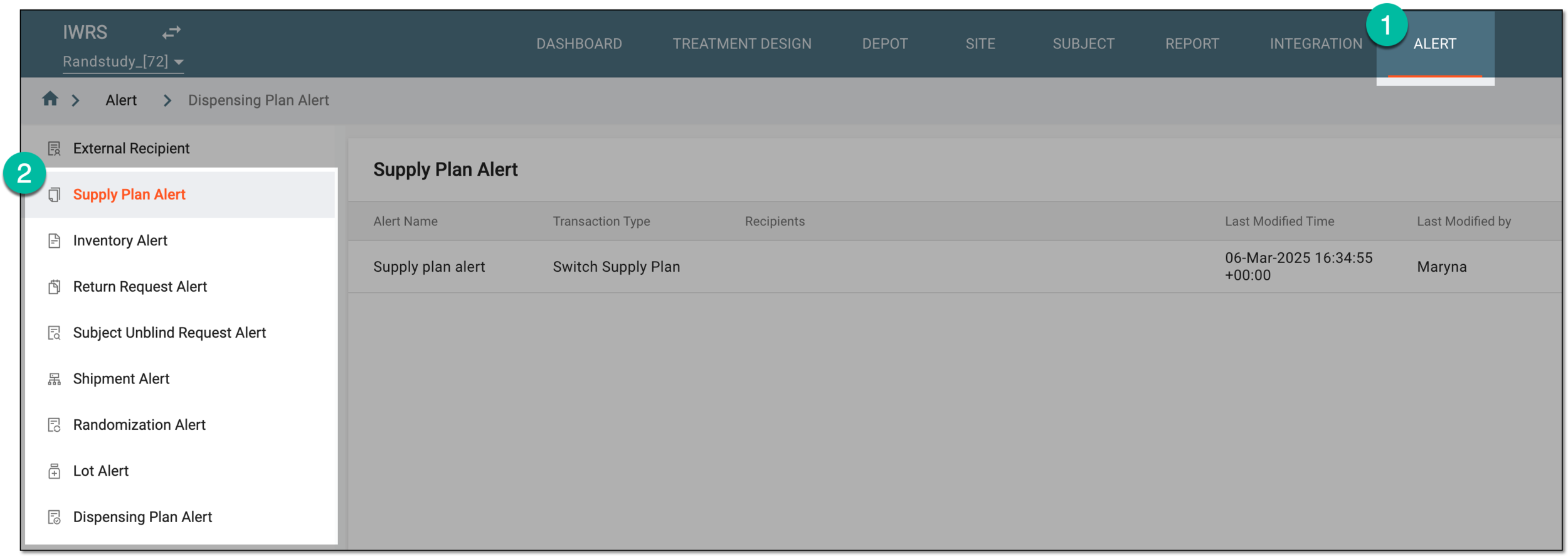 Figure 1. Accessing alert settings
-
In the Dispensing Plan Alert table that appears, next to the alert of your interest, select Info
 .
. Figure 2. Accessing dispensing plan alert email preview
-
In the Mail dialog that appears, preview the content of the shipment alert email.
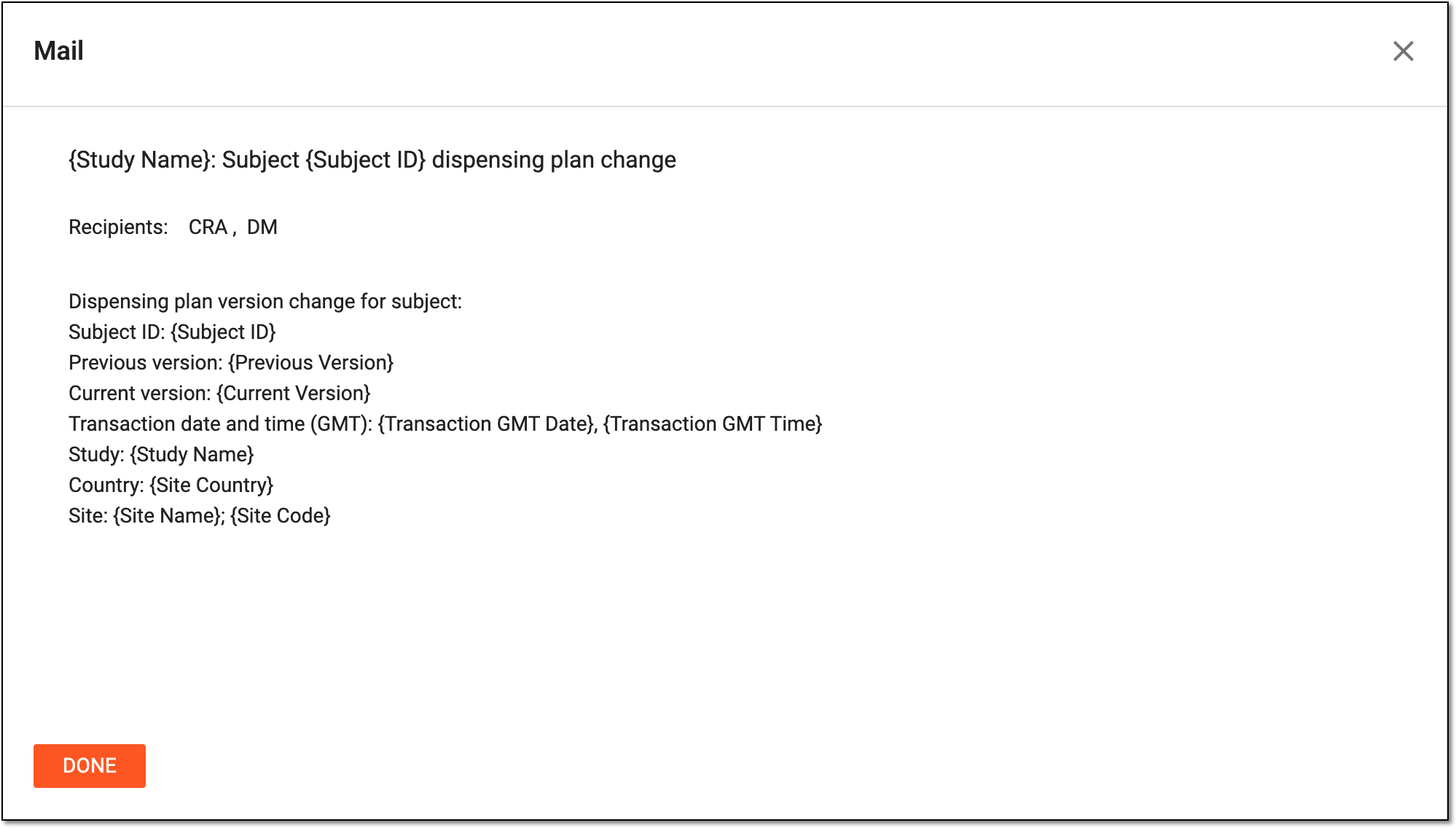 Figure 3. Previewing dispensing plan alert email
You have previewed the alert email contents and details. Select  to close the dialog.