Export attribute template
In the CTMS library, you can export and download attribute templates to your computer. An attribute template incorporates custom attributes—such as status, owner, priority, or custom dates—that can be used across studies in CTMS to capture and manage various study components, including activities, milestones, and other operational elements. You can analyze the exported template details offline for reporting and backup of custom attribute configurations used across studies.
-
In the CTMS application header, select the LIBRARY tab.
-
On the page that opens, from the left pane, select Attribute Template.
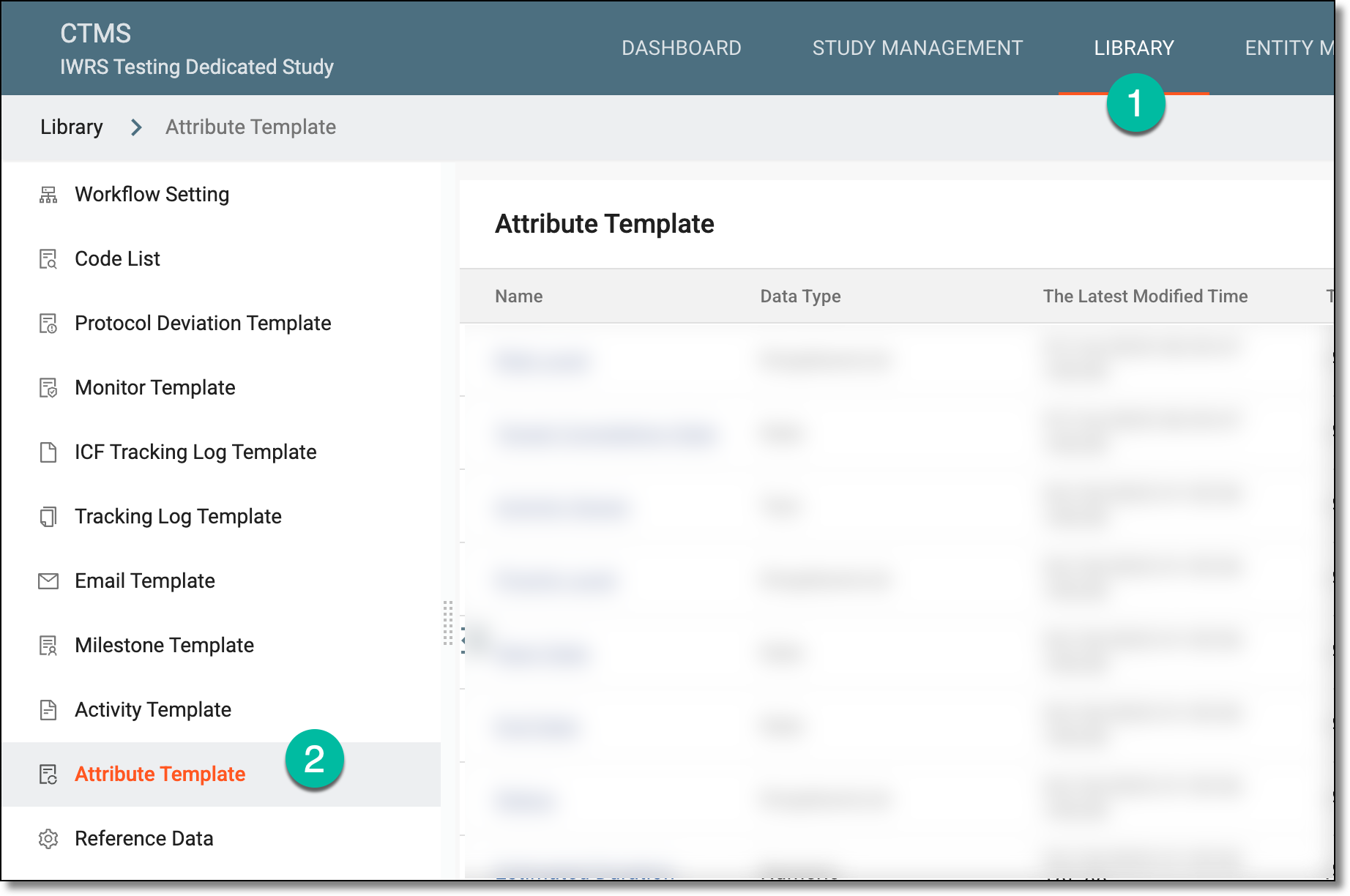 Figure 1. Accessing attribute template subtab
-
On the Attribute Template List page that opens, from the workspace toolbar, select Export
 .
.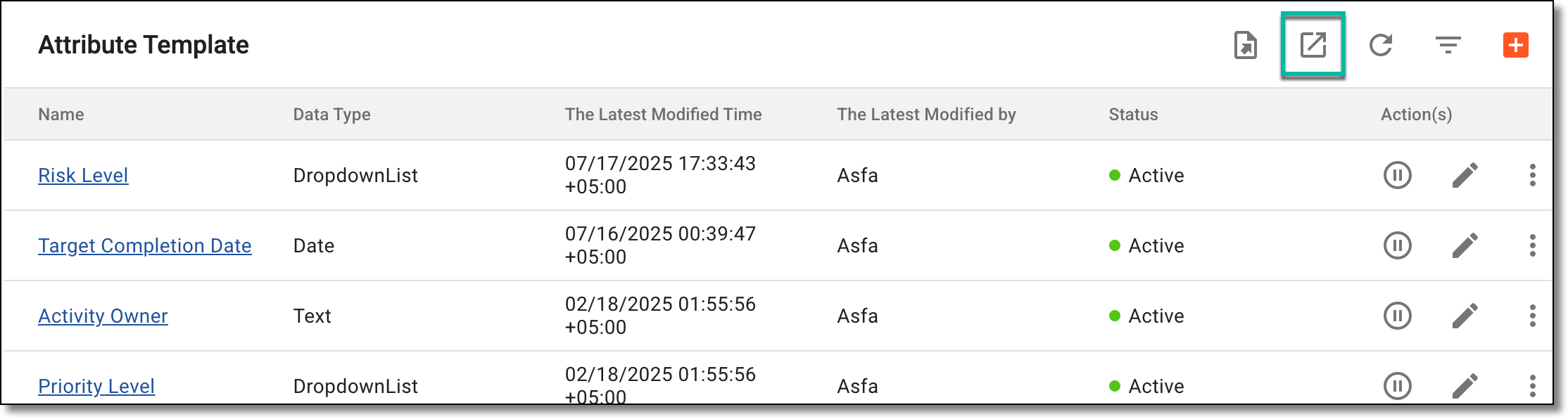 Figure 2. Exporting attribute templates
-
The downloads widget appears showing the export progress. Select the widget to access exported files.
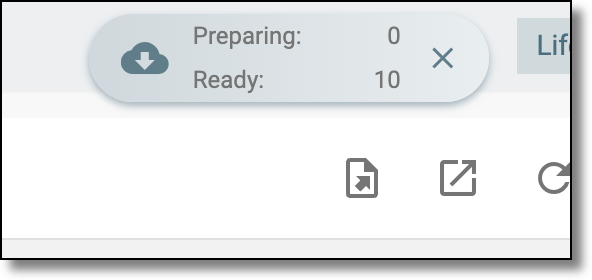 Figure 3. Downloads widget showing activities being exported
-
In the My Downloads dialog that appears, in the Download is Ready tab, select
 next to the required exported file.
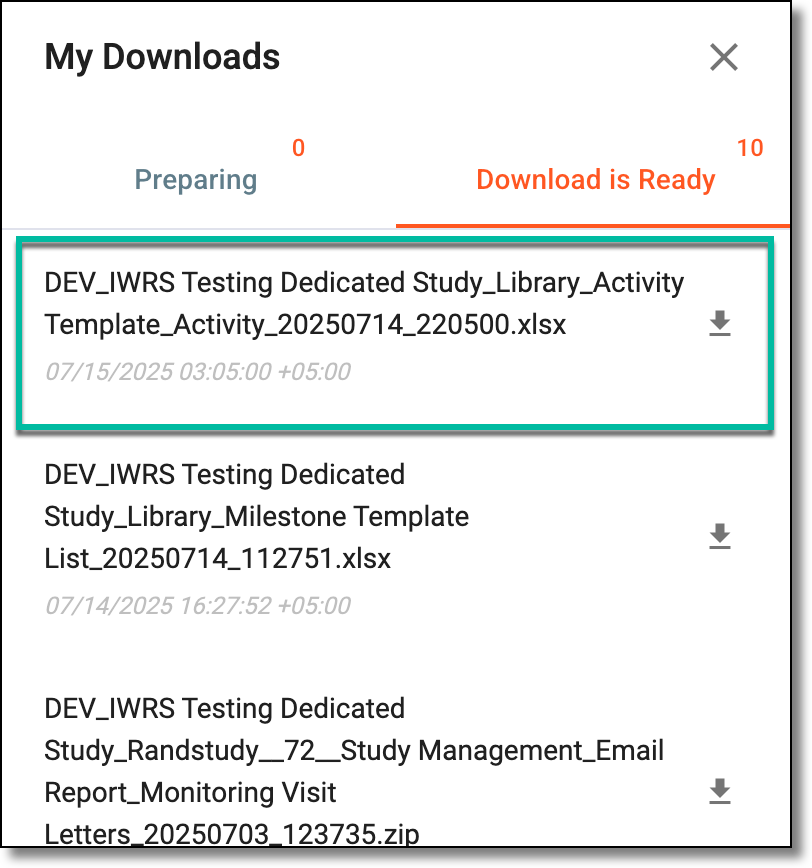 Figure 4. Downloading attribute templates list
Once selected, the list of attribute templates is exported as an XLSX file to your computer.