Export milestone list
In the CTMS library, you can export the defined milestone templates to your computer. This helps study teams analyze progress, share updates, or maintain offline records as needed.
To export the milestone list
-
In the CTMS application header, select the LIBRARY tab.
-
On the page that opens, from the left pane, select Milestone Template.
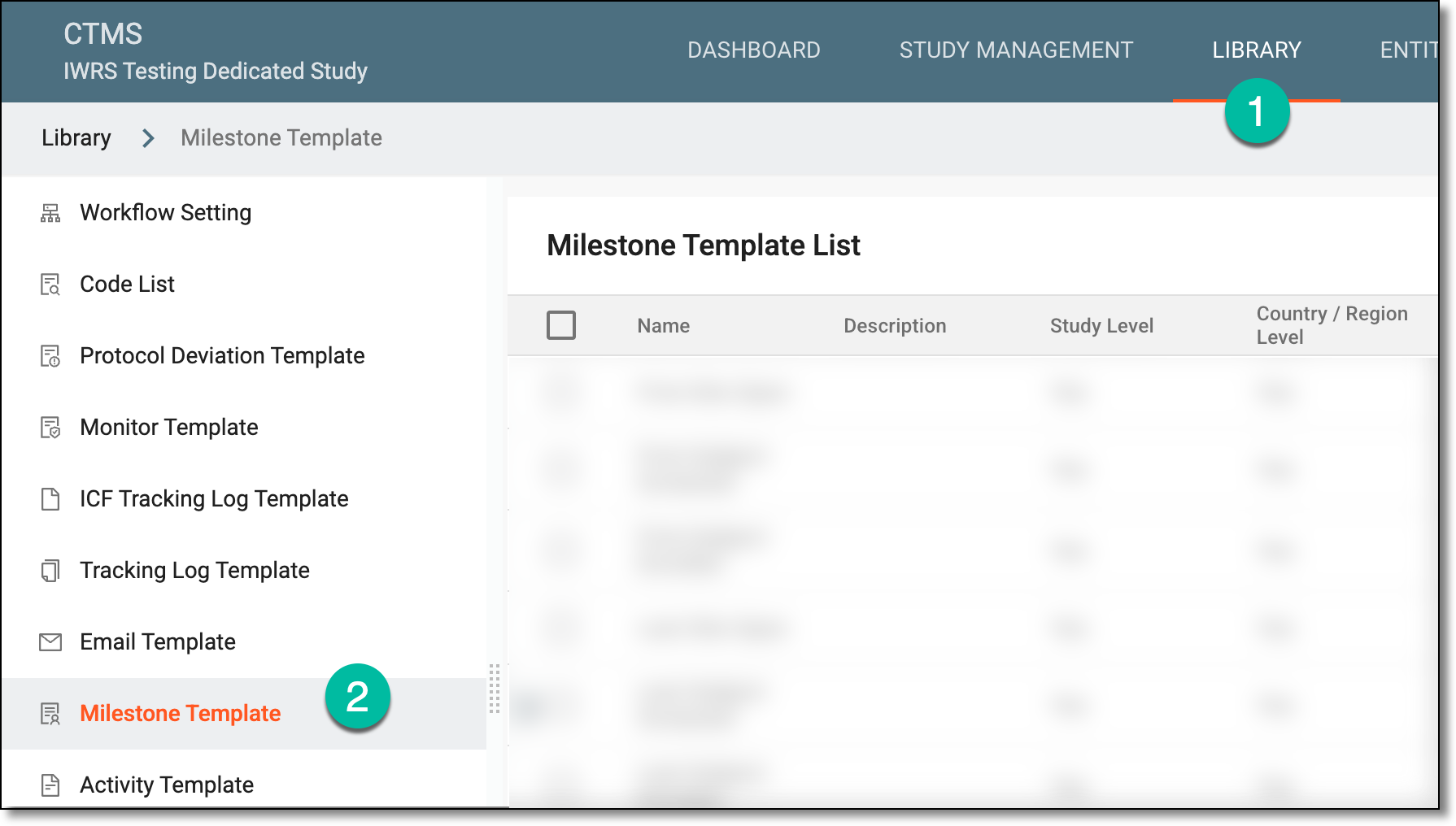 Figure 1. Accessing milestone template subtab
-
On the Milestone Template List page that opens, from the workspace toolbar, select Export
 .
.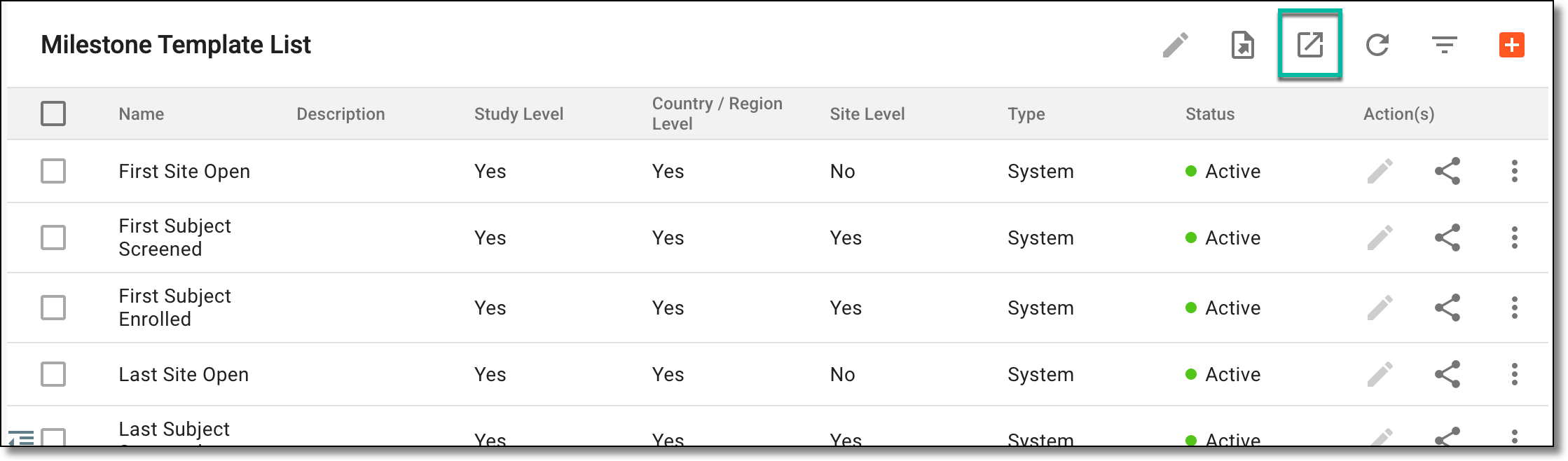 Figure 2. Exporting milestones
-
The downloads widget appears showing the export progress. Select the widget to access exported files.
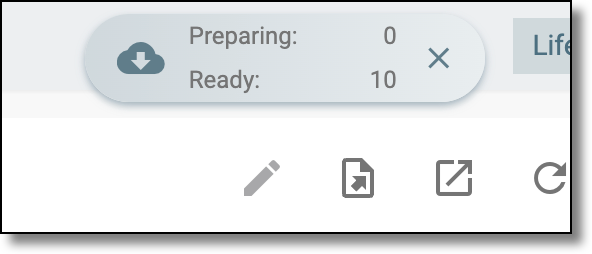 Figure 3. Downloads widget showing milestones being exported
-
In the My Downloads dialog that appears, in the Download is Ready tab, select
 next to the required exported file.
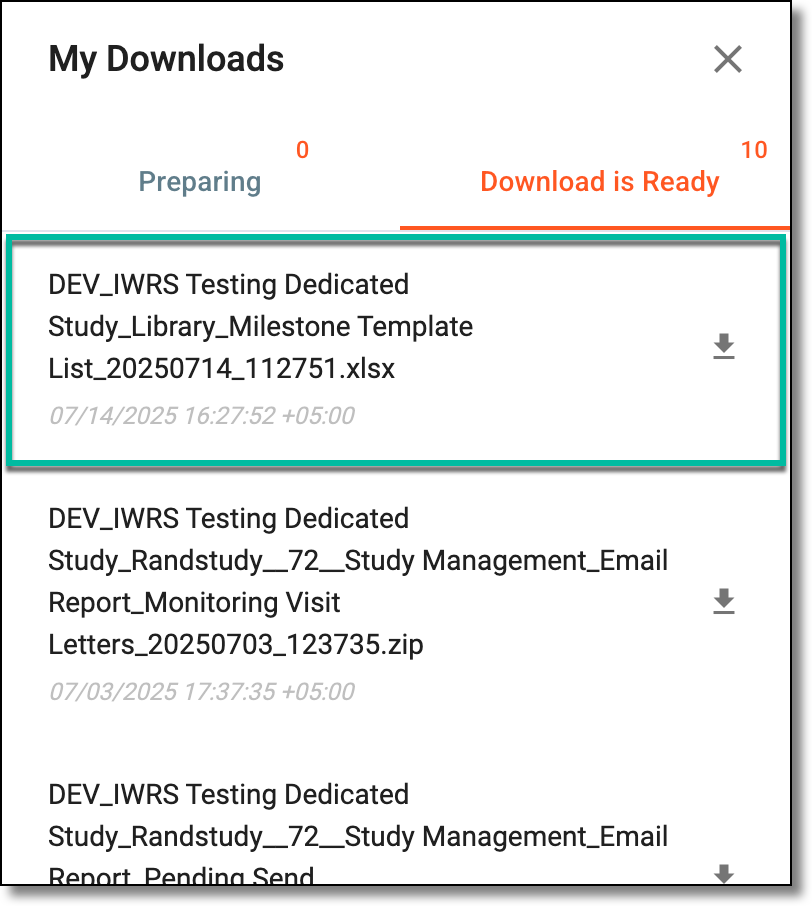 Figure 4. Downloading milestones list
Once selected, the list of milestones is exported as an XLSX file to your computer.