Sort charts by shipment creation date
In IWRS, the DASHBOARD tab provides a summary of shipment logistics and inventory management details. All the shipment-related summary is provided on the Shipment dashboard in the form of different bar charts and pie charts that provide a summary of activities, such as item supply, return, and so on.
All the charts of the dashboard can be sorted by shipment creation date to facilitate data analysis for specific periods—last week or month, for instance.
-
In the IWRS application header, select the DASHBOARD tab.
-
From the page that opens, select the Shipment subtab.
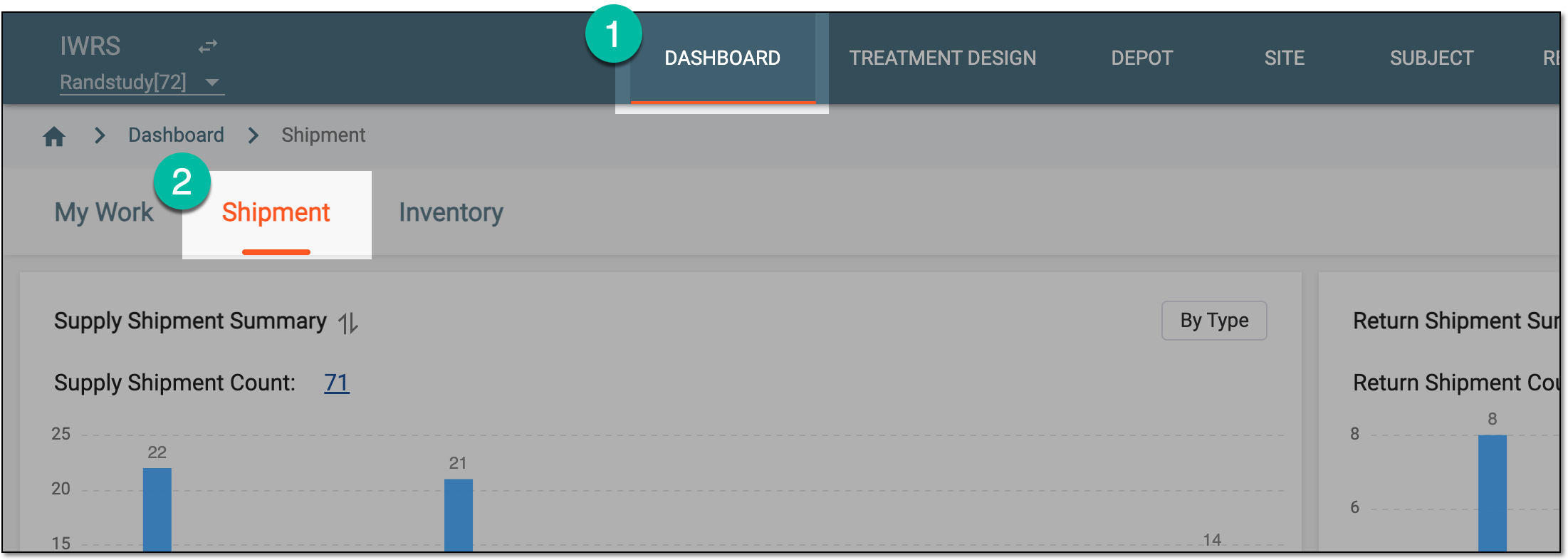 Figure 1. Accessing shipment analytics dashboard
-
On the page that opens, expand the Creation Date menu and select the period that suits your needs for data analysis.
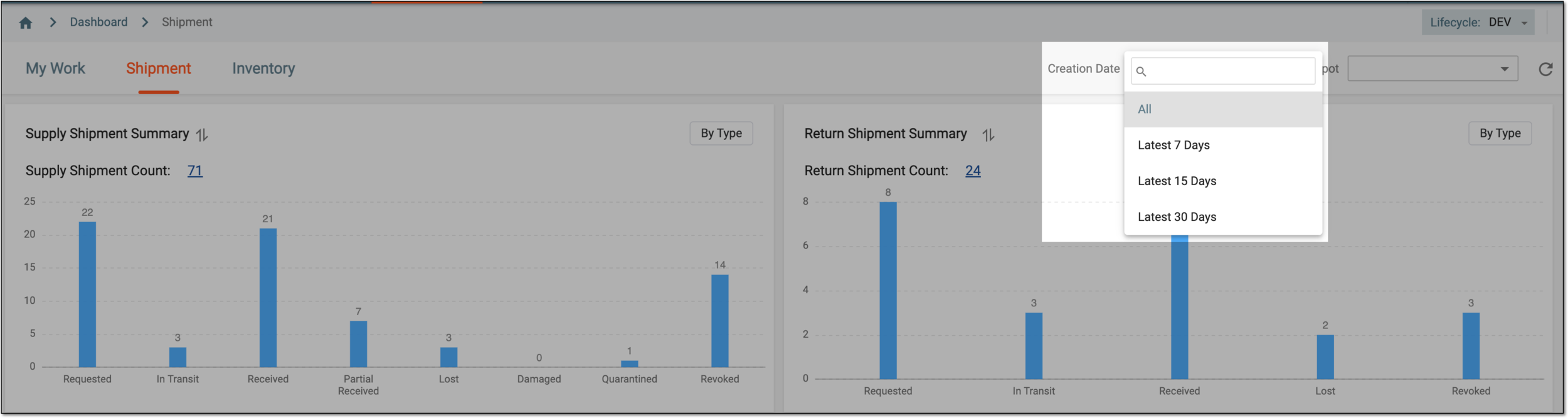 Figure 2. Sorting shipment analytics by date
Once selected, the chart data show the shipment statistics for the specified period.