Dashboard
In IWRS, the DASHBOARD tab provides you with an insight into the IWRS system tasks, data, and occurring operations. From the dashboard, the users can check their assigned operations and track study progress in terms of logistics and inventory management. The information on the dashboard is visually represented in the form interactive tiles, pie charts, and bar charts.
Important
To view the DASHBOARD tab, you must have permission granted to your user role via the ADMIN application.
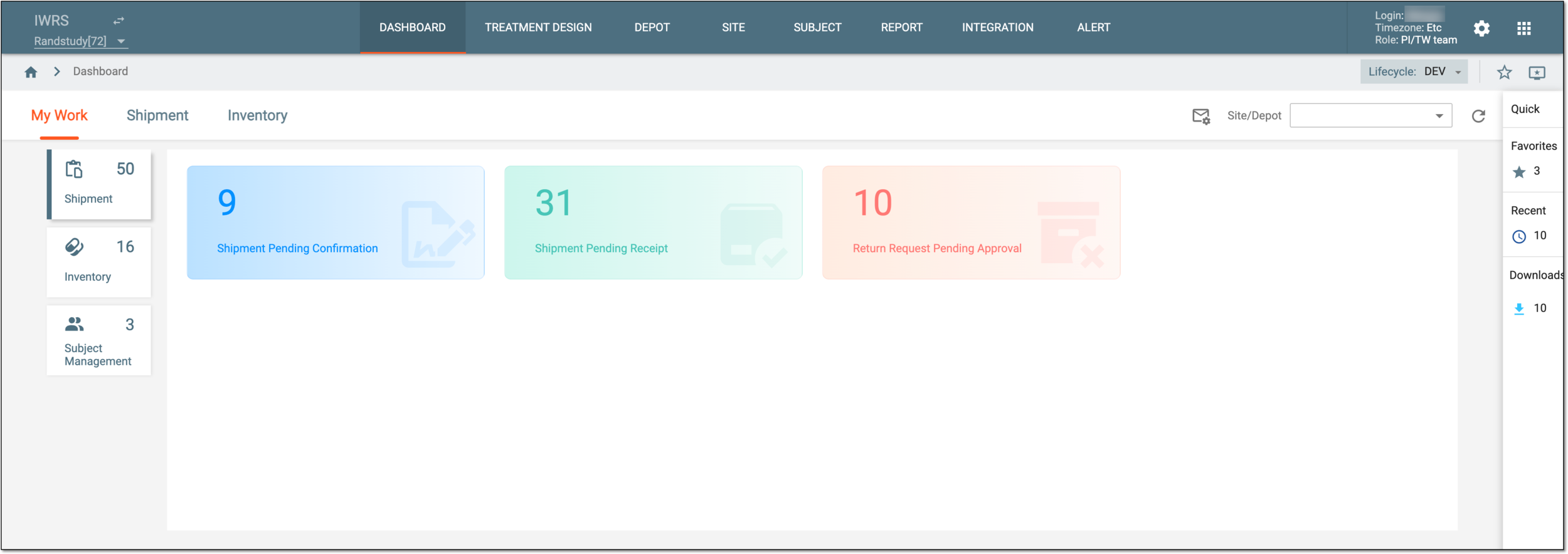
From the dashboard, you can access the following tabs and cover the following operations:
-
My work dashboard: to track and manage the system tasks assigned to you on shipment, inventory, or subject management operations.
-
Shipment dashboard: to view the visual summary of shipment details such as item supply, return supply statistics, and so on.
-
Inventory dashboard: to view the visual summary of inventory details such as item count, destruction quarantine, and so on.
You can also use various dashboard actions to filter the charts of the My Work, Shipment, and Inventory dashboards and get only the focused data that you require.