Edit randomization window
The randomization window is a predefined timeframe within which subjects can be enrolled and assigned to their respective treatment groups. Its purpose is to ensure the random and unbiased allocation of subjects, thereby enhancing the scientific validity of the research. The duration of the randomization window and its criteria can vary depending on the study protocol and design.
The created randomization window affects the randomization process in IWRS as it defines the start and end dates during which subjects can be enrolled and assigned to treatment groups. Randomization of subjects is not possible after the window expires. If needed, the details of a randomization window can be updated.
-
In the IWRS application header, select the TREATMENT DESIGN tab.
-
From the left pane, select Visit Dispensing and Window.
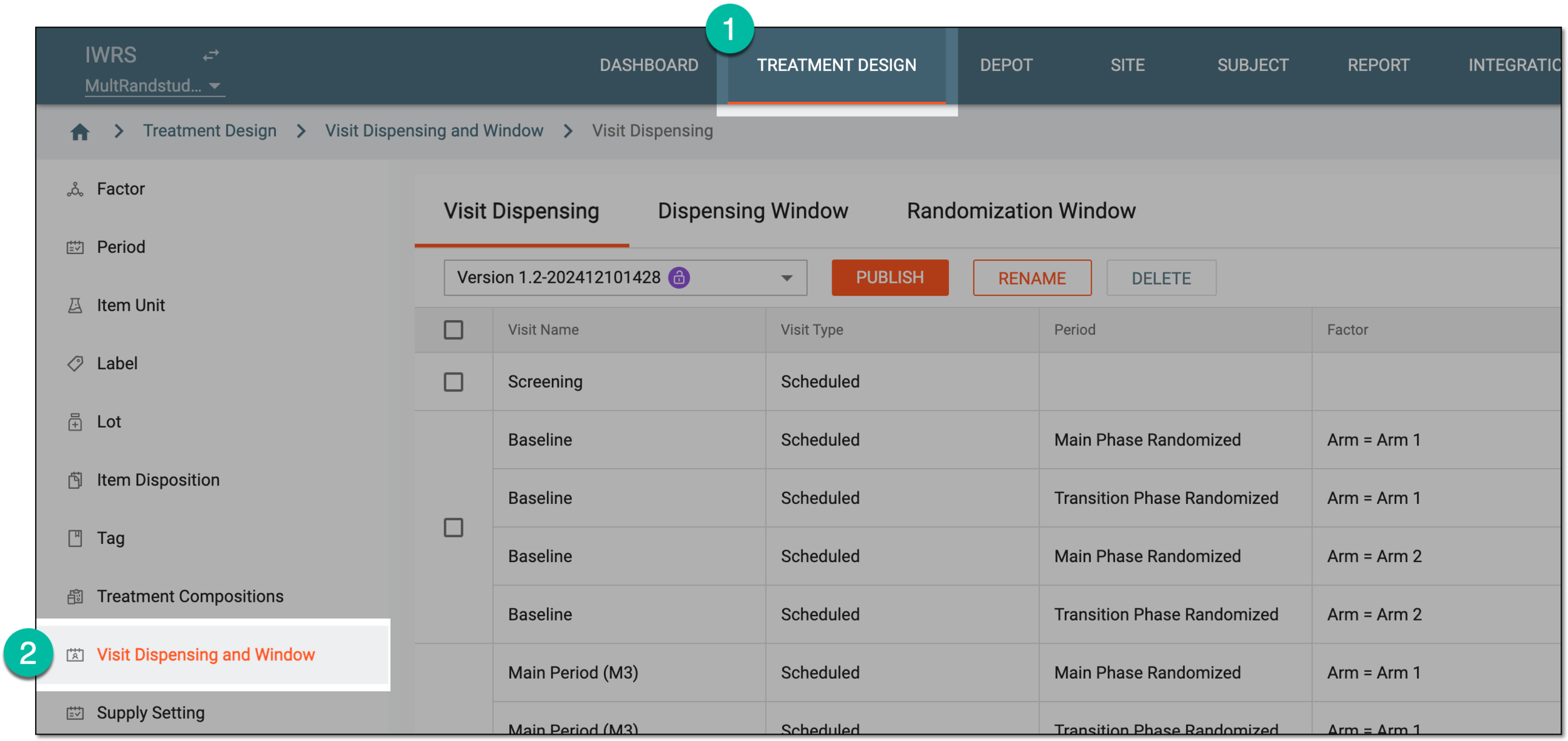 Figure 1. Accessing visit dispensing and window configuration
-
On the page that opens, from the contents panel, select the Randomization Window tab.
-
In the Randomization Window table that appears, select Edit
 next to the randomization
window configuration that you want to update.
next to the randomization
window configuration that you want to update. Figure 2. Selecting to edit randomization window
-
In the dialog that appears, update the fields as needed. These fields are identical to the ones explained in the table of the Configure randomization window section.
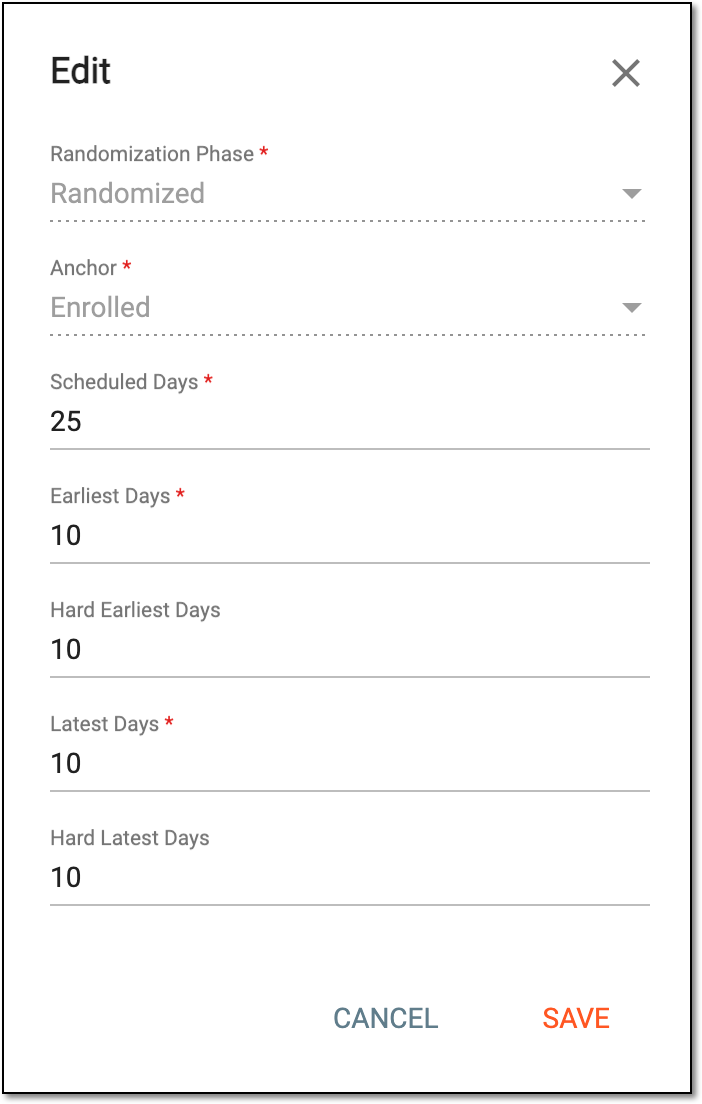 Figure 3. Editing randomization window
-
Select
 to update randomization window details.
Upon saving, the randomization window configuration is updated.