Delete lot alert
A lot alert is a preconfigured notification triggered by various system events with packaging lots in IWRS. These events can be the packaging lot creation, expiration, release, and so on.
In the course of a clinical trial, you might need to update your alert list and get rid of the outdated ones that are no longer needed. In IWRS, you can delete your alerts at any time.
-
In the IWRS application header, select the ALERT tab.
-
On the page that opens, from the left pane, select the subtab corresponding to the alert category of your interest.
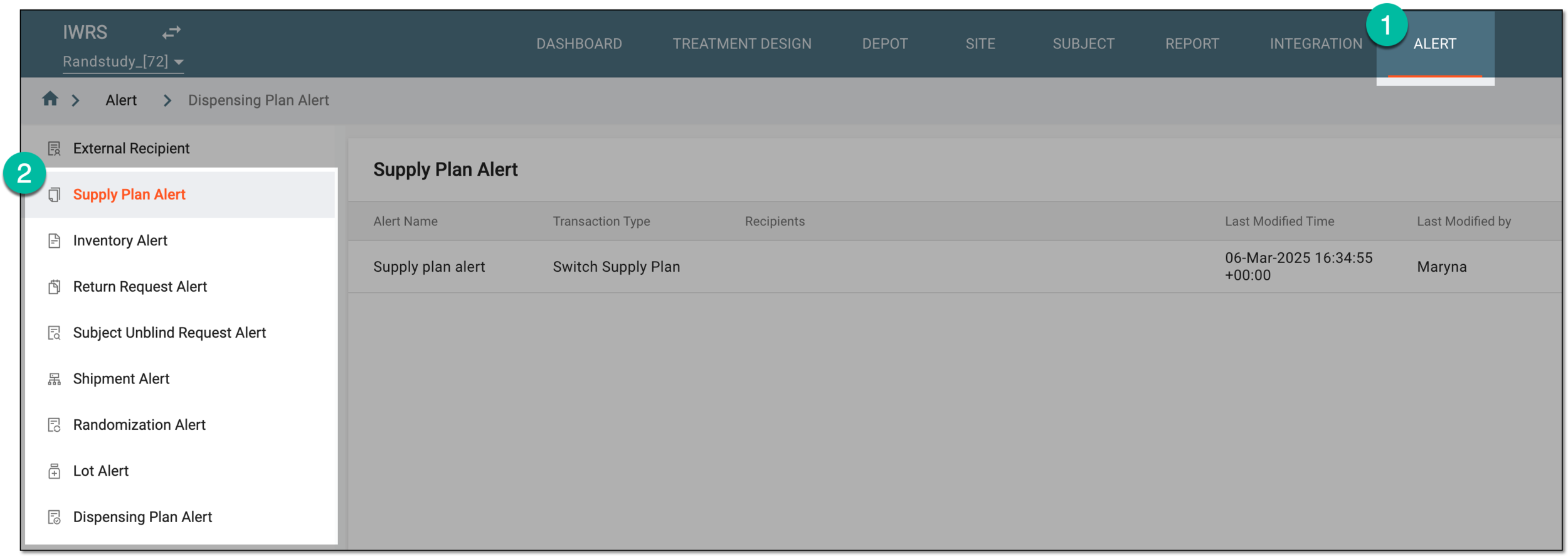 Figure 1. Accessing alert settings
-
In the Lot Alert table that appears, next to the alert you want to delete, select More
 > Delete
  .
. Figure 2. Deleting lot alert
-
In the confirmation dialog that appears, select
 to proceed with the alert deletion.
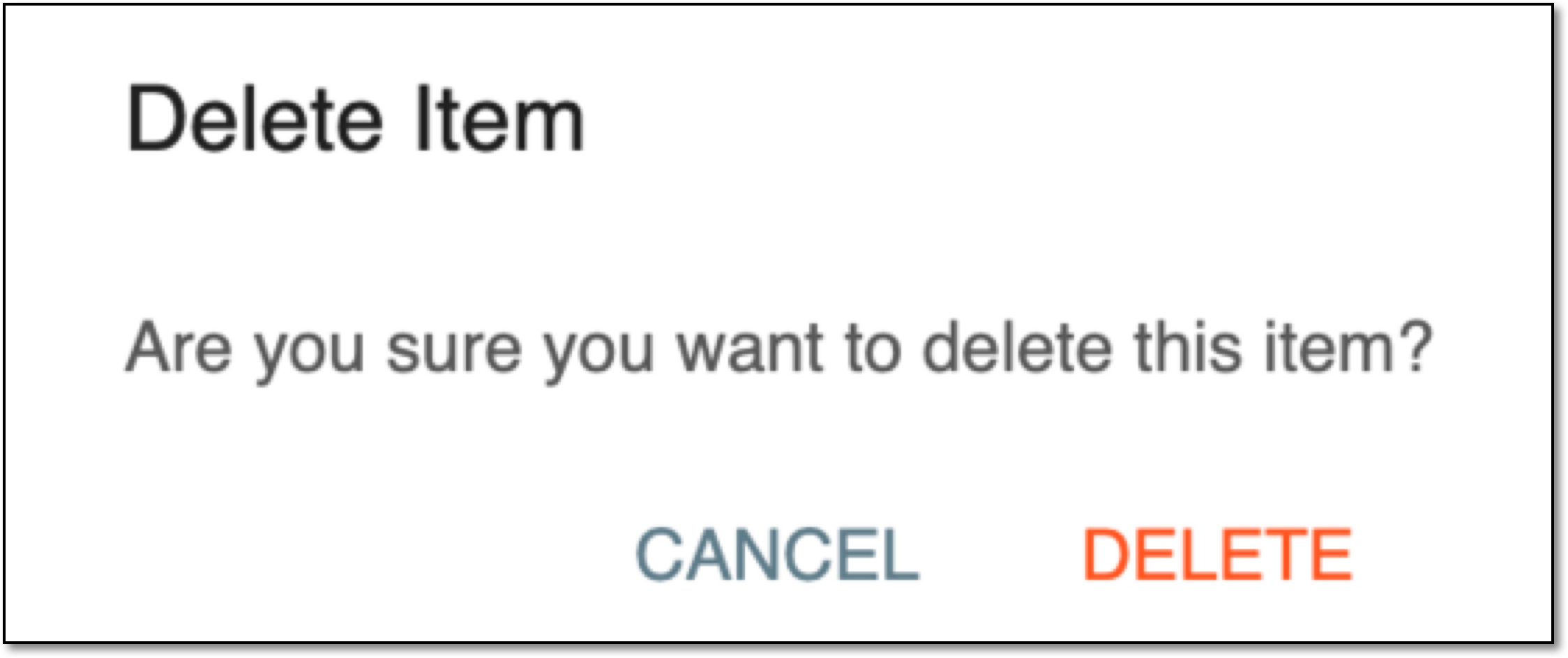 Figure 3. Confirming lot alert deletion
Once confirmed, the alert is deleted and all emails according to it are ceised.