Access CODING modules
To efficiently manage your tasks in the CODING application, it is important to know how to access the CODING Admin and Medical Coding modules.
To access the CODING modules
-
Sign in to the eClinical platform.
-
On the application selection page that opens, select CODING.
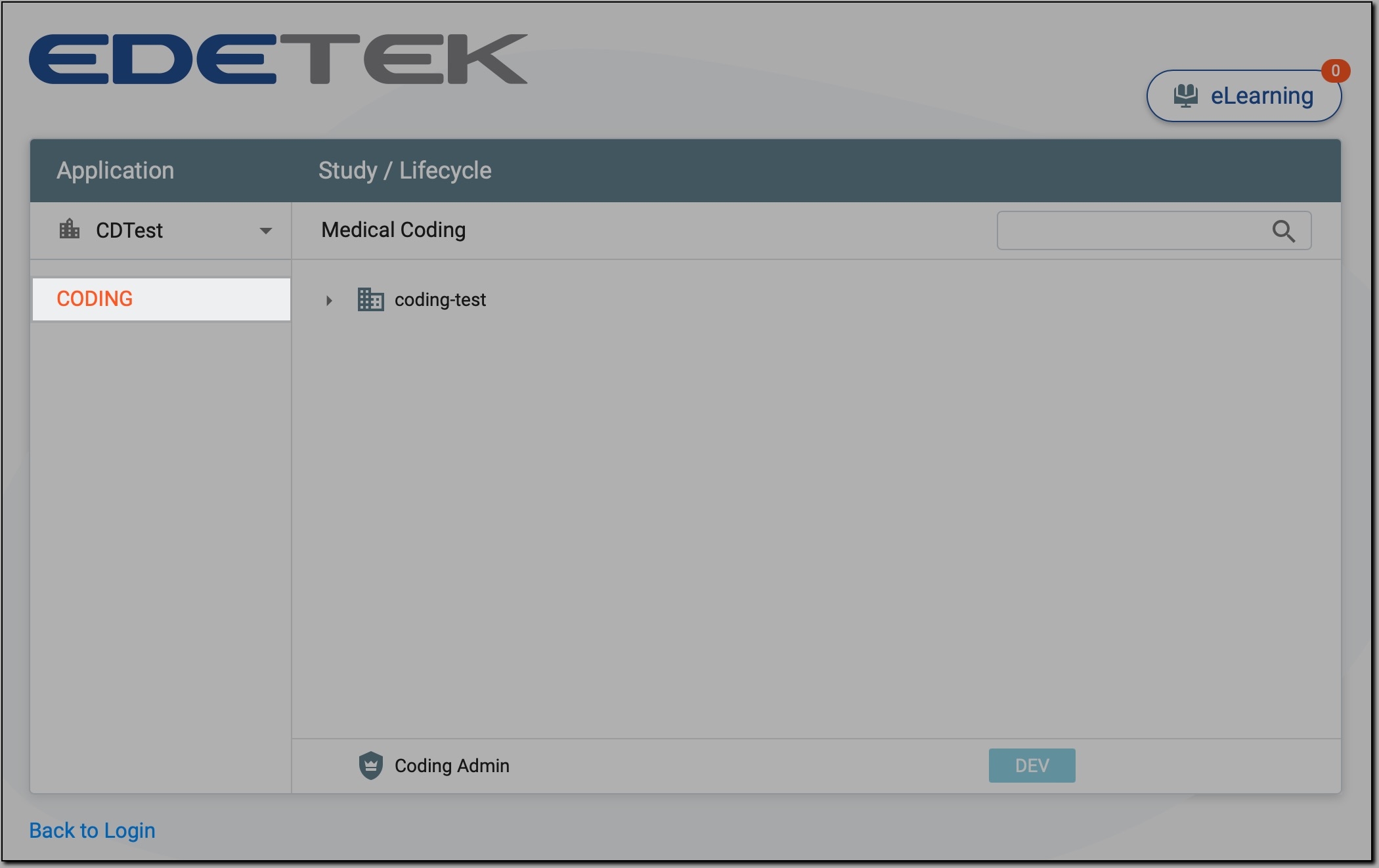 Figure 1. Accessing CODING application
-
Now, access the needed module as follows.
In Medical Coding, select the Sponsor—the organization conducting the study requiring coding configuration. Then, select the specific study and environment (DEV, UAT, or PROD) to access and configure the coding settings.
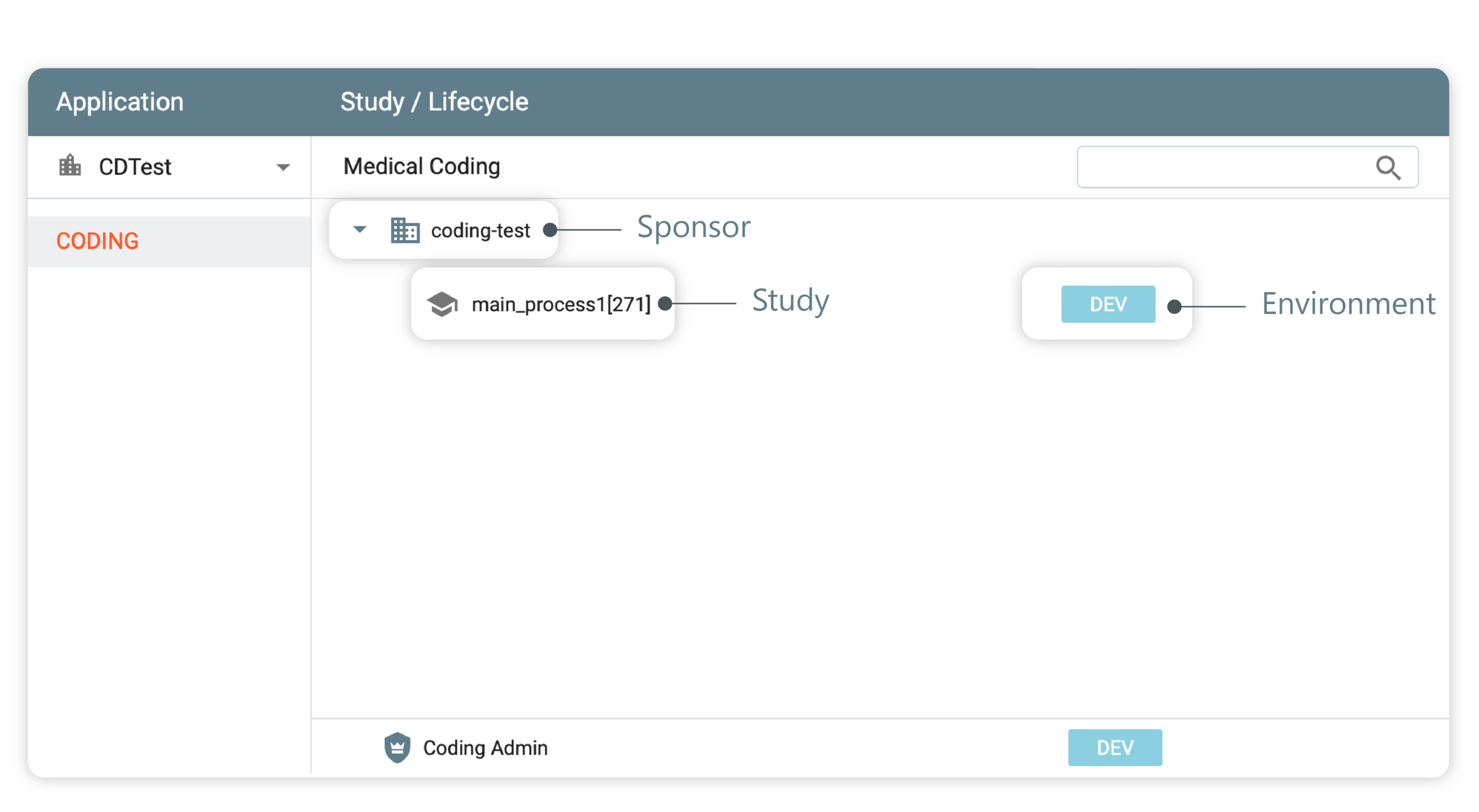 Figure 2. Accessing Medical Coding module
Important
If you do not see a specific environment displayed, it means that you do not have access to that particular environment.
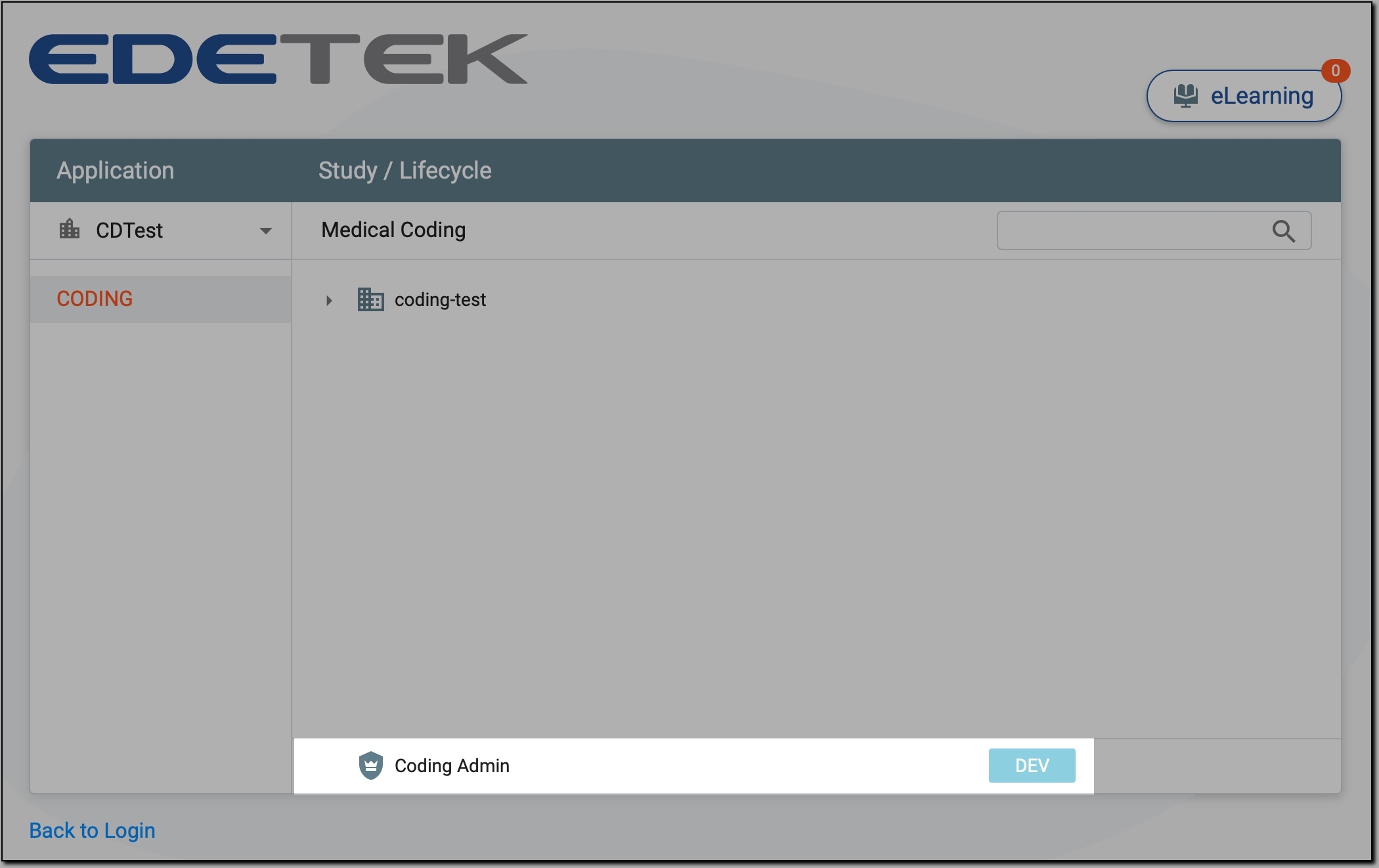
You have accessed the Medical Coding or Coding Admin module. You can now proceed with your tasks in the relevant module.