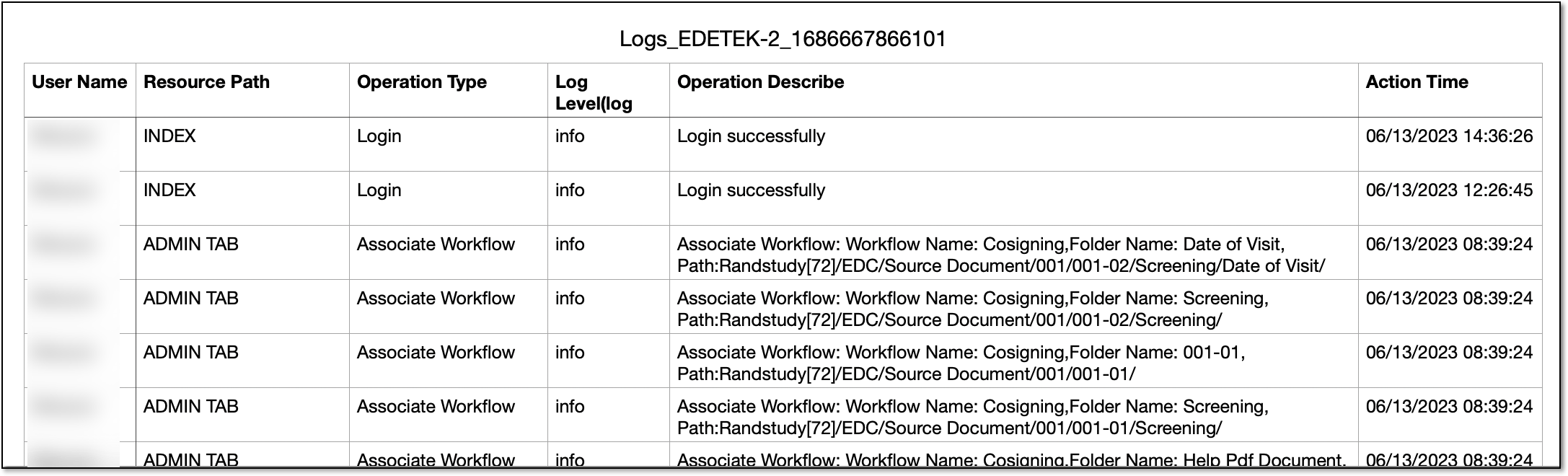
Export log report
The eTMF application stores and handles all the documents and files related to your study activities. Most of the files can be confidential and contain sensitive data. So it is essential to have an opportunity to review all the actions performed by users within the system.
In eTMF, you can view the log of all the events occurring within the application by reviewing the Logs report online and, if needed, you can also export the event data to your computer to use it offline.
-
In the eTMF application header, select the ADMIN tab.
-
On the page that opens, in the left pane, select Log Management.
-
On the Logs page that opens, from the workspace toolbar, select Export
 .
.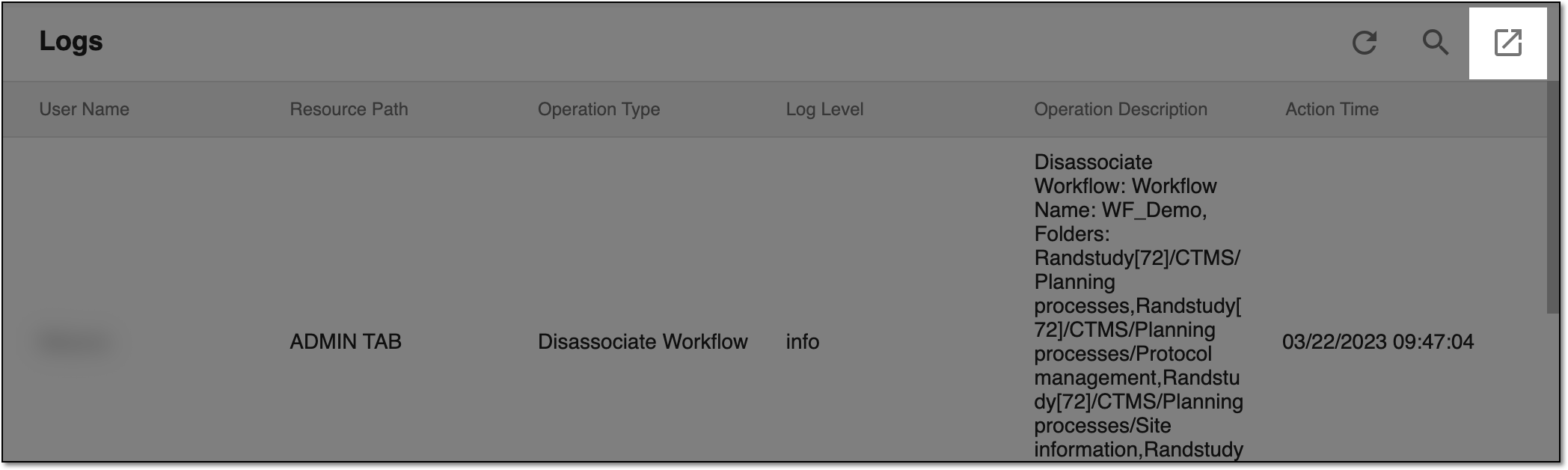 Figure 1. Exporting event log
Upon saving, the event log data is available on your local machine as a CSV file.