Confirm study decommissioning in ADMIN
Study decommissioning is the final stage of study management in the eClinical system. It refers to formally ending a trial once it has been completed, suspended, or terminated.
The decommissioning procedure involves multiple steps in different applications—CODING, EDC, eTMF, IWRS, and CTMS—as all data must be closed for amendments and prepared for the final stage. Once all applications are properly closed and the decommissioning is initiated in CTMS, you can confirm your action from the ADMIN application to notify the cloud team that they can start working on data archiving.
Important
Note that until you confirm study decommissioning in ADMIN, it can be revoked in CTMS and other applications can be opened for data amendment. However, once confirmed in ADMIN, the process is irreversible in the eClinical system.
-
In the ADMIN application header, select the REPORTS tab.
-
On the page that opens, from the left pane, select Study Decommissioning.
-
In the Study Decommissioning List table that appears, locate the study of your interest. Then from the Actions column next to it, select Study Decommissioning
 .
. Figure 1. Initiating study decommissioning confirmation
-
In the confirmation dialog that appears, select
 to proceed with your action.
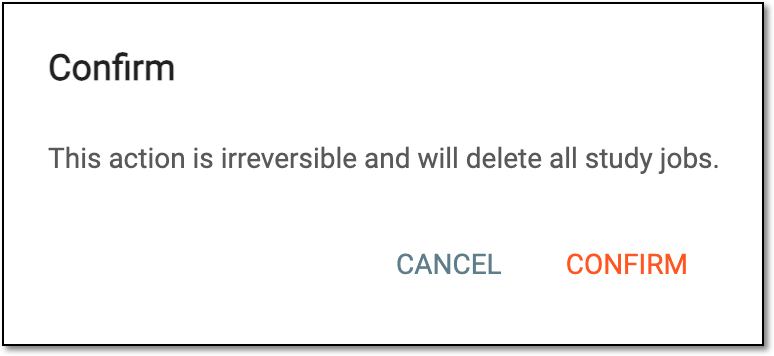 Figure 2. Confirming study decommissioning
Once confirmed, the study decommissioning status changes to Ongoing and the cloud team initiates data archiving and compilation of the study data package. When the cloud team's work is done, the study decommissioning status changes to Success.