Delete SDR result record
Source Data Review (SDR) refers to a comprehensive review of the collected data to evaluate its quality, consistency, and compliance with the study protocol, standard operating procedure, and regulatory requirements. During SDR, the CRA or data management team examines the data for completeness, accuracy, and compliance with the study protocol and regulatory requirements.
Under the SDR Result tab, you can track the SDR status on the reviewed source documentation. If some of the previously added SDR result records are now irrelevant, you can delete them at any time to keep the result list up-to-date.
-
In the EDC application header, select the STUDY INFO tab.
-
In the left pane of the page that opens, expand SDR and select the SDR Result tab.
-
In the SDR Result table that appears, select checkboxes next to the SDR result records that you want to remove.
-
Then from the workspace toolbar, select Delete
 .
. Figure 1. Selecting Delete option
-
In the Delete Item confirmation dialog that appears, select
 to remove the selected SDR result records from the list.
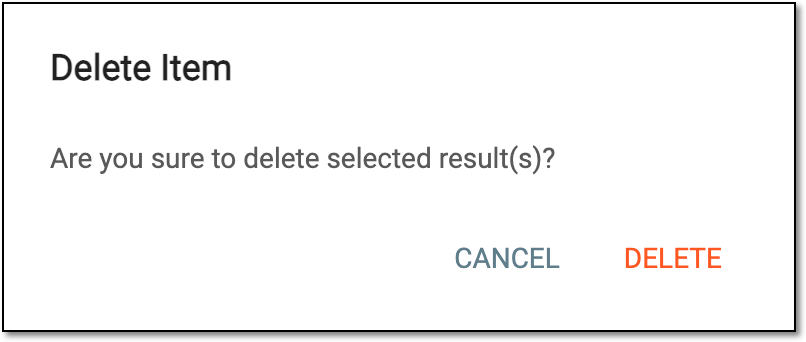 Figure 2. Deleting SDV result record
Once confirmed, the selected SDR result records are deleted.