Set recipients for failed API
At times, an API can fail when an external system calls it to interact with the eClinical system. Certain users need to be notified about the failed API. This helps them to acknowledge the matter so that they can take appropriate action. You can add certain users as recipients of the failed API, who are notified when the API fails.
-
In the ADMIN application header, select the REPORT tab.
-
On the page that opens, in the left pane, select External Gateway Logs.
-
In the External Gateway Logs page that appears, from the toolbar, select Set recipients for failed API calls
 .
. -
In the Set recipients for failed API calls dialog that appears, select the checkbox next to the user(s) or Select All to see the failed API recipients.
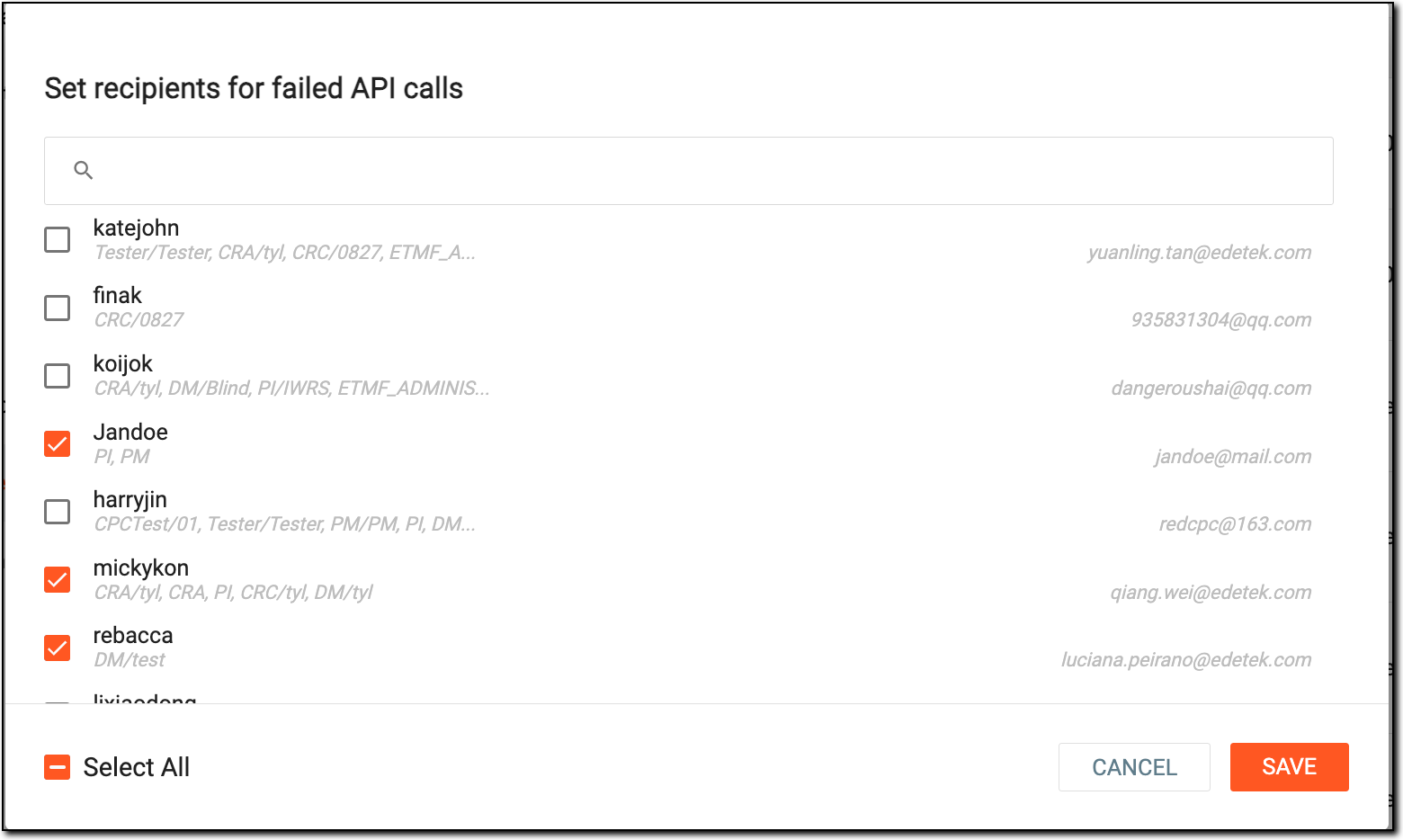 Figure 1. Selecting users as recipients for failed API calls
-
Select
 to save the implemented changes.
Once saved, the user or users are set as the recipients for failed API calls and are notified via mail when an API call fails.