Import user to user role
In the ADMIN application, a role is defined as the set of access permissions and characteristics provided to a certain group of users. Once a role is created, you can import users to a specific active role. A new user imported to a role has all the privileges accessible to the role.
To import a user to a user role
-
In the ADMIN application header, select the USER ROLES tab.
-
In the left pane of the page that opens, next to the needed role, select Add users
 .
. Figure 1. Selecting import user
-
In the Import users dialog that appears, select the users you want to import and click
 .
.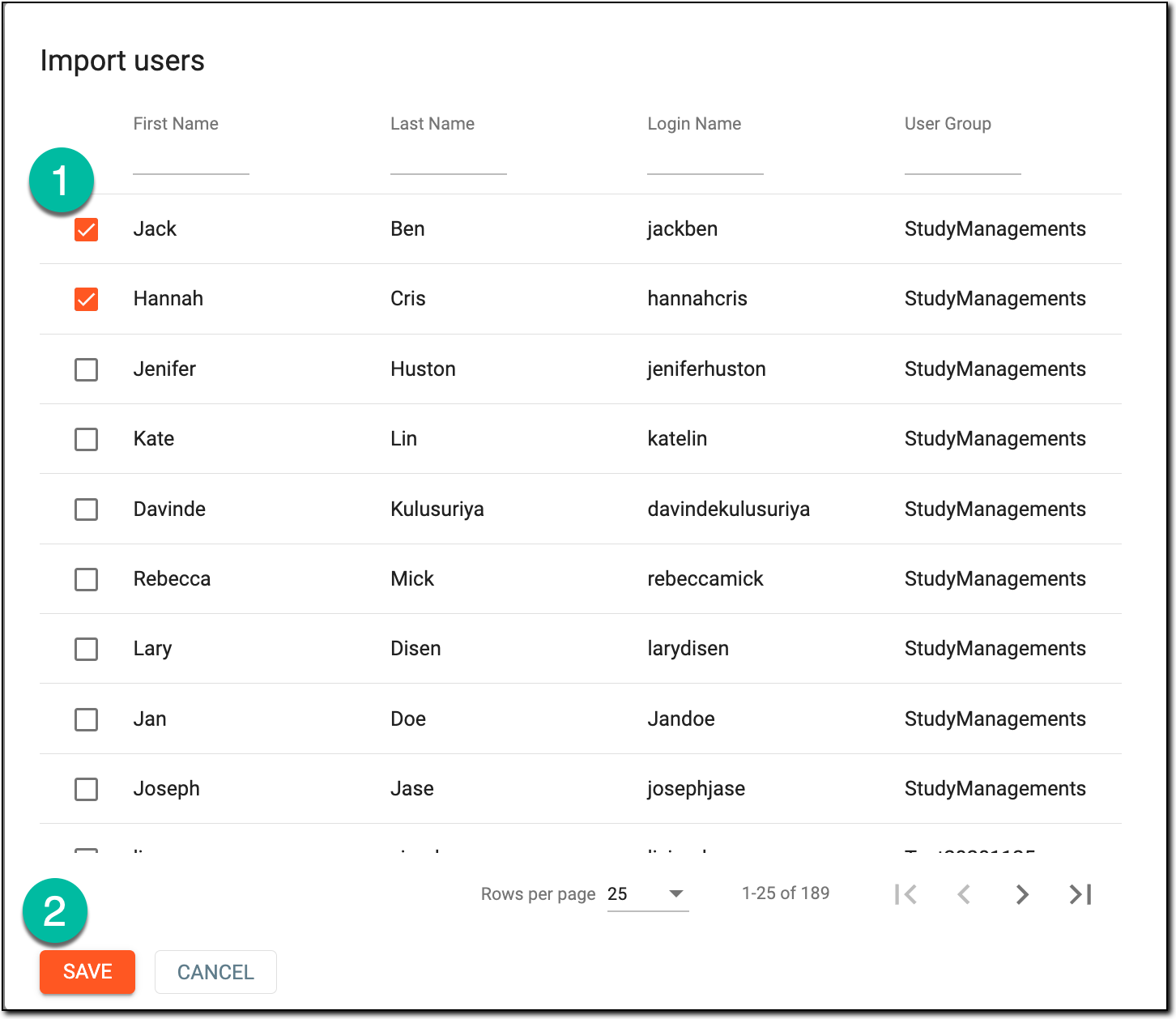 Figure 2. Importing users
Once saved, the selected users are imported to the role and granted all the associated privileges.