Delete user from user role
In the ADMIN application, a role is defined as the set of access permissions and characteristics provided to a certain group of users. For your convenience, you can delete a user from the role to restrict their access to the associated privileges.
To delete a user from the user role
-
In the ADMIN application, select the USER ROLES tab.
-
In the left pane that appears, select the role whose user you want to delete.
-
In the Users table that appears, next to the needed user, select Delete
 .
. Figure 1. Deleting user from role
-
In the confirmation dialog that appears, select
 to confirm the deletion.
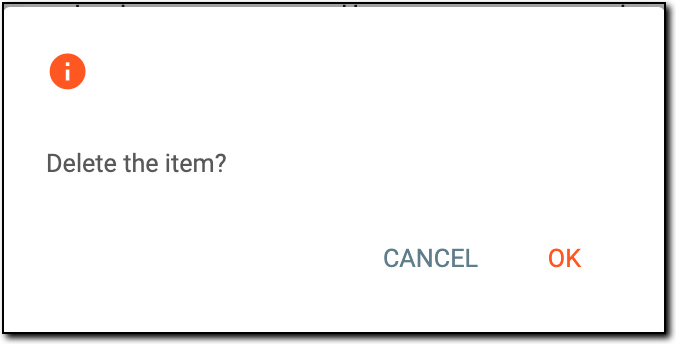 Figure 2. Confirming user deletion
Once confirmed, the user is deleted from the role and no longer has access to the privileges of that role.