Delete role
A role is defined as the set of access permissions and characteristics provided to a certain group of users and based on which they can use the eClinical system.
In the ADMIN application, you can delete a previously created user role if it becomes irrelevant and there is no further plans to associate users to it.
Important
You can only delete roles that have no users or user groups. Roles having users cannot be deleted.
To delete a role
-
In the ADMIN application header, select the ROLE tab.
-
On the Role management page that appears, next to the needed user role, select More
 >
Delete
>
Delete  .
. Figure 1. Deleting role
-
In the confirmation dialog that appears, select
 to proceed with the deletion.
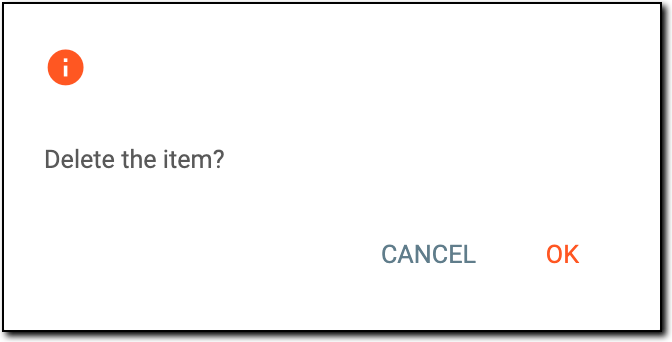 Figure 2. Confirming role deletion
Once confirmed, the role is deleted.