Enable/Disable arm codes for study
In the eClinical system, arms are configured and associated with specific treatments in the Study Designer (SD) application and then populated to IWRS for further subject allocation resulting from randomization activities.
In IWRS, there is an option to decide whether you want to utilize the arm code functionality or not. If the arm name is sufficient for your study, you can disable the arm code display, and it will not be visible anywhere in the system. On the contrary, to be able to set and see the unique arm identifiers along with the arm names, you can enable the arm code functionality.
-
In the IWRS application header, select the TREATMENT DESIGN tab.
-
On the page that opens, from the left pane, select the Arm subtab.
-
On the Arm page that opens, from the workspace toolbar, turn on or off the Show Arm Code toggle to enable or disable the arm code functionality, respectively.
 Figure 1. Enabling arm code functionality
-
In the confirmation dialog that opens, select
 .
.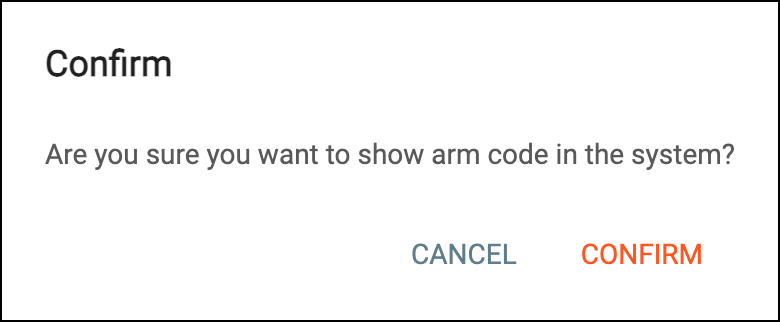 Figure 2. Confirming to show arm codes
Once confirmed, the arm code functionality is either enabled or disabled as per your configuration.