Create new data sheet revision
As per MHRA and EU Clinical Trial Directive, expectedness assessments for SUSARs must be performed using the version of IB/RSI in place at the time of occurrence (event onset date) of the suspected SAR.
Multiple data sheets can be configured for a product family. When required, a new version of a data sheet can be generated to reflect updates in product specifications, regulatory changes, or modifications in formulations to ensure that all stakeholders have access to the most current and accurate information.
Important
It is strongly recommended to add the terms to each revision according to RSI approved by a regulatory agency.
-
In the PV application header, select the PRODUCT tab.
-
On the page that opens, from the left pane, select the needed product family.
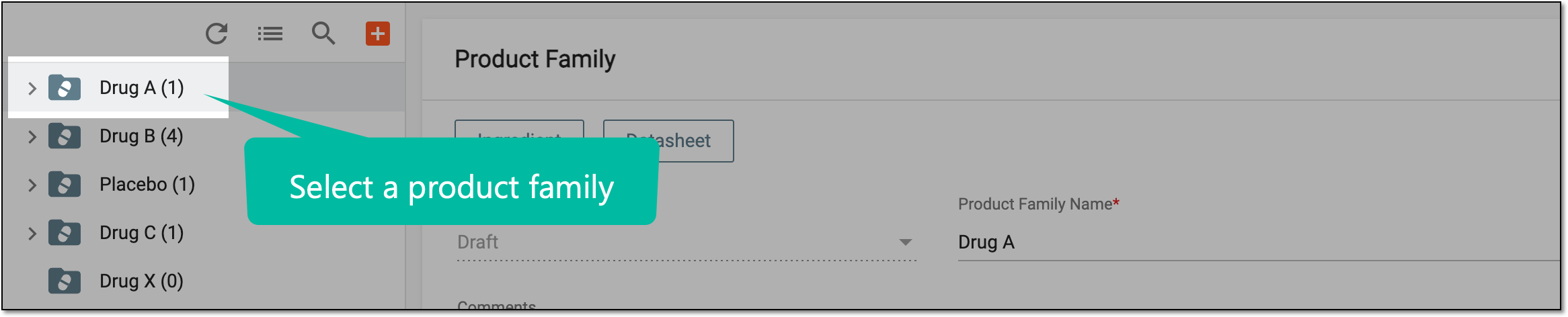 Figure 1. Selecting product family
-
On the Product Family form page that opens, go to the Datasheet block and select More
 > New Revision
  .
.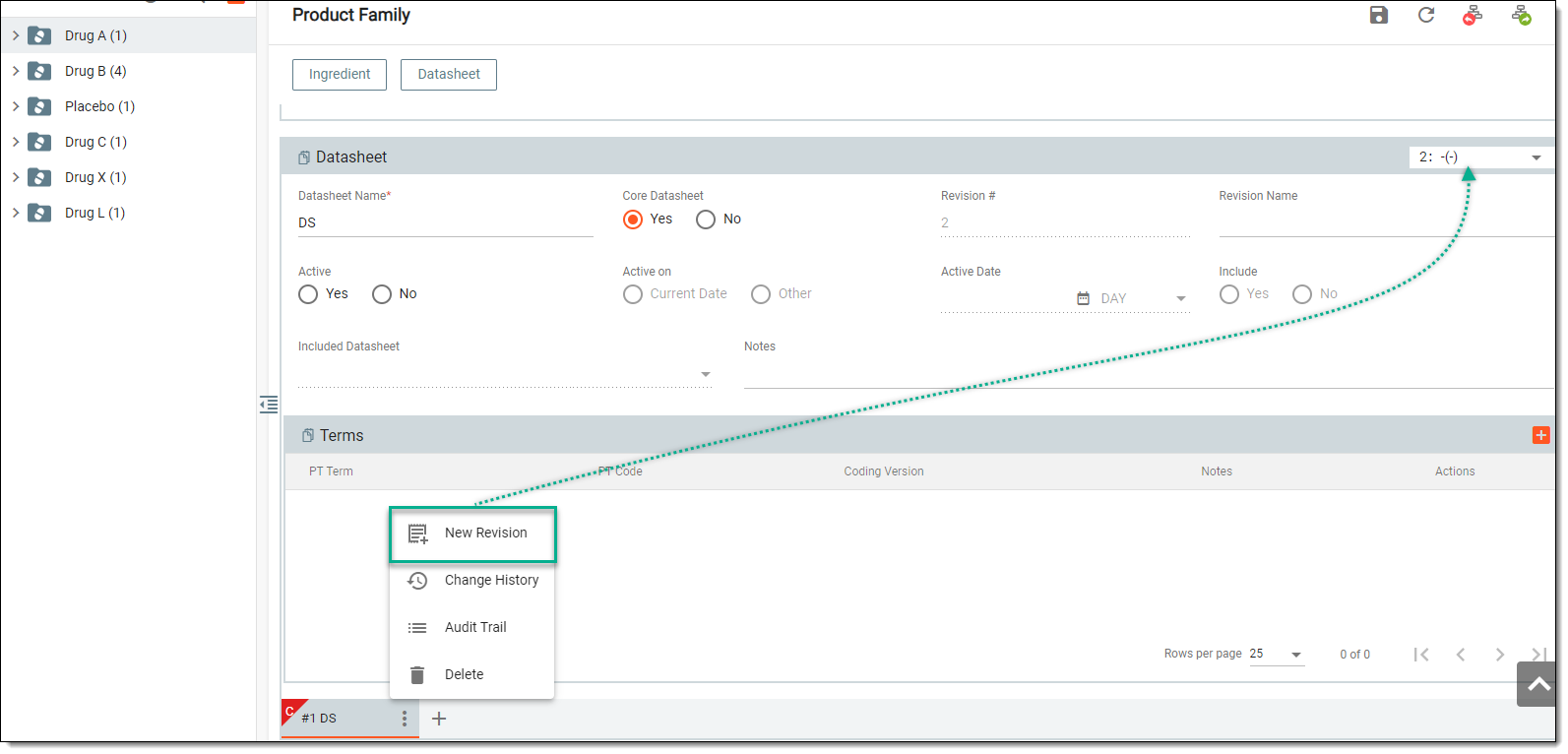 Figure 2. Creating new data sheet revision
-
In the Datasheet block, provide data sheet details and add new terms if needed for the generated revision version.
A new data sheet revision has been created.