View placeholders tracking report
A placeholder is a folder or container that is intended for storing artifacts such as study documents or records planned to be collected during a clinical trial. With these documents and records, you can evaluate the study conduct, the integrity and quality of trial data, and compliance.
The creation and management of placeholders are recorded by the system in a separate report. In this report, you can track whether artifacts have already been added to placeholders, still pending to be added, and many other details pertaining to placeholder monitoring.
-
In the eTMF application header, select the TMF tab.
-
In the Study List table that appears, select the needed study.
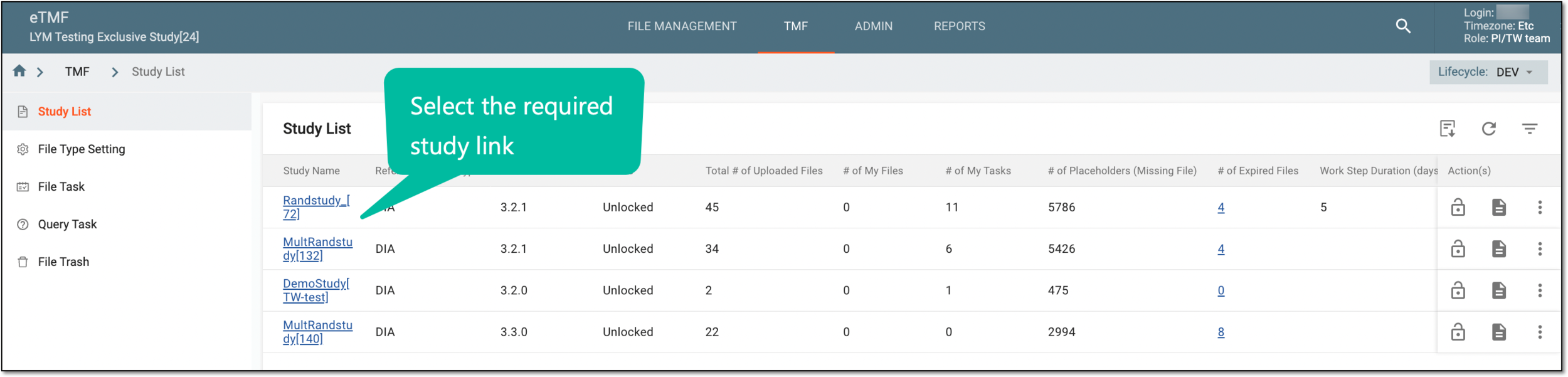 Figure 1. Selecting study
-
In the left pane of the page that opens, select Study Details > Placeholders Tracking.
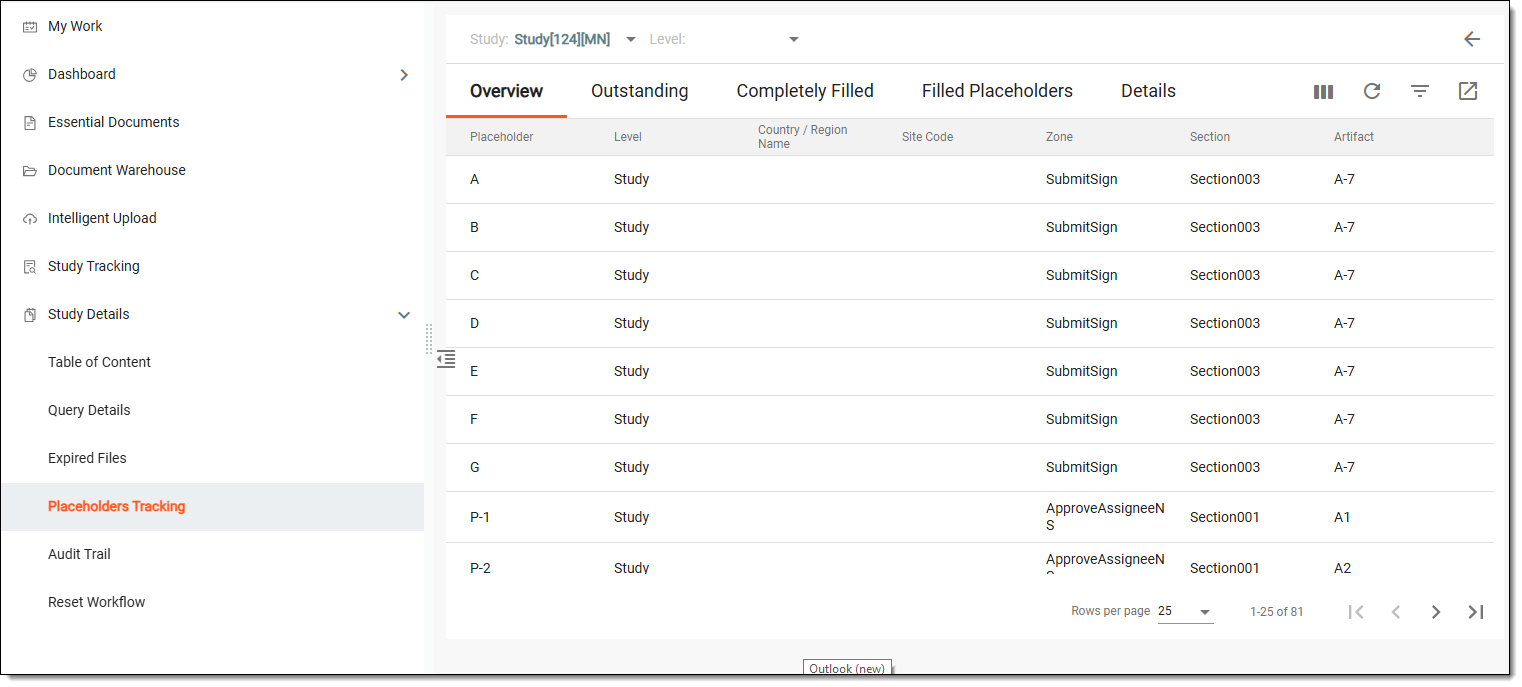 Figure 2. Placeholders tracking page
-
On the page that opens, view the placeholder tracking report in the following tabs:
Tip
From the table toolbar, you can sort the placeholder data for all tabs by study, country, or site.
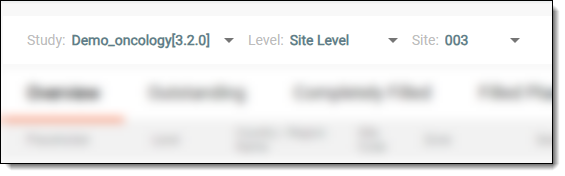 Figure 3. Sorting placeholder data
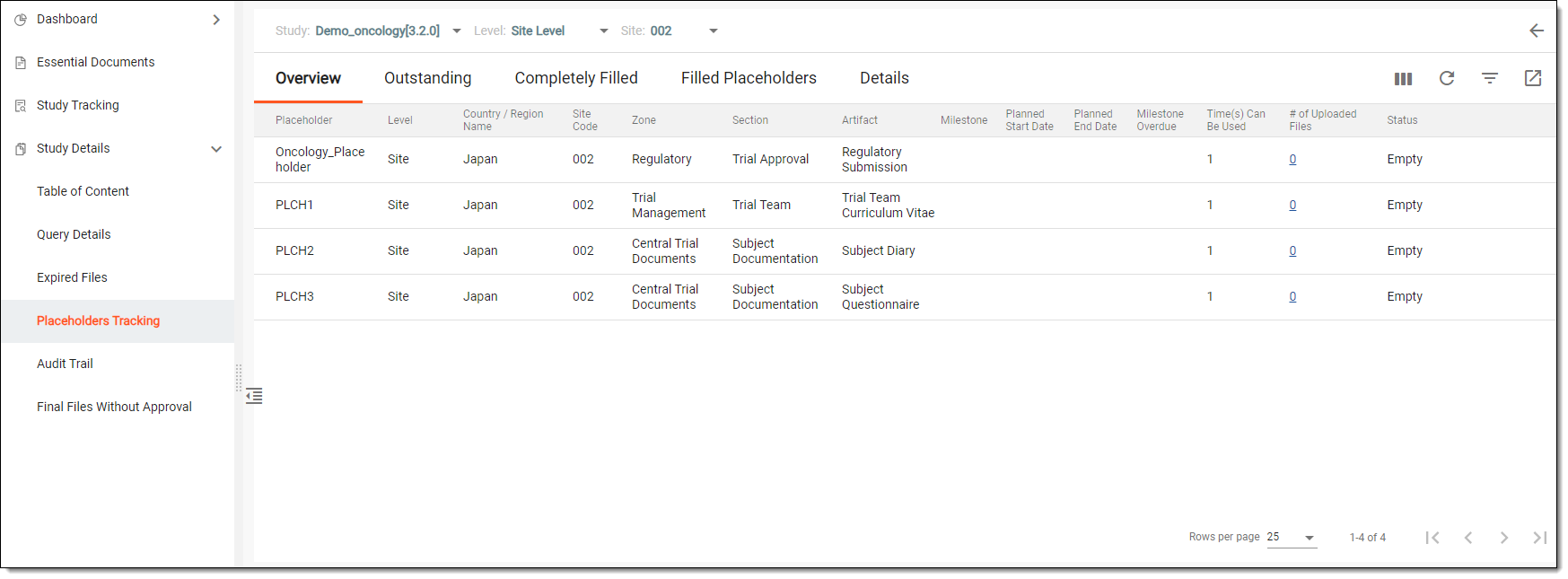
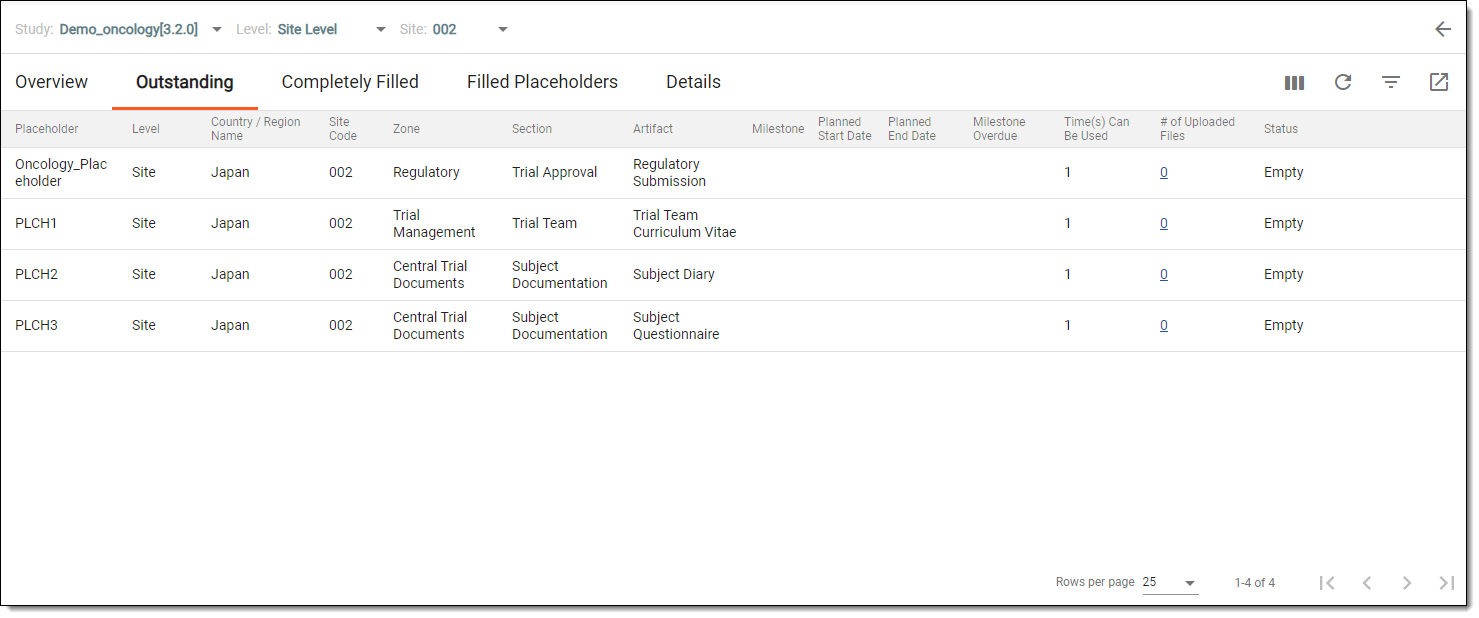
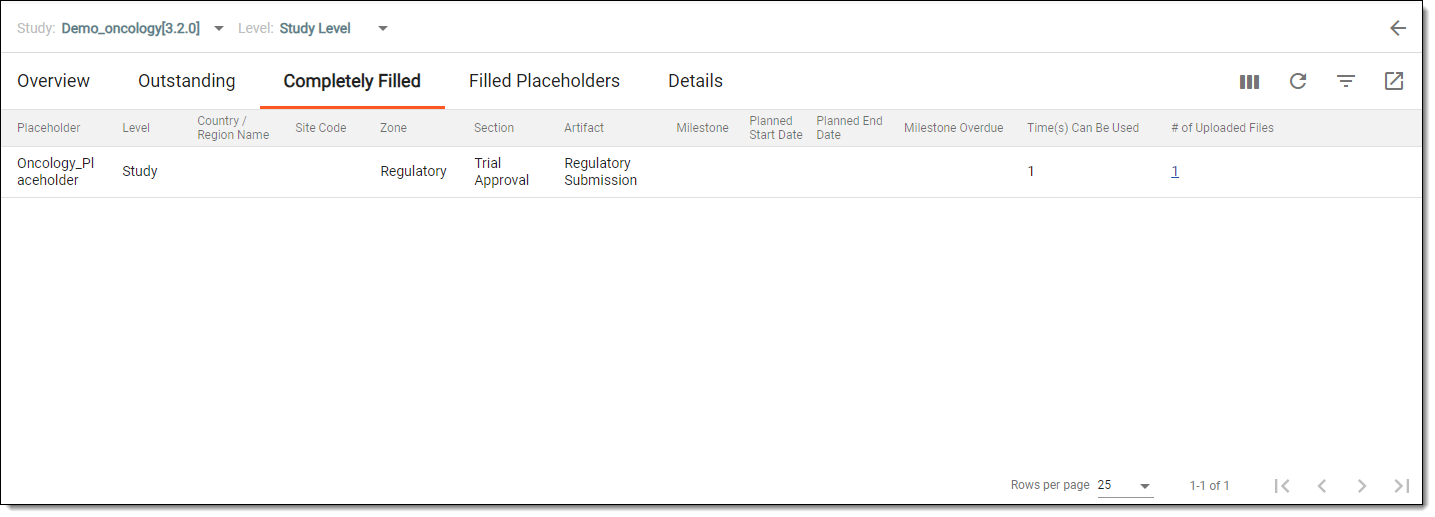
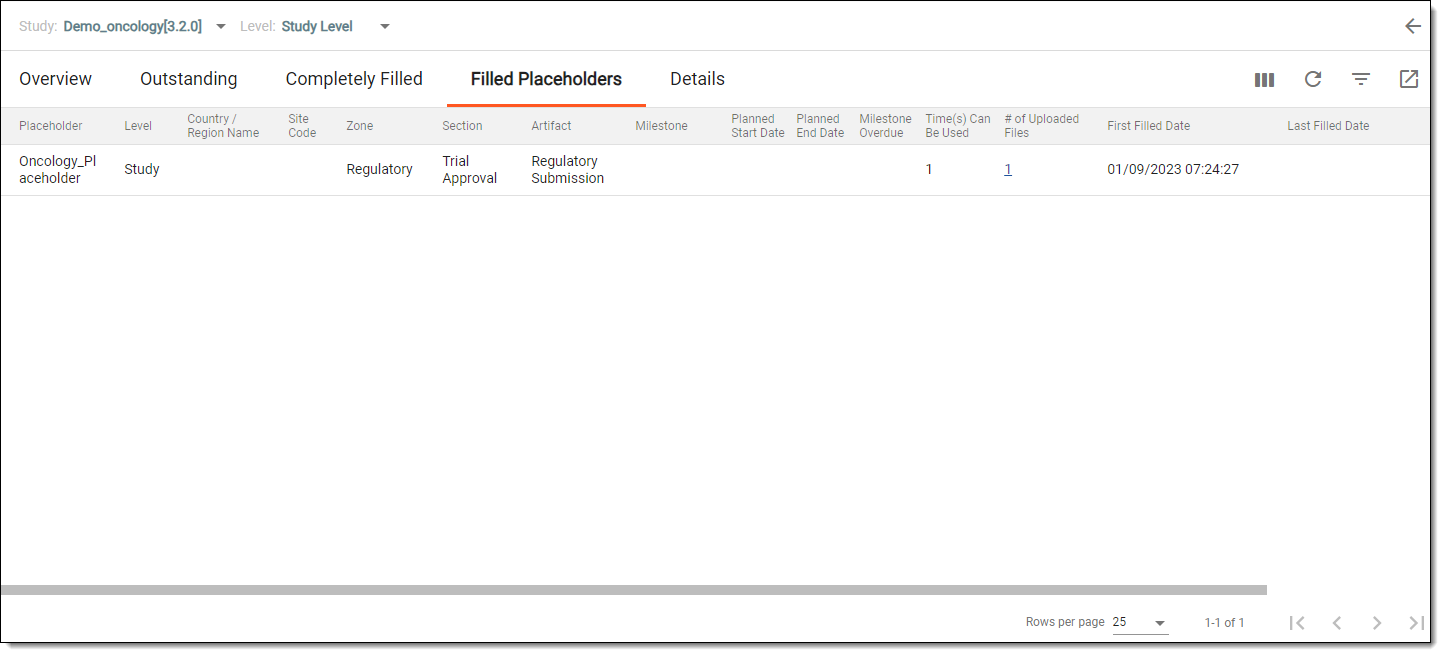
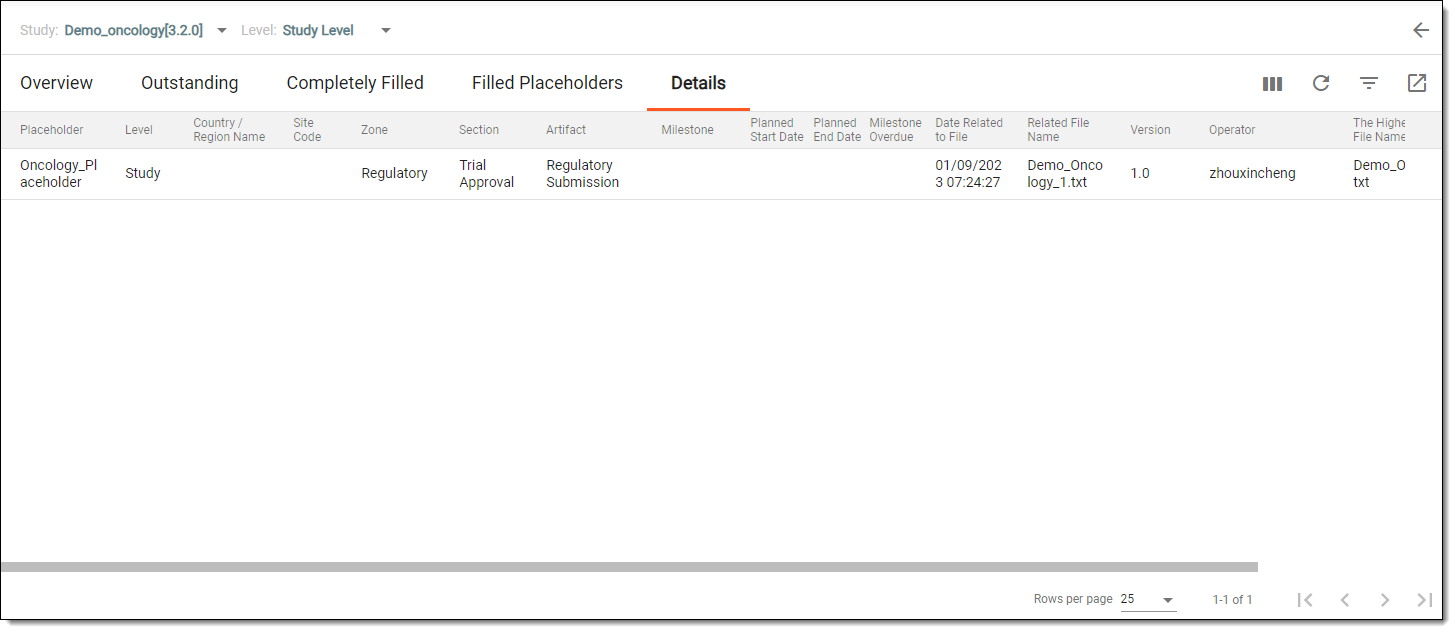
You have viewed the placeholder tracking report for your study. You can also export this report to your computer.