Delete product family
In PV, every company product should belong to a product family which is a group of products that share the same key ingredient and data sheets but can have a different concentration for the active ingredient.
The previously added product family can be deleted if no longer valid.
Important
By deleting a product family, you delete the product(s) and license(s) within.
To delete a product family
-
In the PV application header, select the PRODUCT tab.
-
On the page that opens, in the left pane, right-click the product family that you want to delete.
-
From the expanded menu, select Delete
 .
.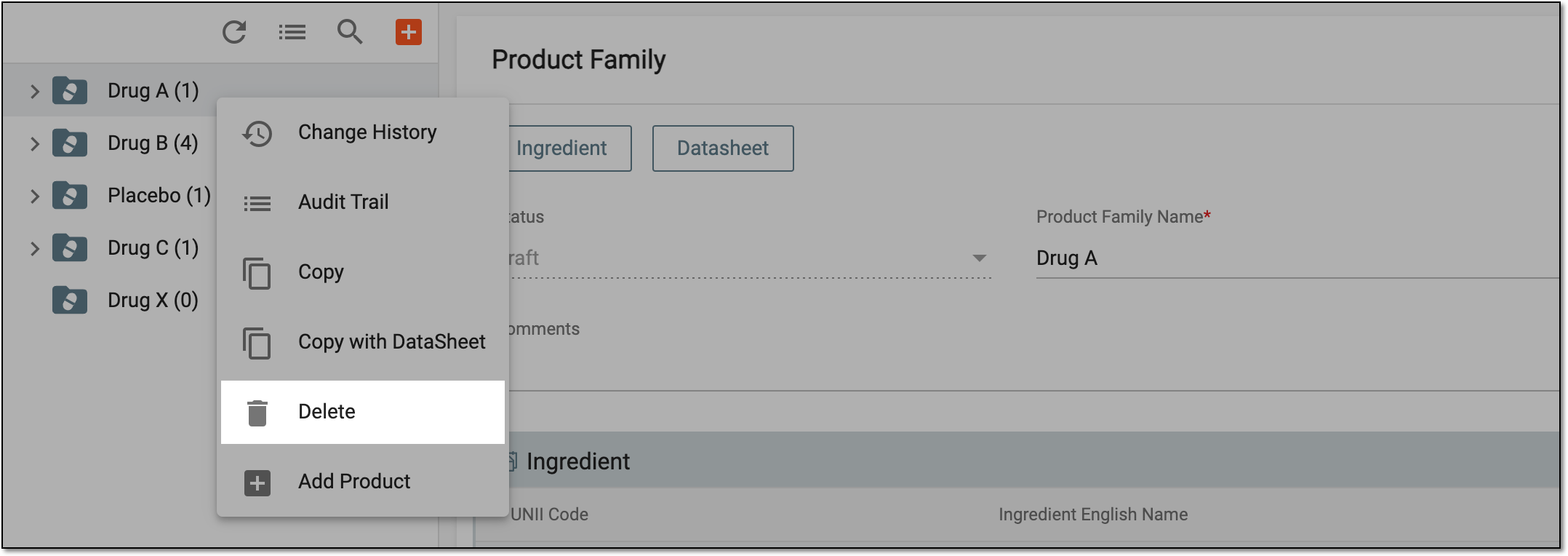 Figure 1. Deleting product family
-
In the dialog that appears, select
 to confirm the deletion.
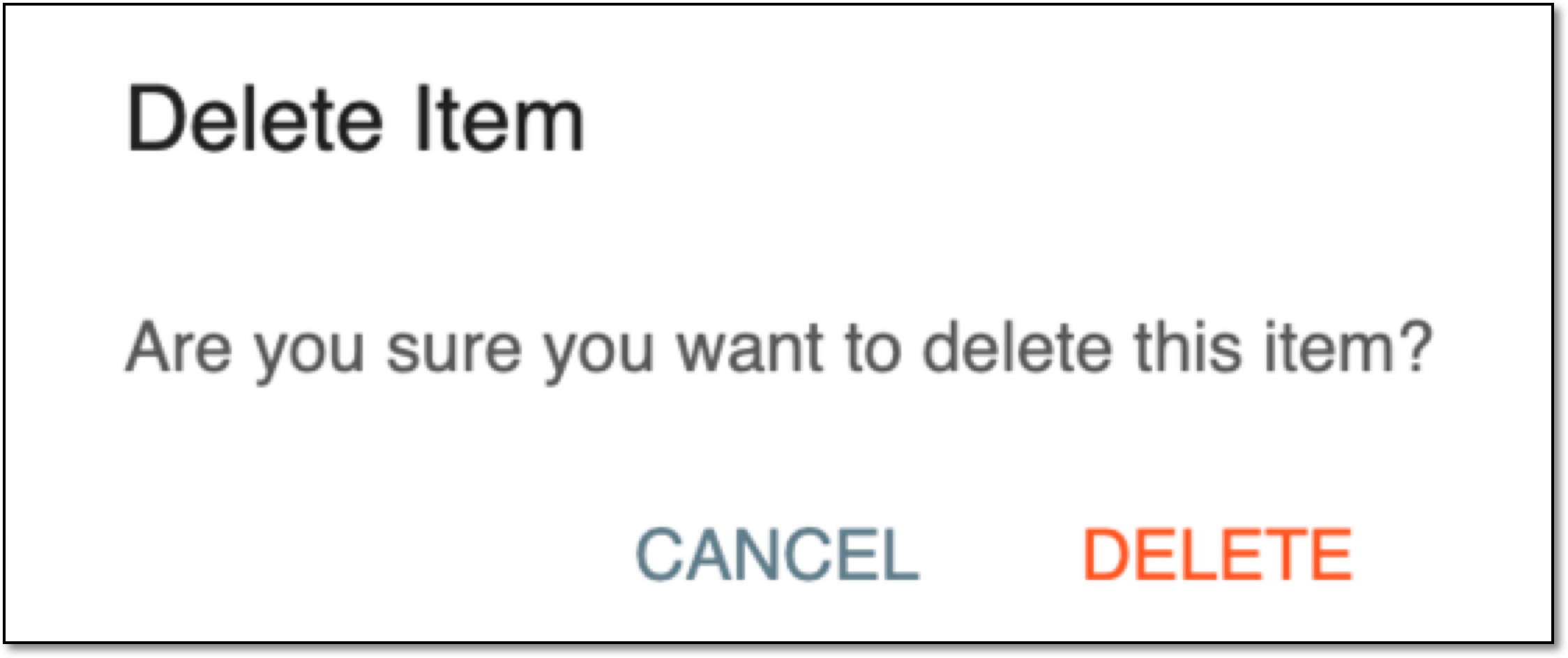 Figure 2. Confirming to delete product family
Once confirmed, the product family is deleted along with the products and licenses within.