Reverse subject discontinuation
If you have previously discontinued certain CRFs associated with a specific subject, their individual pages, or the entire subject, you may reverse this action in case the discontinued CRFs or subject must rejoin the study.
-
In the EDC application header, select the STUDY INFO tab.
-
On the page that opens, in the left pane, expand the Subject option.
-
In the menu that appears, select the Subject Information subtab.
-
In the Subject List table, next to the needed previously discontinued subject, select More
 > Reverse
  .
. -
In the Reverse Reason dialog that opens, enter the reason for reversing the discontinuation and select
 .
.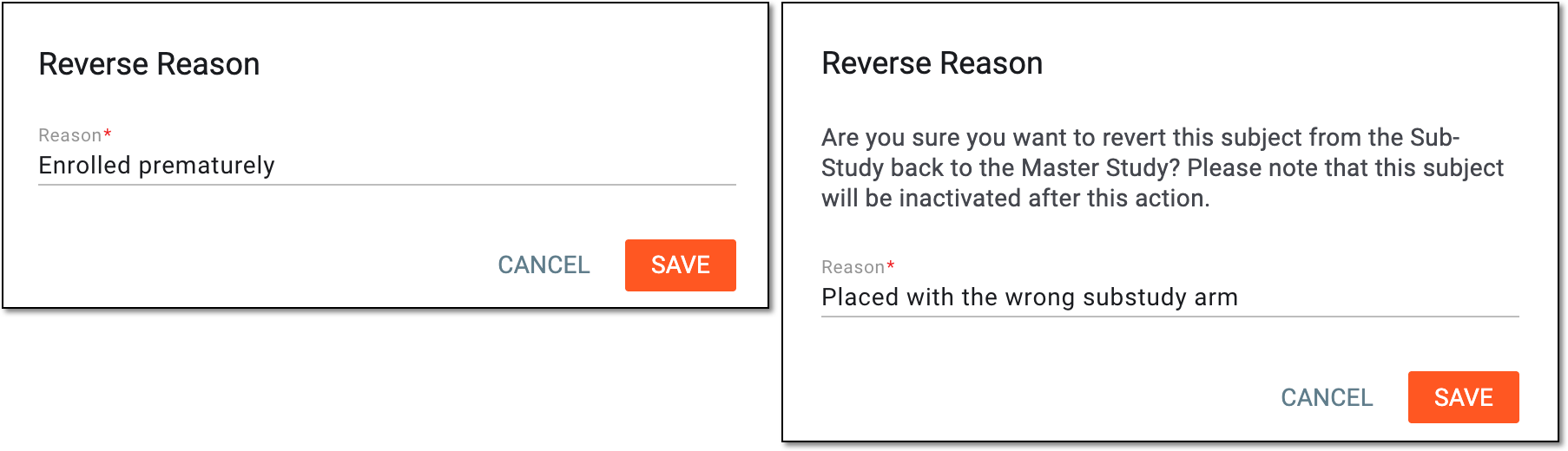 Figure 1. Reversing discontinuation
Once saved, the discontinuation is reversed. You can use this subject for data entry again.
Also, the phase(s) that was previously missing for this subject in the Subject List table grid becomes available again. The phase(s) appears in the table grid and can be manually changed indicating that the subject can participate in the clinical trial again.