View predictive window operation history
In IWRS, the supply plans are created to automate shipment requests and simplify the item (drug) delivery process for sites.
With the Predictive Window functionality, you can also configure the system to assess the upcoming dispensations within a specific time frame and calculate and request the items to suffice for all the dispensations. Moreover, you can configure the study-level time frames for all sites or generate specific configurations for different countries. To keep track of all the changes in the predictive window configurations, use the Operation History option.
-
In the IWRS application header, select the TREATMENT DESIGN tab.
-
From the left pane, select the Supply Setting subtab.
-
On the page that opens, from the contents panel, select the Predictive Window tab.
-
From the workspace toolbar, select Operation History
 .
.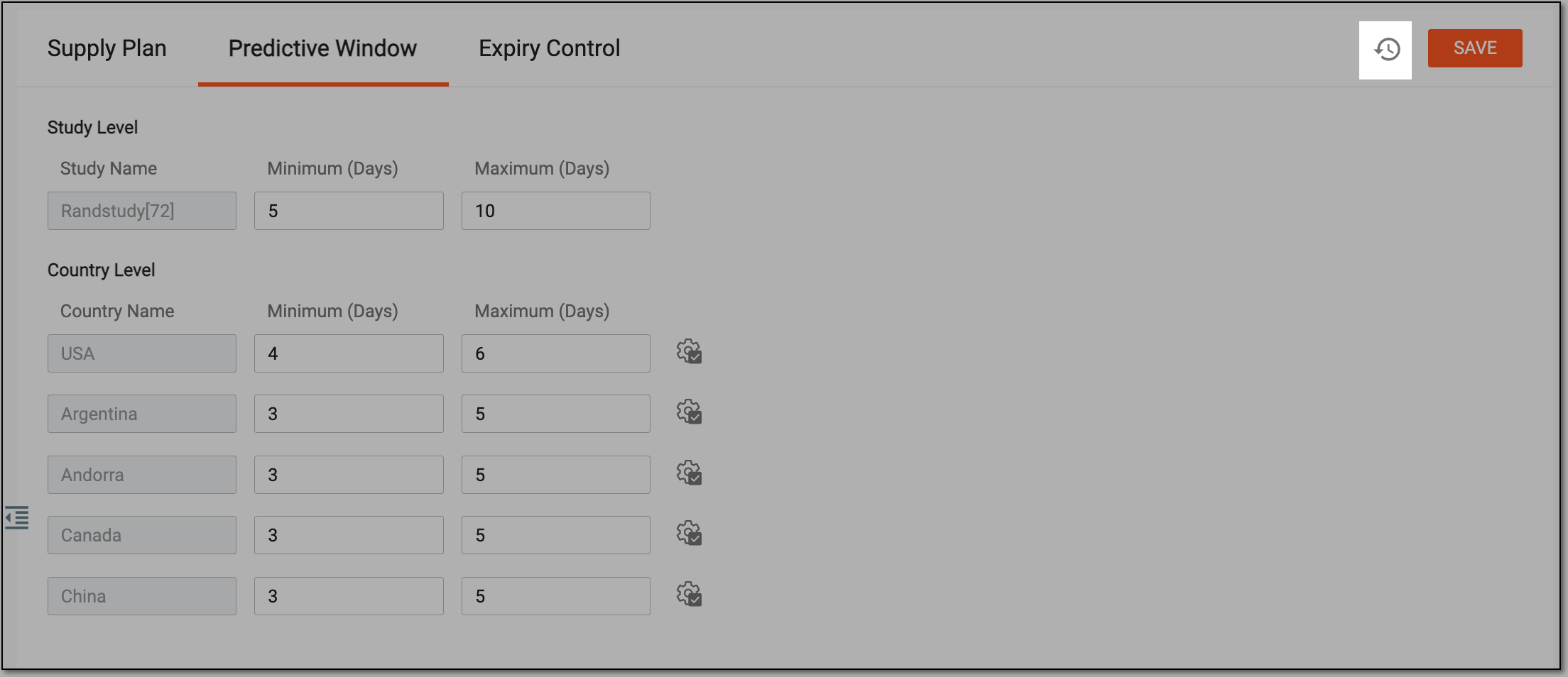 Figure 1. Operation History option
-
In the Operation History dialog that opens, review the complete log of all the actions performed on the predictive window configurations, who performed them, and when.
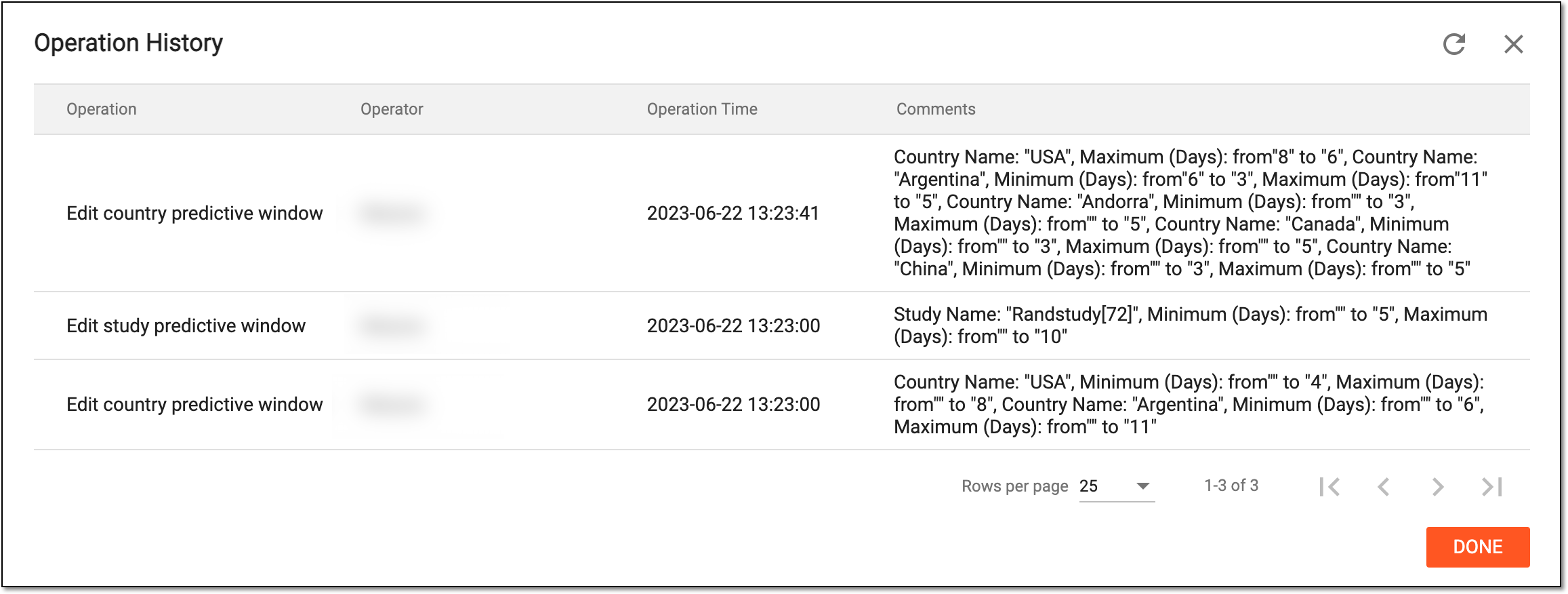 Figure 2. Viewing predictive window operation history
-
Select
 to close the dialog.
You have viewed the history of changes in the predictive window configurations. After the dialog is closed, you are redirected to the Predictive Window page.