Card grid
In some applications of eClinical, the contents panel presents the data in the card view. Each card displayed in the card grid displays the key application data either in textual form or via graphical representation tools, such as graphs, bar charts, and others.
This type of contents panel usually consists of the elements as depicted and explained as follows.
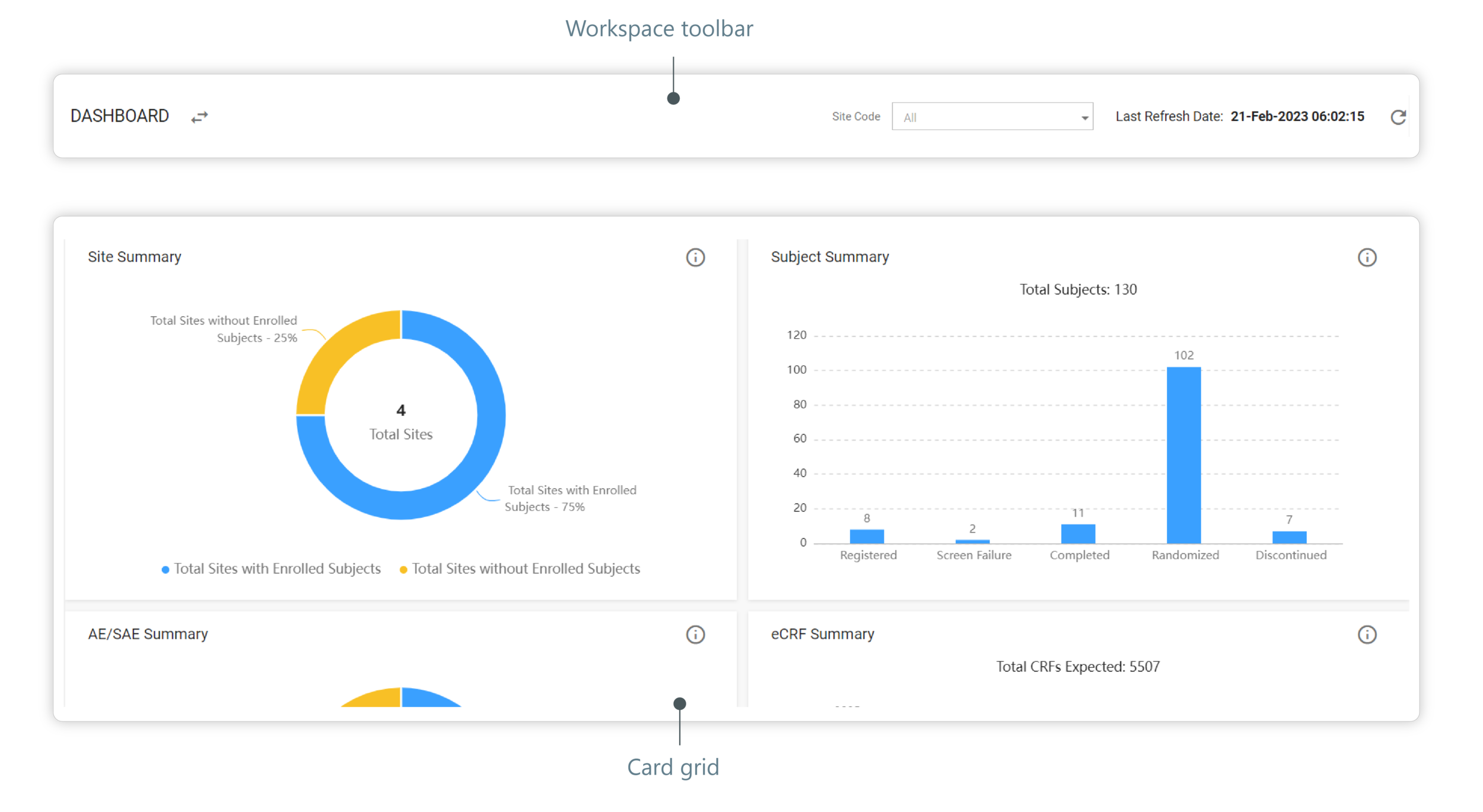
Figure 1. Card grid contents panel elements
-
Workspace toolbar: this element presents information about the data displayed in the contents panel.
-
Card grid: this element contains cards displaying charts or graphs. In some cases, as shown in the following figure, the cards can contain entities with their characteristics and attributes that can be sorted in accordance with your needs.
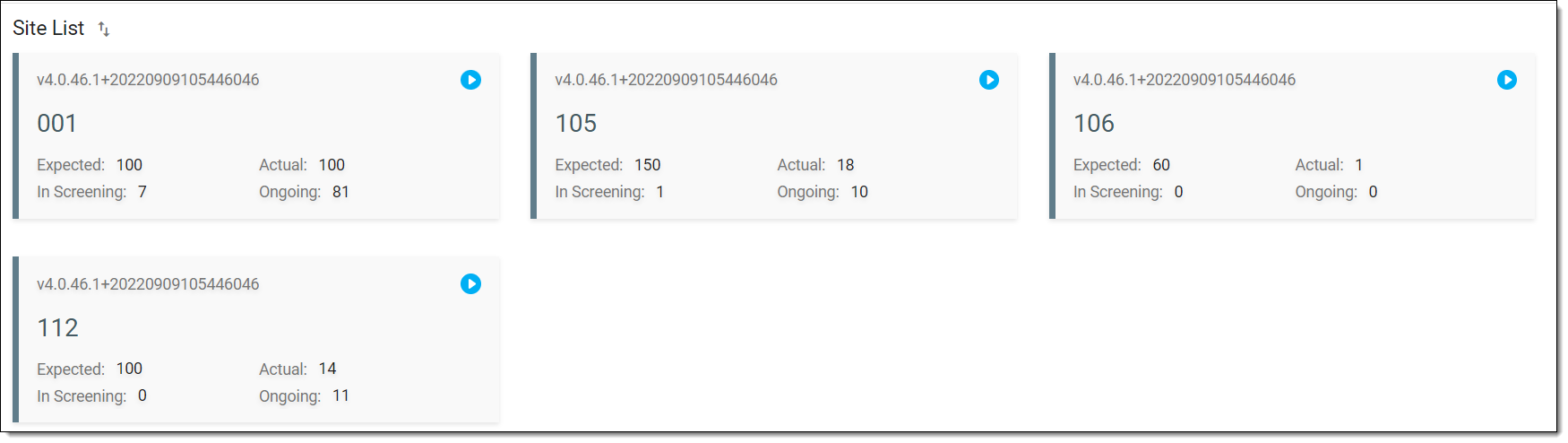 Figure 2. Card grid displaying entities