Edit investigational product
With CTMS, you can update information about a certain investigational product that has already been added to the system, if needed. For example, you can change the compound name of an investigational product or update its formulation.
-
In the CTMS application header, select the ENTITY MANAGEMENT tab.
-
On the page that opens, in the left pane, select Investigational Product.
-
On the Investigational Product page that opens, next to the needed investigational product record, in the Actions column, select
 .
. -
In the Edit form that opens, make the required changes. These fields are identical to the ones explained in the table of the Add investigational product to CTMS section.
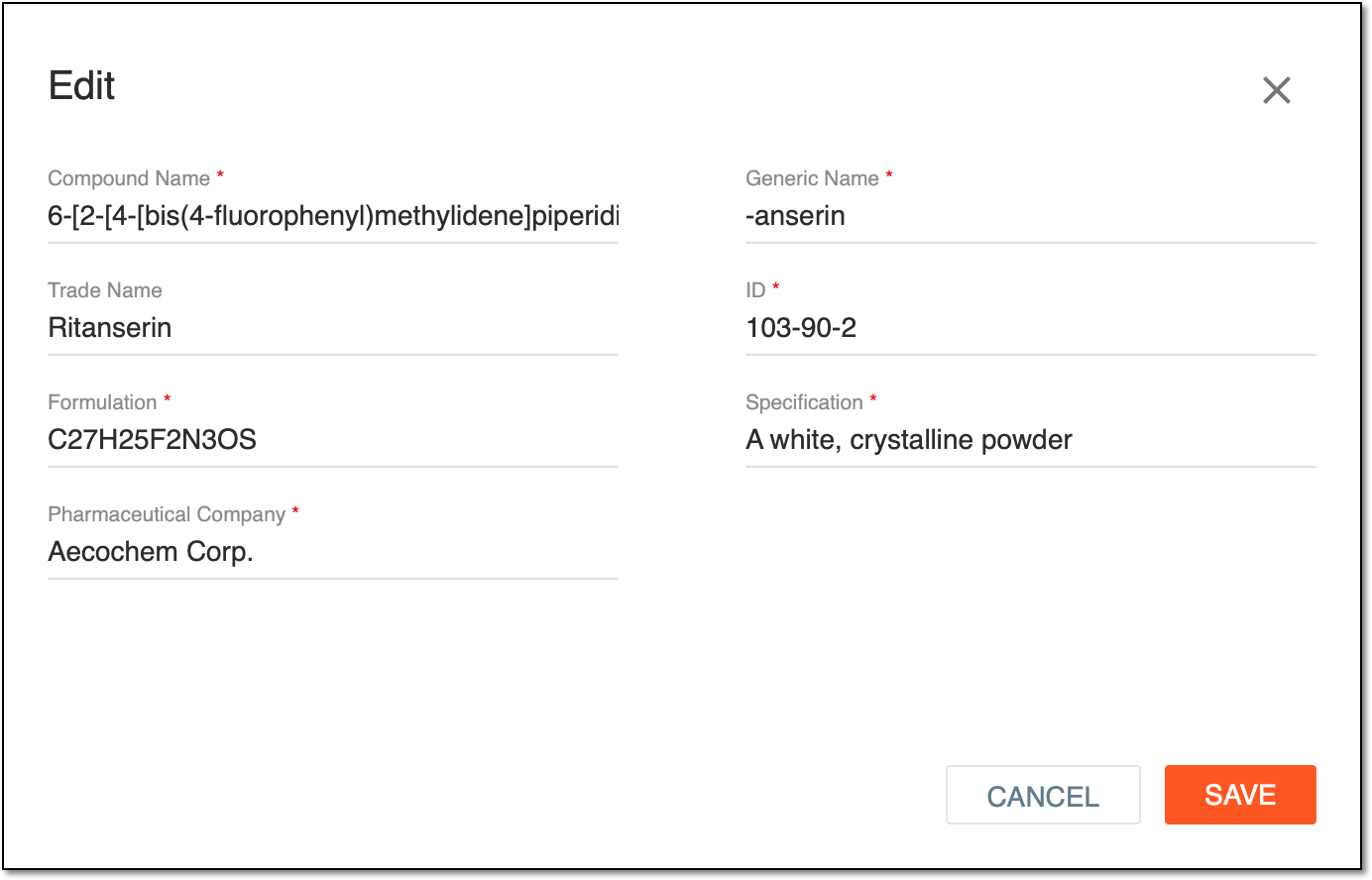 Figure 1. Updating investigational product details
-
Select
 .
.
Once saved, the investigational product details are updated.