Delete data extraction jobs
Jobs are automated processes that can be set up in EDC to perform various tasks by triggering them manually or by schedule.
However, during your clinical trial management, your needs and arrangements might change, making certain previously created jobs obsolete. You can delete any job when and if the job is not required anymore.
Important
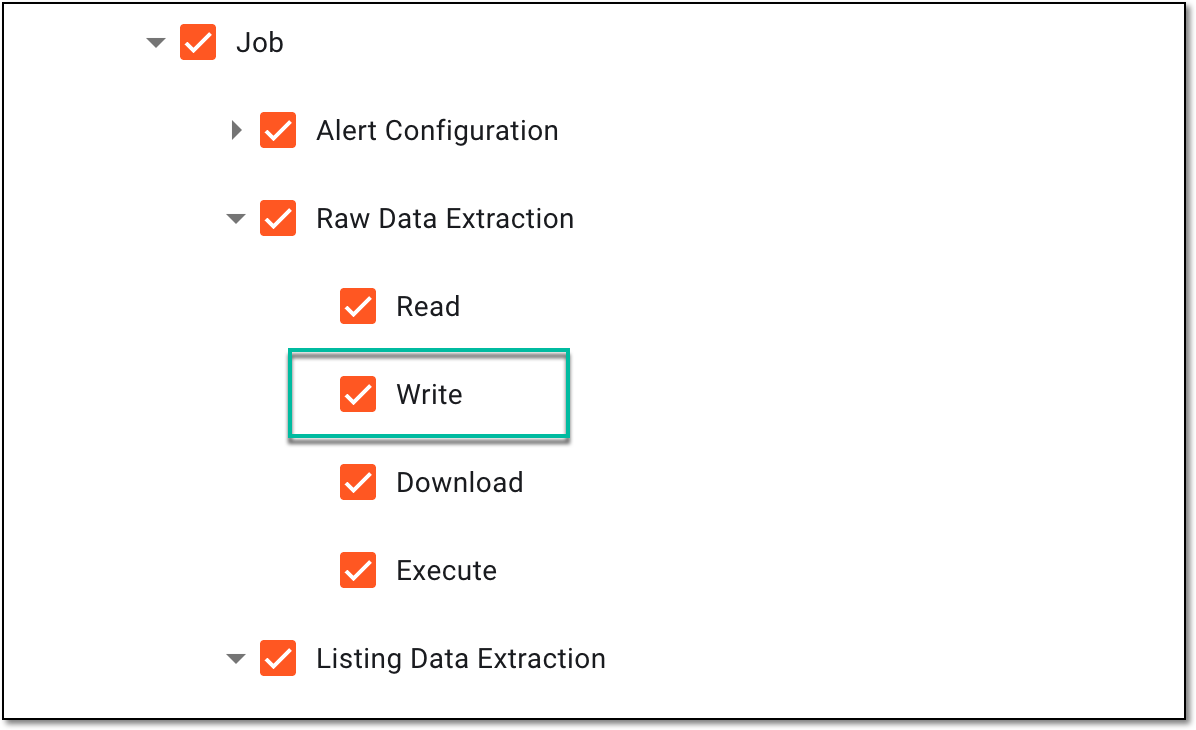
To delete the job, you must have the Write permission for the respective job category granted to your user role via ADMIN.
 |
-
In the EDC application header, select the JOB tab.
-
In the left pane of the page that opens, select the tab representing the needed data extraction category.
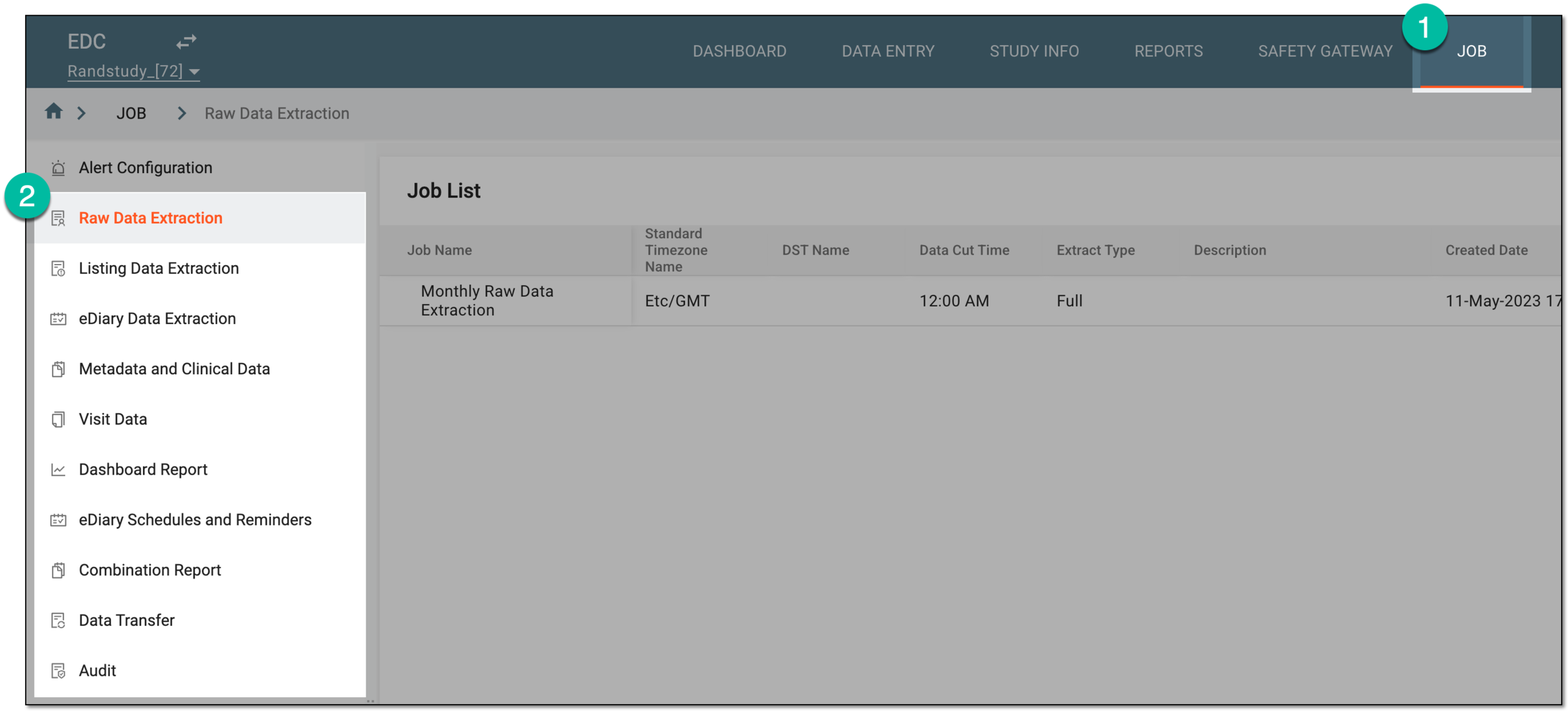 Figure 2. Accessing data extraction job configuration
-
On the page that opens, in the Job List table, locate the job that you want to delete. Then in the Actions column next to it, select More
 > Delete
  .
.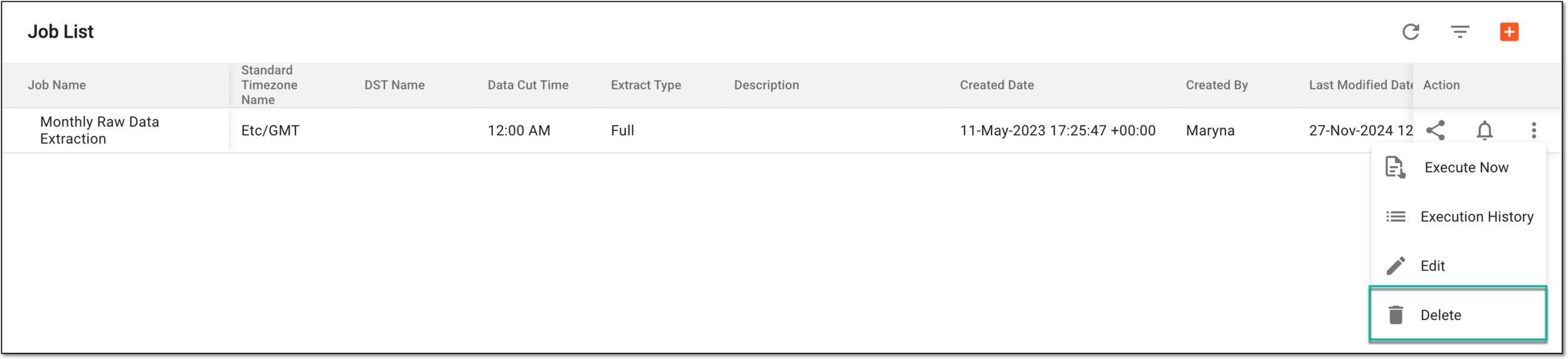 Figure 3. Deleting data extraction job
-
In the Delete Item confirmation dialog that appears, select
 to confirm the job deletion.
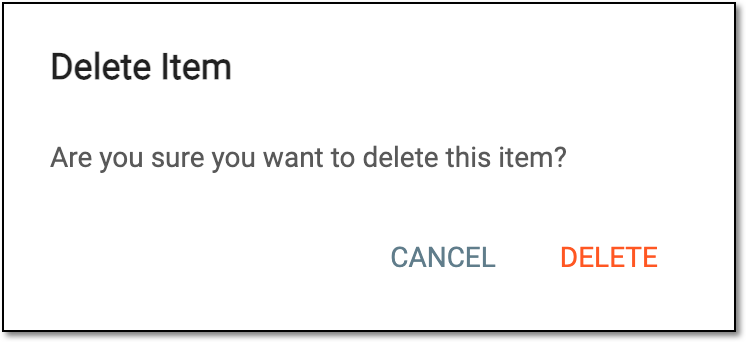 Figure 4. Confirming data extraction job deletion
Upon confirmation, the data extraction job is deleted and removed from the Job List table.