Delete adjudication group
In the EDC application, under the STUDY INFO > Adjudication Settings subtab, you can view a list of existing adjudication groups and manage them as per your business needs. If any of the groups are no longer needed for your study, you can delete them to keep the list up-to-date.
-
In the EDC application header, select the STUDY INFO tab.
-
On the page that opens, in the left pane, select the Adjudication > Adjudication Settings subtab.
-
On the Adjudication Settings page that opens, in the table, locate the adjudication group of your interest and next to it, select Delete
 .
. -
In the Delete Item confirmation dialog that appears, select
 to delete the adjudication group.
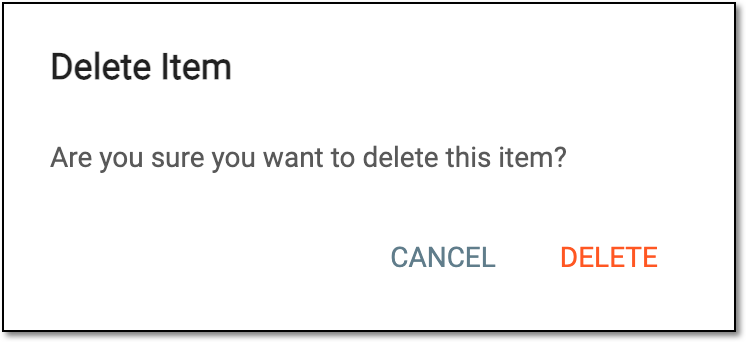 Figure 1. Deleting adjudication group
Upon deletion, the adjudication group is removed from the Adjudication Group table.