Edit adjudication settings group
In a clinical trial, all medical claims must be evaluated by an adjudicator to decide whether they are valid.
In the EDC application, under the STUDY INFO > Adjudication Settings subtab, you can view a list of existing adjudication groups and edit them as per your business needs.
-
In the EDC application header, select the STUDY INFO tab.
-
On the page that opens, in the left pane, select the Adjudication > Adjudication Settings subtab.
-
On the Adjudication Settings page that opens, in the table, locate the adjudication group of your interest and next to it, select Info
 .
. -
On the Detail page that opens, update the form fields as explained in the New adjudication group form elements table of the Add adjudication settings group section.
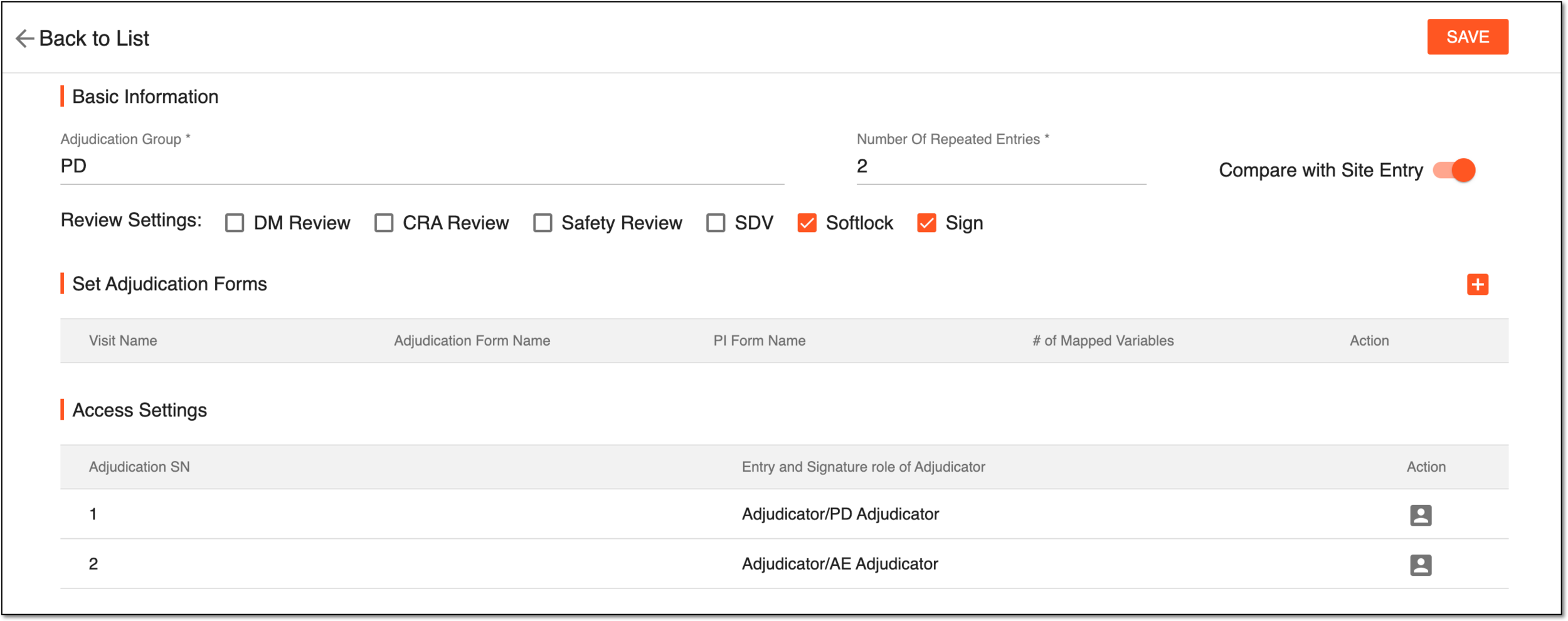 Figure 1. Editing adjudication group
-
Select
 to save the implemented changes.
To discard the changes without saving and return to the Adjudication Settings page, select Back to List
 .
.
Upon saving, the adjudication group is updated.