Property define
Under the Property Define tab, you can define the subject phase properties that can be set when the subject enters this phase.
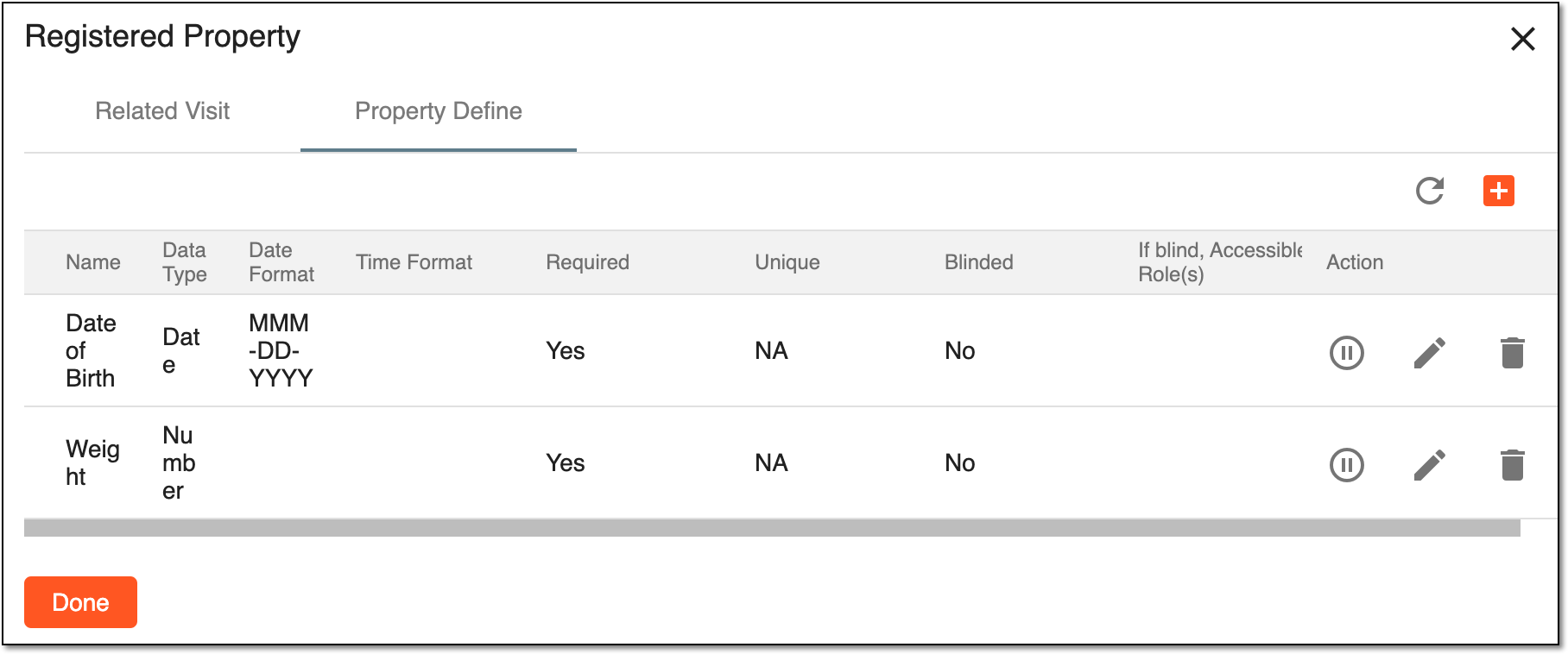
Under this tab, you can perform the following actions with the properties:
-
Activate
 : in the Actions column, select this icon to activate the inactive
property.
: in the Actions column, select this icon to activate the inactive
property. -
Inactivate
 : in the Actions column, select this icon to inactivate the active
property.
: in the Actions column, select this icon to inactivate the active
property. -
Edit
 : in the Actions column, select this icon to edit the property. Upon selection,
the fields become editable. Apply the needed changes and select
: in the Actions column, select this icon to edit the property. Upon selection,
the fields become editable. Apply the needed changes and select  to save them.
 -
Delete
 : in the Actions column, select this icon to delete the property.
You can also add a new property to the subject phase.
A specific phase that a subject has to complete in the course of a clinical trial to move further to the next phase. For instance, Screening, Enrolled, Randomized, and others.
 |
In eClinical, subject phases are designed individually for each study via the SD application, although they are referenced in others, like IWRS or EDC.