Edit tag
In IWRS, tags are used to make an important memo or stress out some useful information about the item. At any time, you can edit an already existing tag and update its name or description.
To edit a tag
-
In the IWRS application header, select the TREATMENT DESIGN tab.
-
In the left pane, select the Tag subtab.
-
In the Tag List table, locate the needed tag and next to it, select Edit
 .
.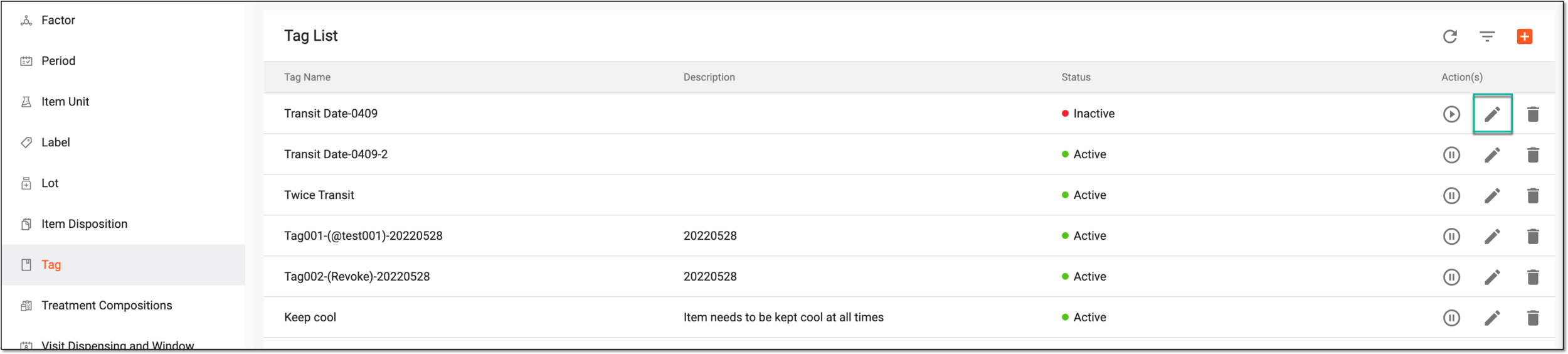 Figure 1. Selecting to edit tag
-
In the Edit dialog that opens, update the tag name and descriptions and select
 .
.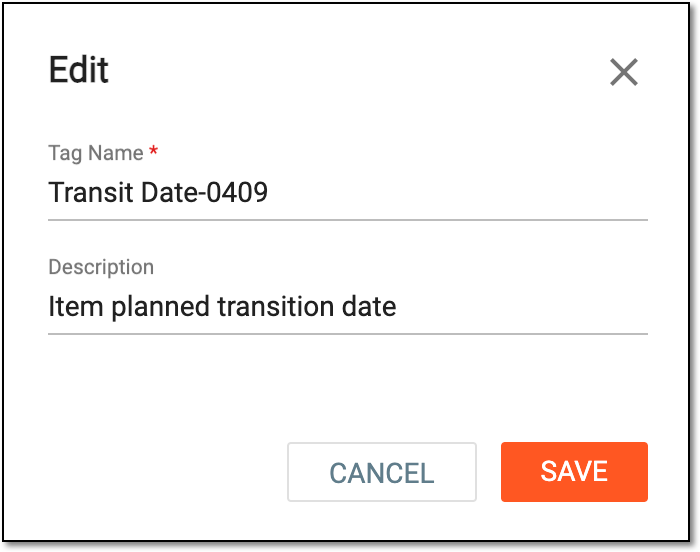 Figure 2. Editing tag
Upon saving, your changes are applied and an updated tag can be viewed in the Tag List table. You can also activate/inactivate a tag.