Delete delayed shipment alert
In IWRS, you can create alerts to notify the personnel in charge of the shipment delay. In case such alert becomes irrelevant, you can delete it from the system, thus, ceasing any related notifications.
To delete a delayed shipment alert
-
In the IWRS application header, select the ALERT tab.
-
In the left pane of the page that appears, select Delayed Shipment Alert.
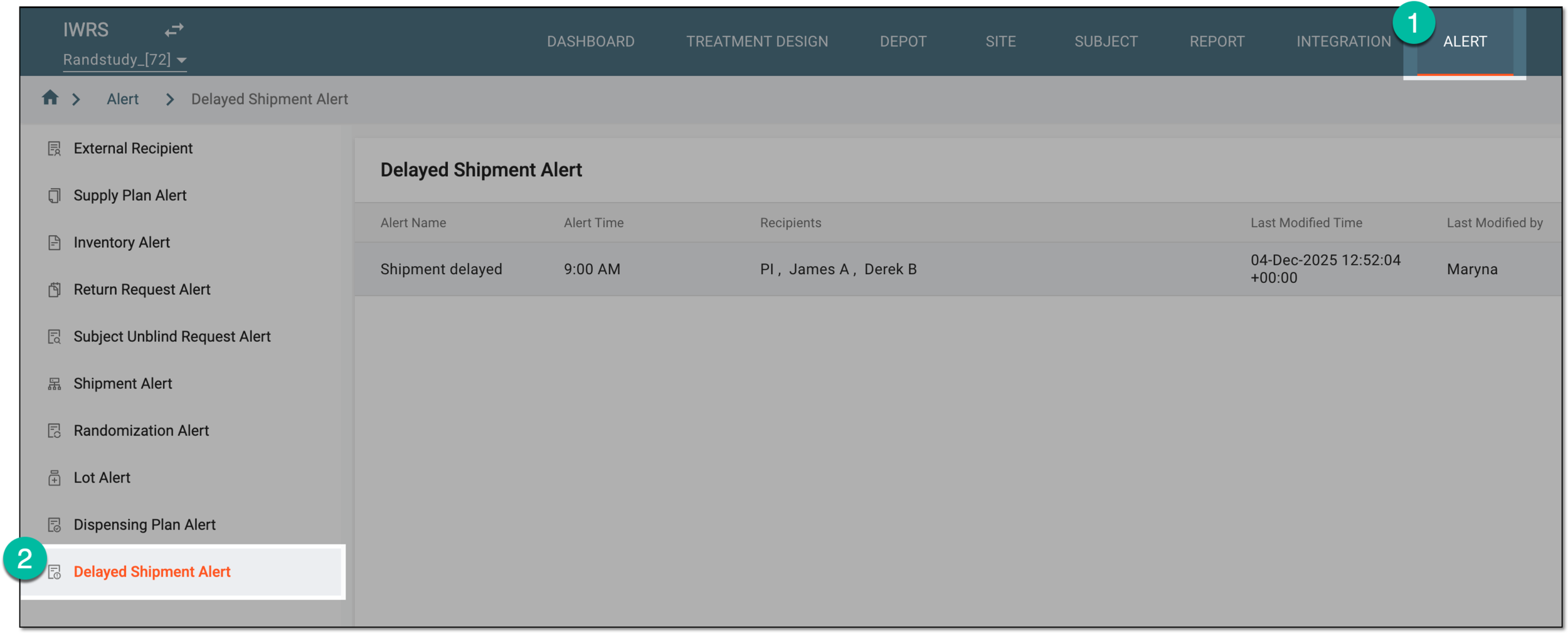 Figure 1. Accessing delayed shipment alert setting
-
In the Delayed Shipment Alert table that appears, next to the needed shipment alert, select More
 > Delete
  .
. Figure 2. Deleting delayed shipment alert
-
In the Delete Item confirmation dialog that appears, select
 .
.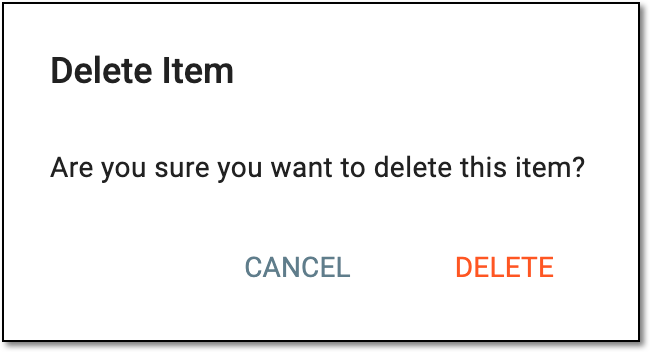 Figure 3. Confirming delayed shipment alert deletion
Once confirmed, the delayed shipment alert is deleted. The system ceases generating emails associated with the deleted alert.