Delete container unit
In IWRS, containers are hierarchical units used to group and manage investigational medicinal products (IMPs) and placebos for shipping and inventory purposes.
You can delete the container units that are no longer needed. However, you cannot delete the container units in the following scenarios:
To delete a container unit
-
In the IWRS application header, select the TREATMENT DESIGN tab.
-
In the left pane, select the Item Unit subtab.
-
On the page that appears, select the Container Unit tab.
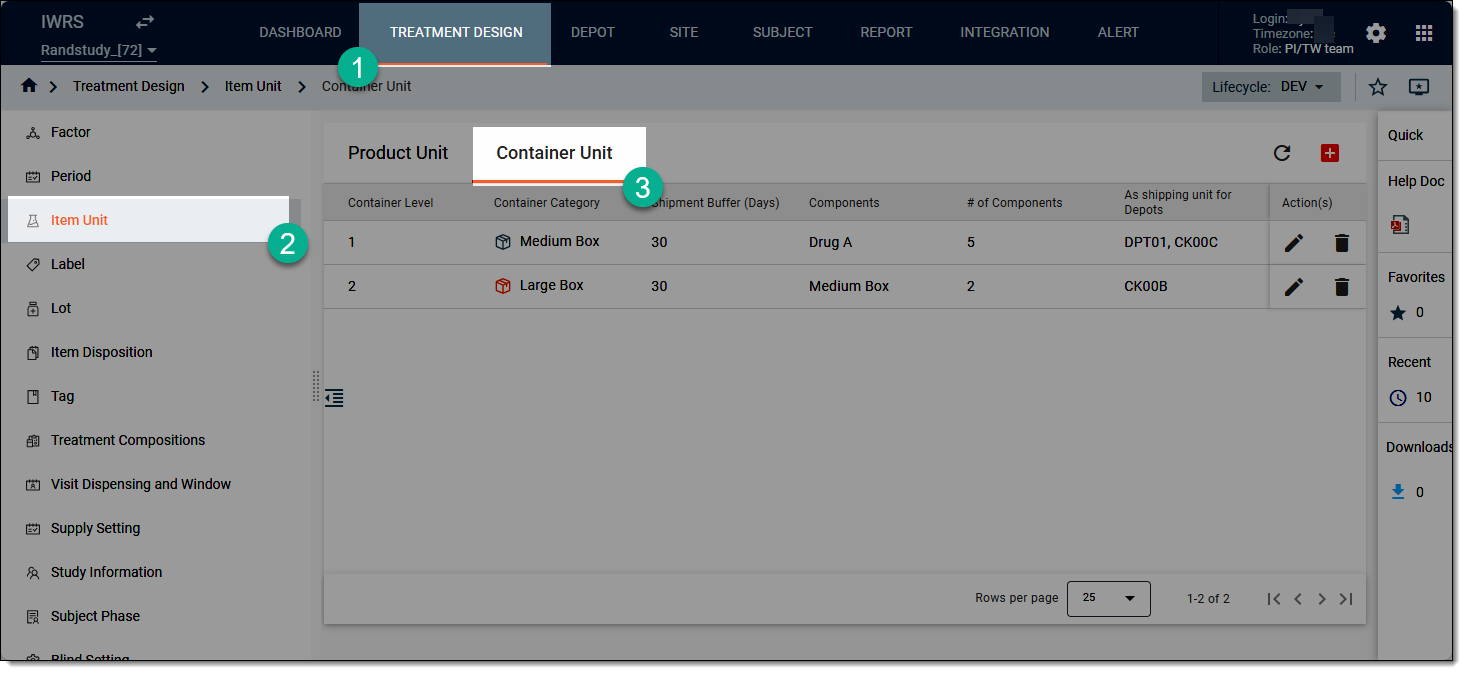 Figure 1. Accessing container unit list
-
On the page that opens, go to the container unit that you want to remove, and then from the Action(s) column, select Delete
 .
.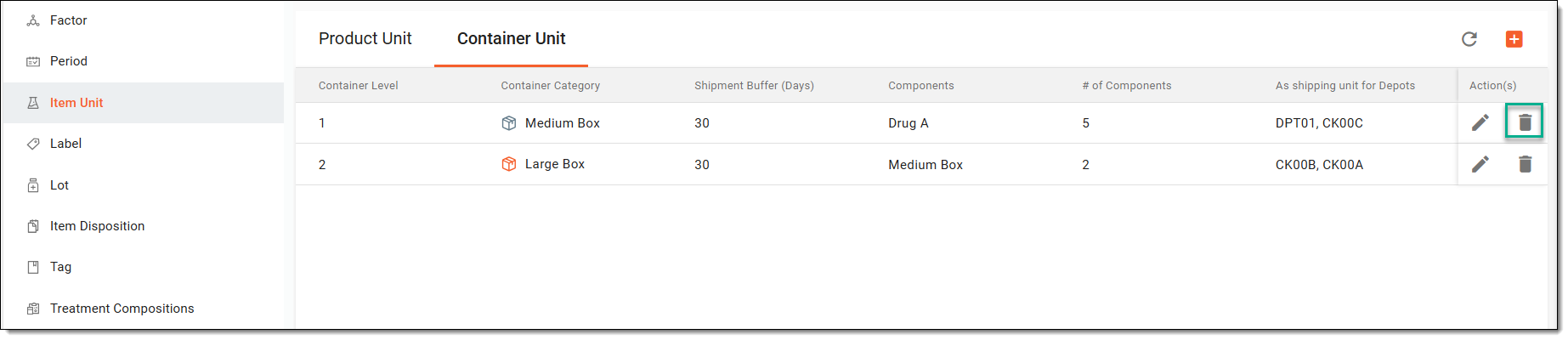 Figure 2. Deleting container unit
-
In the confirmation dialog that appears, select
 to proceed with the deletion.
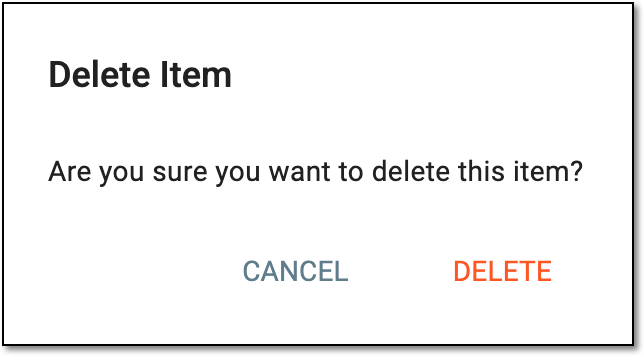 Figure 3. Deleting item unit
Once confirmed, your container unit has now been deleted.
See also