Create new version of code list
In CTMS, you can generate a new version of an existing code list when the current version is in use. This approach supports making updates or adjustments for other actions in CTMS without impacting any existing settings that depend on the active code list version.
To create a new version of the code list
-
In the CTMS application header, select the LIBRARY tab.
-
On the page that opens, from the left pane, select the Code List subtab.
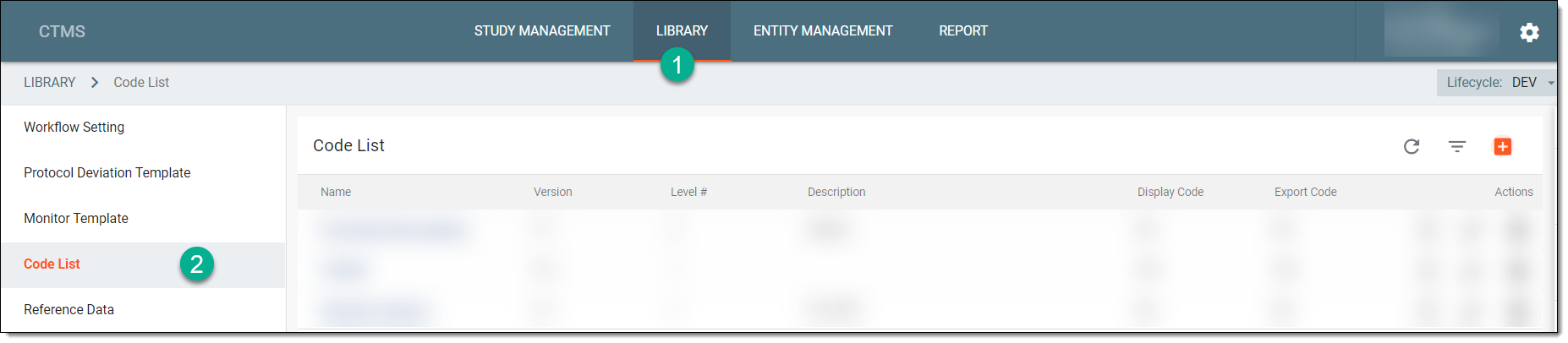 Figure 1. Accessing code list
-
From the Code List table, locate the needed active code list for which you want to create a new version, and next to it, from the Action(s) column, select New Version
 .
.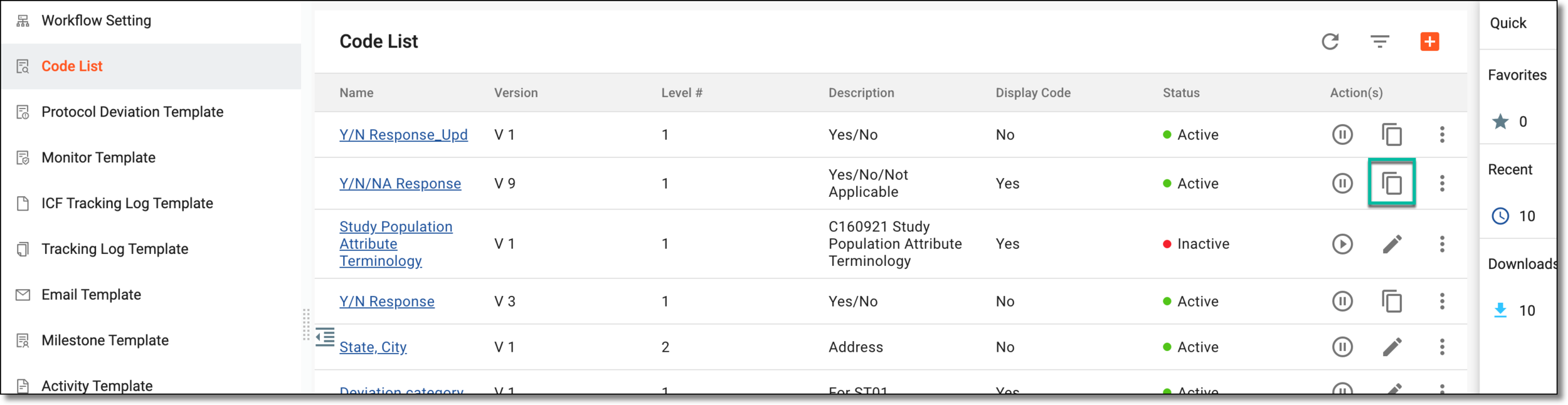 Figure 2. Creating new code list version
Once selected, the new version is created and is shown with an incremented version number in Code List table. You can now proceed with updating it as needed.
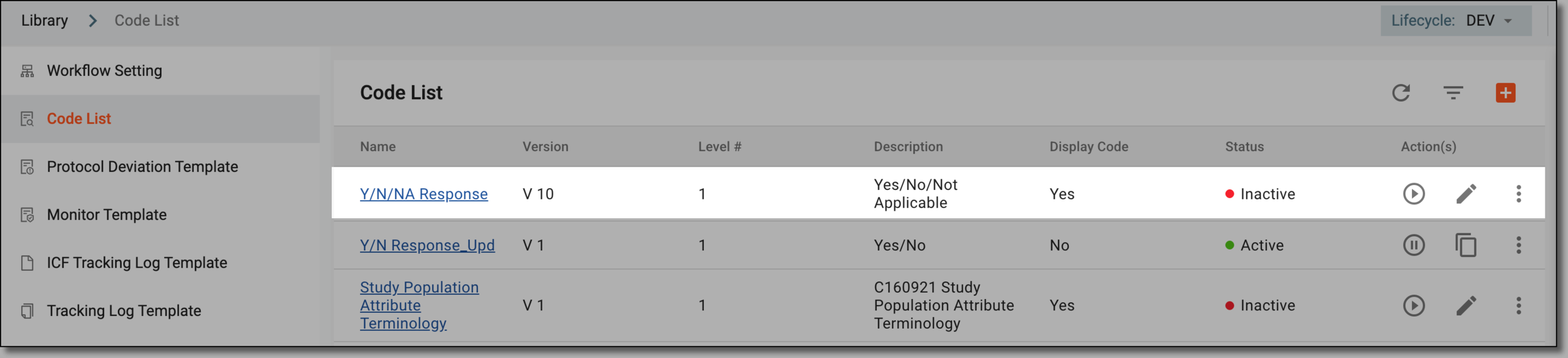
Figure 3. New version of code list