Delete manufacturing lot
In a clinical trial, the investigational drugs are produced in manufacturing lots. All the manufacturing lots in IWRS are created manually and if needed, can be at any time deleted from the system.
To delete a manufacturing lot
-
In the IWRS application header, select the TREATMENT DESIGN tab.
-
In the left pane, select the Lot subtab.
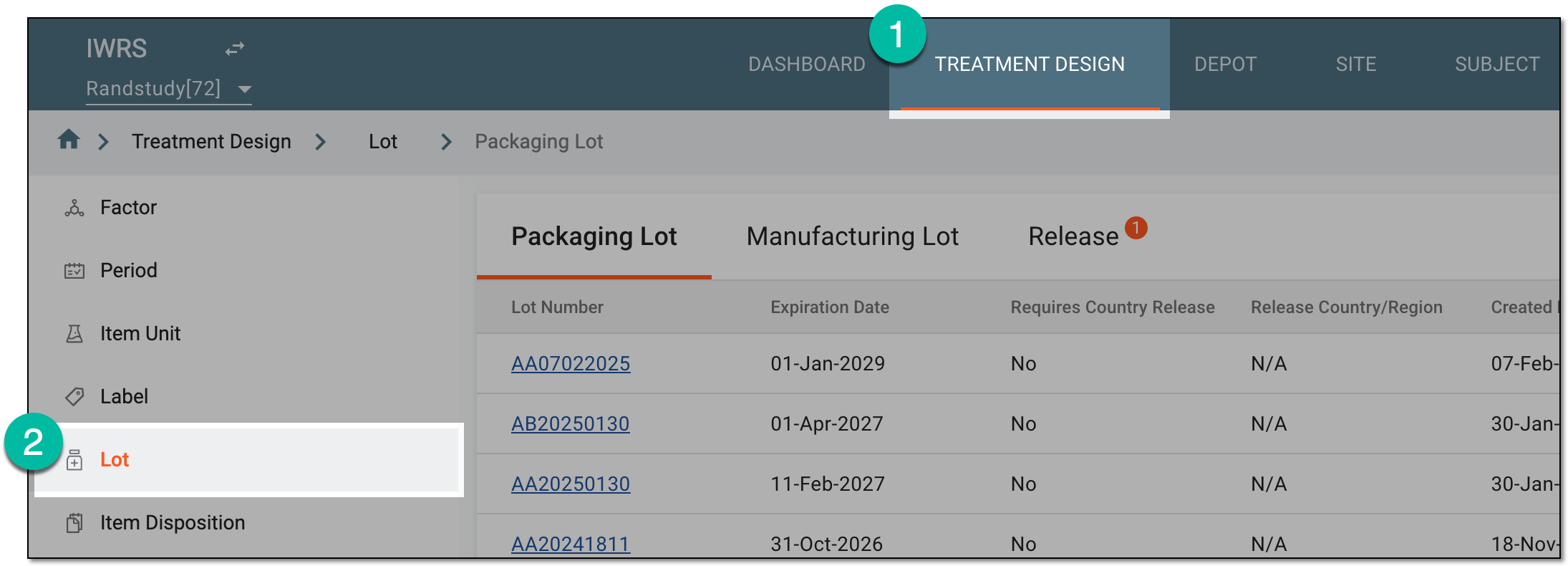 Figure 1. Accessing lot subtab
-
On the page that opens, from the contents panel, select the Manufacturing Lot tab.
-
In the Manufacturing Lot table, locate the manufacturing lot that you want to delete. Then from the Actions column, select Delete
 .
. Figure 2. Deleting manufacturing lot
-
In the confirmation dialog that appears, select
 to proceed with the deletion.
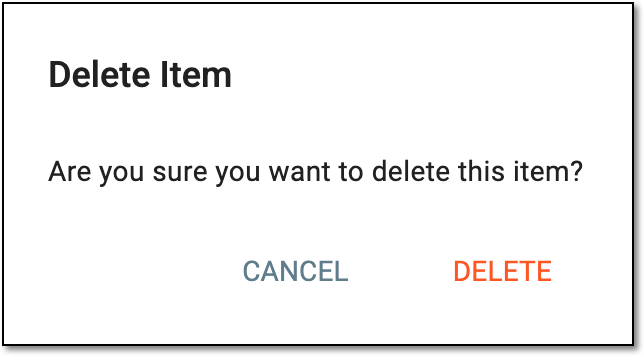 Figure 3. Confirming manufacturing lot deletion
Upon confirmation, the manufacturing lot is deleted from the system.