Activate/Inactivate lot alert
A lot alert is a preconfigured notification triggered by various system events with packaging lots in IWRS. These events can be the packaging lot creation, expiration, release, and so on.
The alert starts triggering right upon creation as it obtains the Active status by default. Thus, if you want to delay its start, consider temporarily inactivating the alert and activating it when the time comes.
-
In the IWRS application header, select the ALERT tab.
-
On the page that opens, from the left pane, select the subtab corresponding to the alert category of your interest.
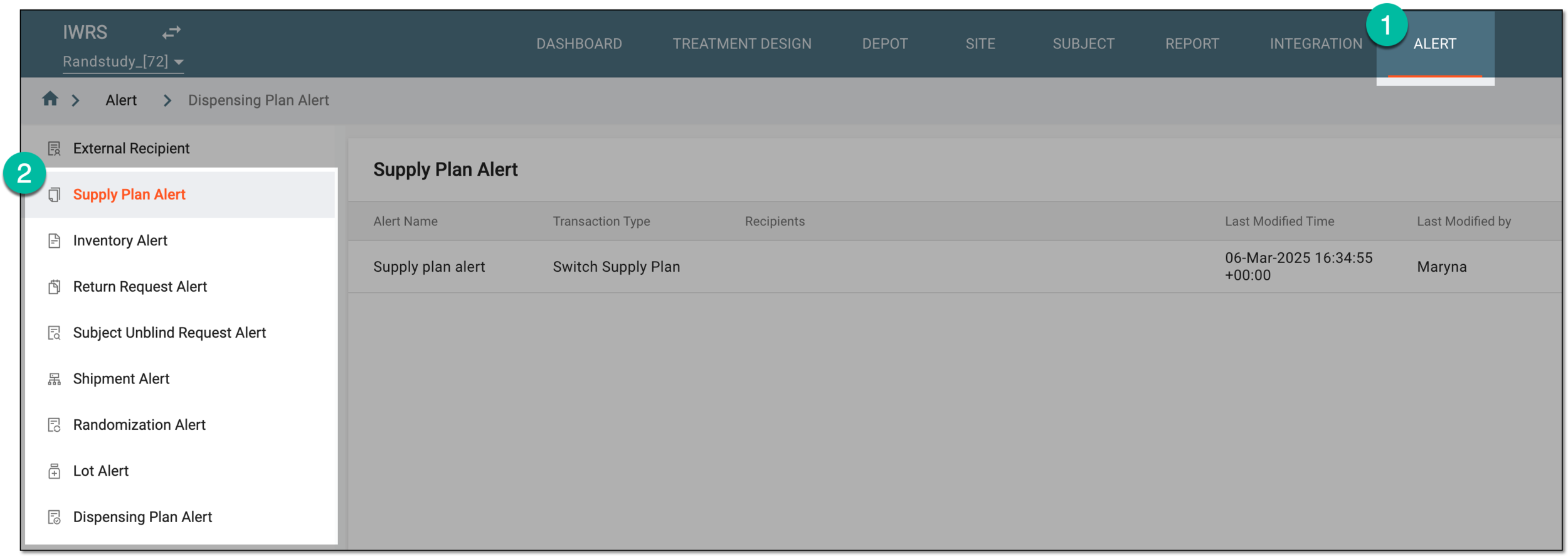 Figure 1. Accessing alert settings
-
In the Lot Alert table that appears, next to the lot alert you want to activate or deactivate, select Activate
 or Inactivate
  , respectively.
 Figure 2. Activating and inactivating lot alert
Once selected, the lot alert is activated or inactivated. If deactivated, the recipients stop getting the alert email when respective lot events occur.