Single sign-on configuration
In the ADMIN application, under the CONFIGURATION tab, you can enable the single sign-on configuration to authenticate the user. When this feature is enabled, the user can make use of single login credentials to access all the authorized applications instead of reentering the user name and password each time you want to access a different application.
To configure the single sign-on authentication in ADMIN, you can perform the following two actions:
-
SSO Setting: to edit or view the SSO settings.
-
IDPs: to view, activate/inactive, edit, add, and delete the identity provider.
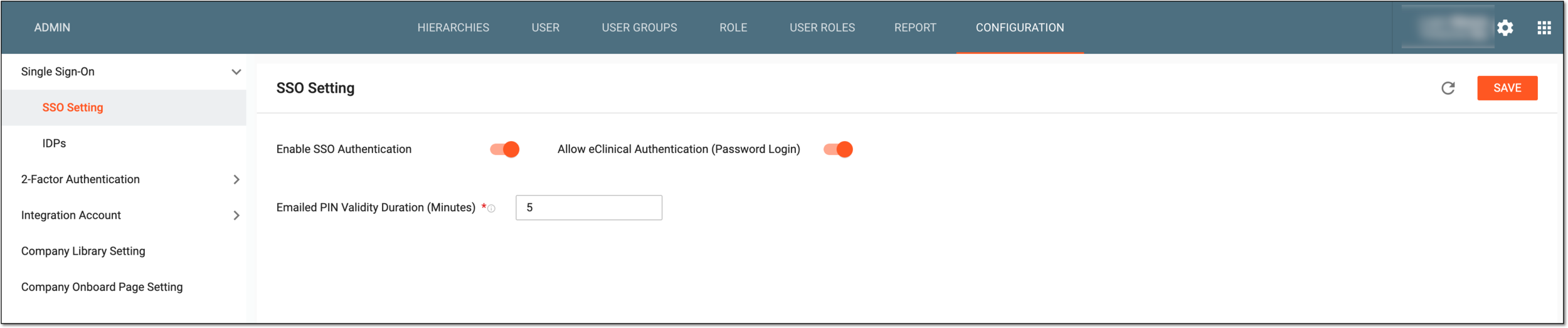
Figure 1. Single sign-on configuration