Study analytics dashboard actions
The Study Analytics dashboard provides you with instant insight into the key EDC data and operations that are mapped to various forms of charts, such as pie charts, bar charts, and others. For easily understanding the state of the ongoing processes, these charts give you a visual representation of the EDC data, such as a pie chart displaying how many subjects are enrolled and not enrolled in sites, a bar chart displaying the number of opened, answered, and resolved queries, and so on.
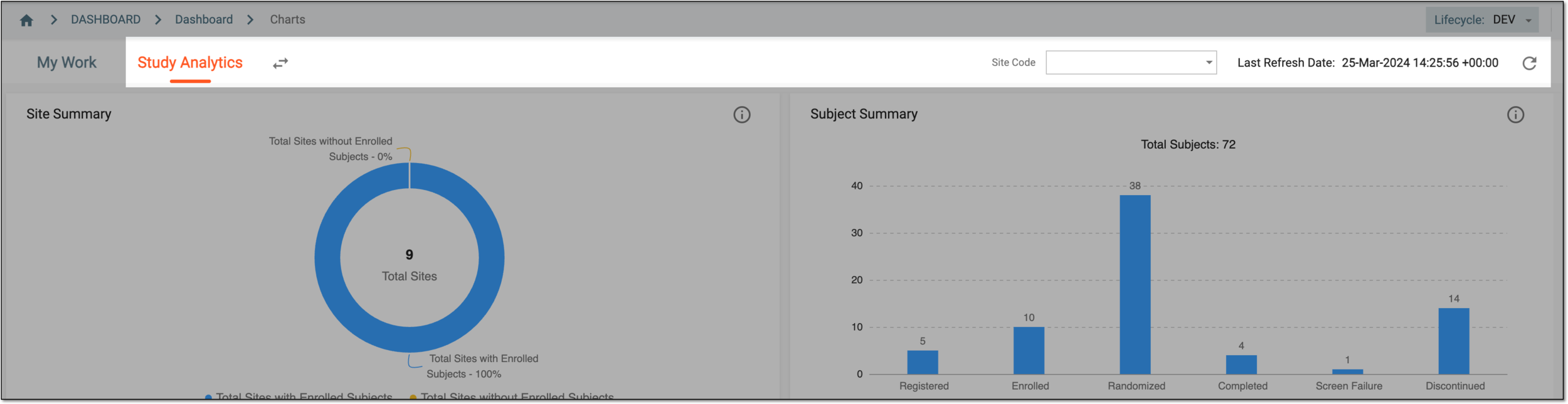
Figure 1. Displaying dashboard action in workspace toolbar
To efficiently view the data displayed in the charts or their details, you can use the following actions in the dashboard: